Analyzing the Results Manually
168 MAX-700
Selecting the Attenuation and Loss Values that Will Be Displayed
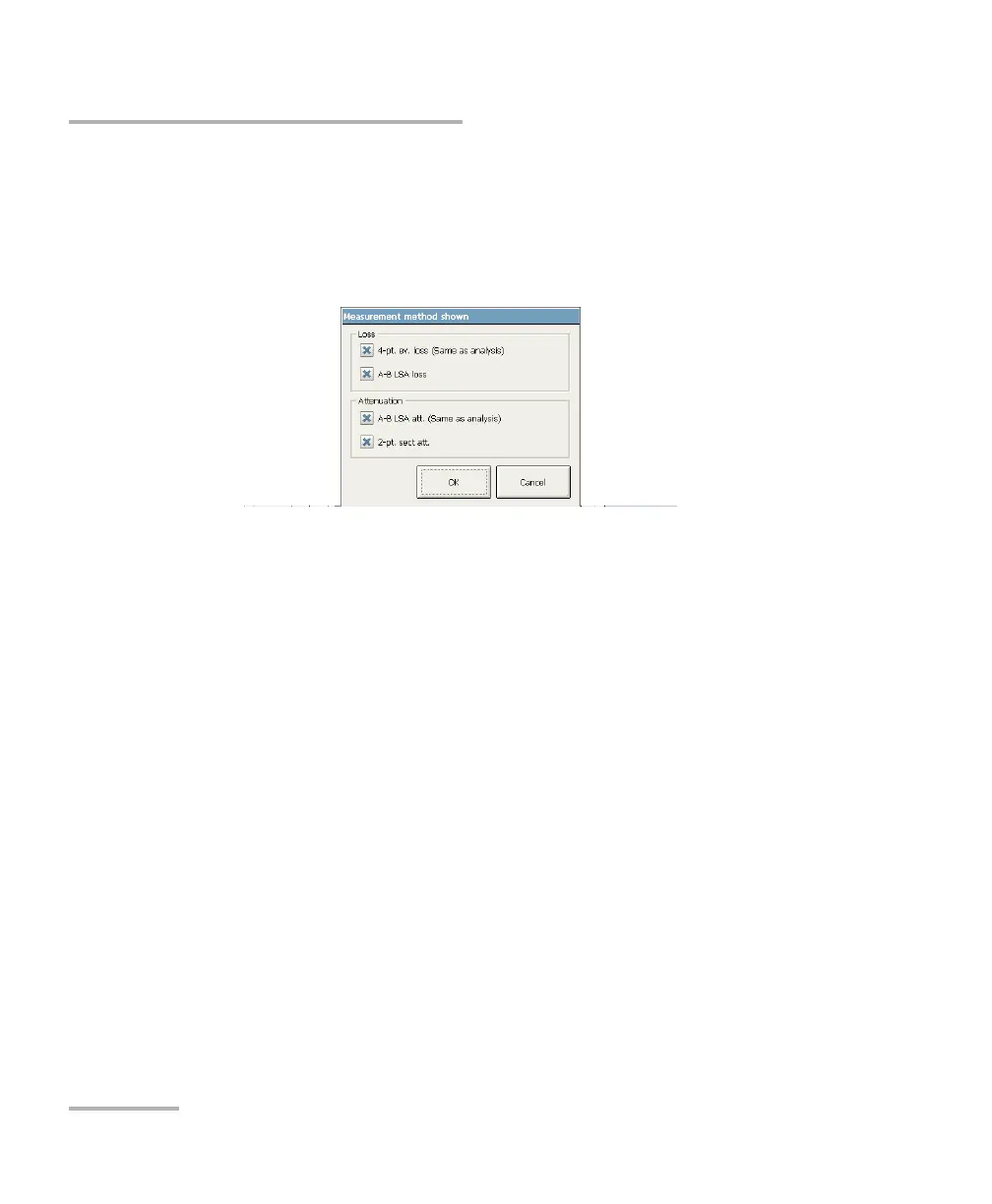
To select the attenuation and loss values that will be displayed:
1. From the button bar, press OTDR Setup then go to the General tab.
2. Press the Measurement Method button.
3. Select which values you want to see in the Measure tab.
4. Press OK to confirm your selection.
5. Press Exit OTDR Setup to return to the OTDR application.



 To Next Page