Creating and Generating Reports
186 MAX-700
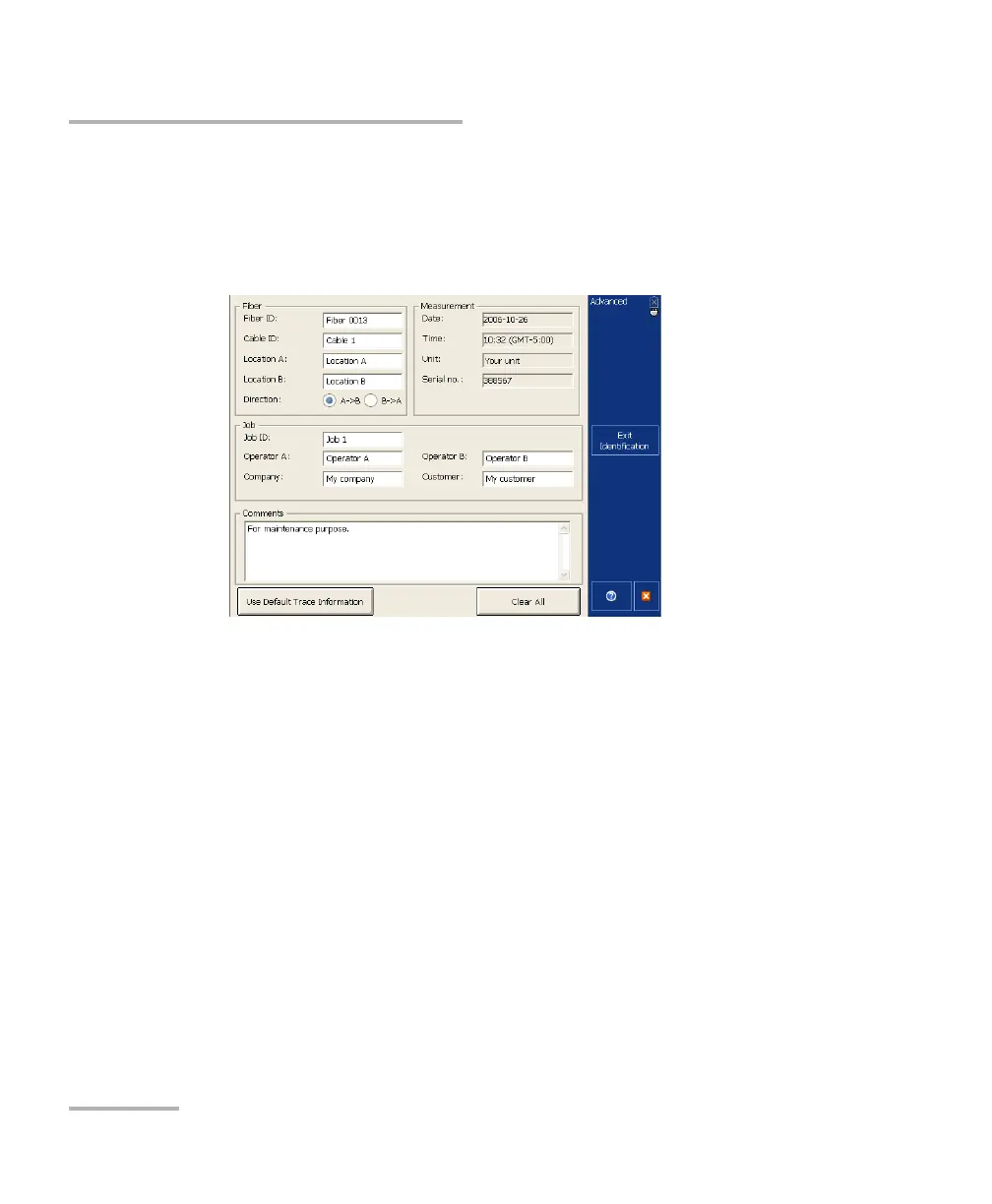
Adding Information to the Test Results
To add information to the test results:
1. From the button bar, once a trace has been acquired or reopened,
press Identification.
2. Enter the desired information.
Note: The information in the Date, Time, Unit and Serial no. boxes is provided
by the application and cannot be edited. .
3. Press Exit Identification to return to the trace display.
The information entered is saved with the trace and can be viewed or
changed at any time using the same process.
To clear all the information from the Identification window:
Press the Clear All button.
Note: The information appearing in the Date, Time, Unit, and Serial no. boxes
cannot be deleted.



 To Next Page