Creating and Generating Reports
MAX-700 191
Generating a Report
To generate reports:
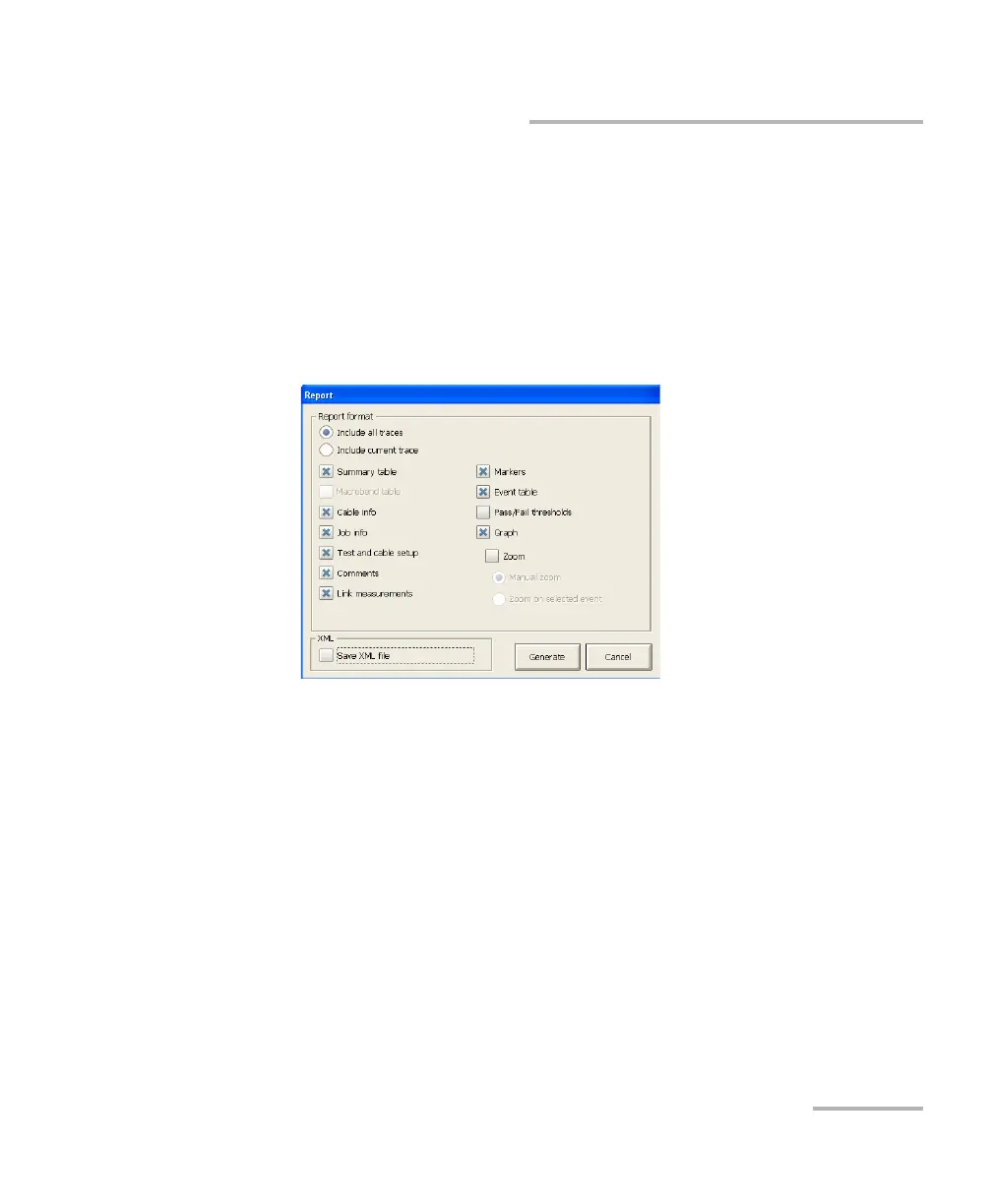
1. From the button bar, press Generate Report.
2. From the Report dialog box, select the report characteristics, including
whether you want to include the graphs or not.
Select the Include all traces item to generate a report for all traces
(wavelengths) from the current file (available in Auto and Advanced
modes only).
3. If you want to customize your report later, select the Save XML file
check box.
4. Press Generate to start the process.



 To Next Page