Setting Up Your Unit
MAX-700 211
Selecting the Startup Application
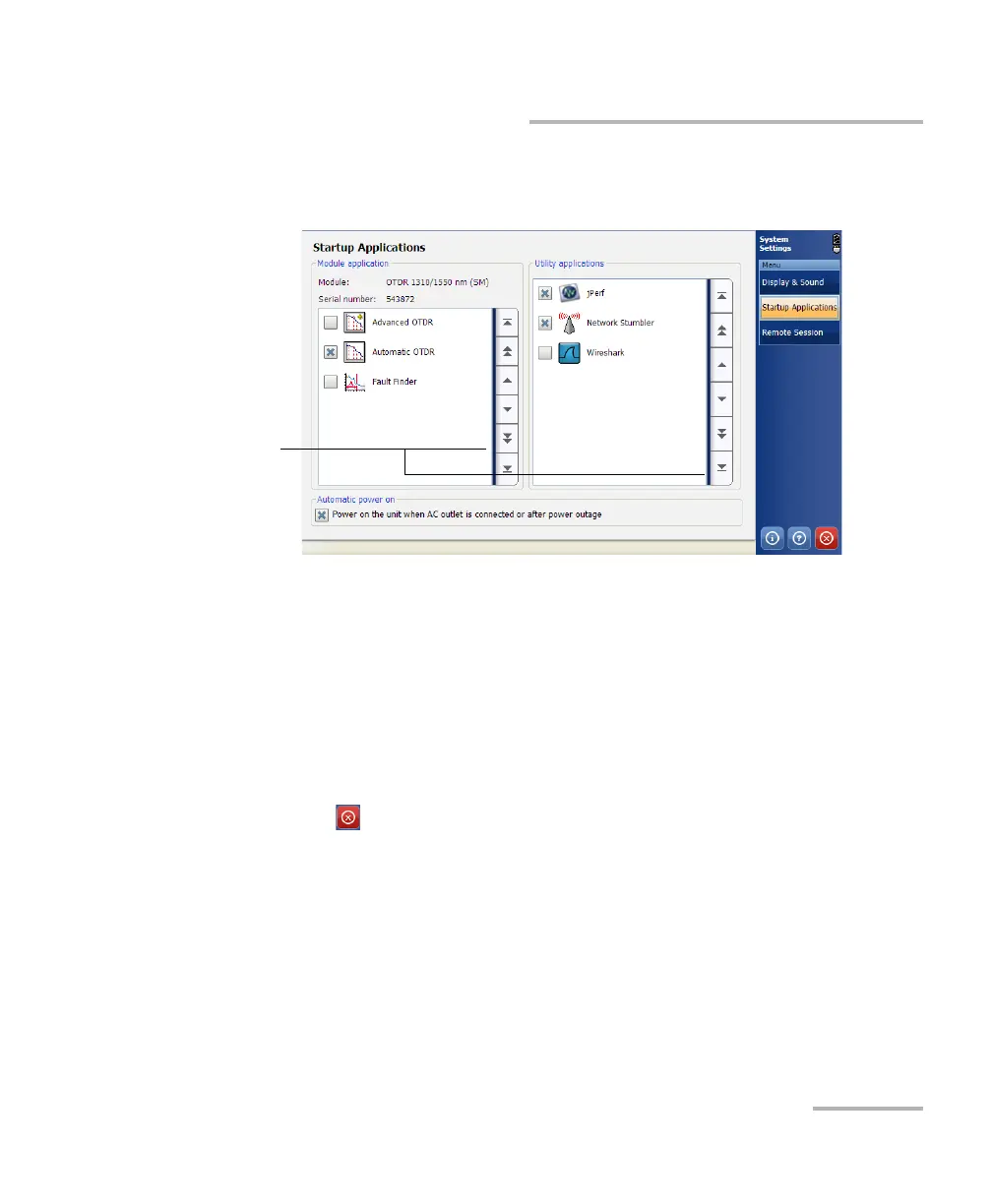
3. Under Module application or Utility applications, select the
application you want to start automatically when you turn on your unit.
Note: You can select several utility applications, but only one module application
at a time.
Note: If necessary, you can use the scrolling arrows located at the right of the
Module application and Utility applications lists to browse through the
available items.
Your changes are automatically saved.
4. Tap to return to the MAX-700 software window.
To b ro ws e
through the list



 To Next Page