Working with Your Unit
MAX-700 245
Reading Audio and Video Files
To read video or audio files:
1. From the MAX-700 software, select File Manager.
2. Locate the video or audio file that you want to read.
3. Double-tap the file.
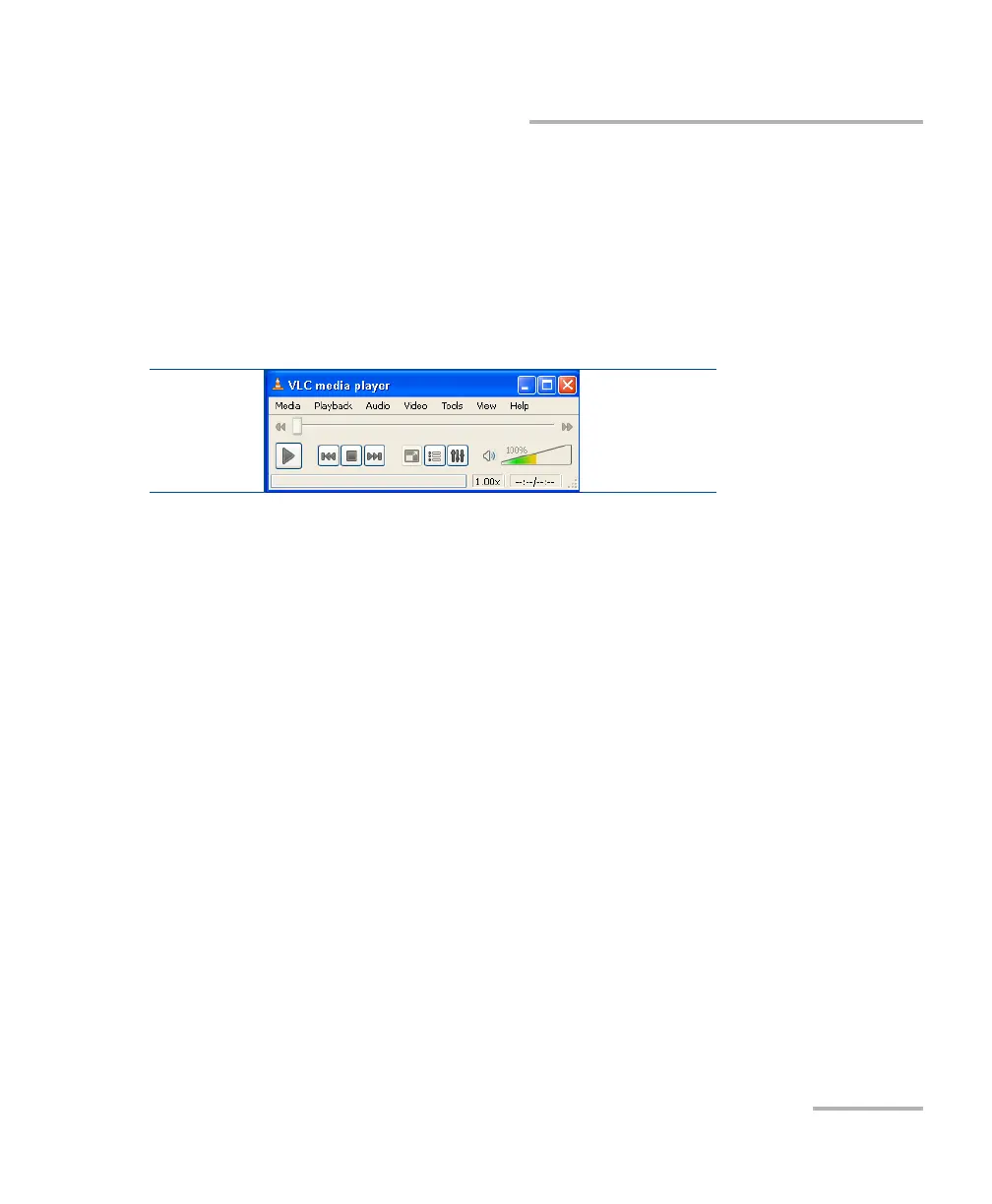
The media player starts reading automatically if the file format is
recognized.
Note: You can access the online help from the Help menu of the VCL Media
Player application. You will need a connection to the Internet to view the
online help.



 To Next Page