Managing Data
256 MAX-700
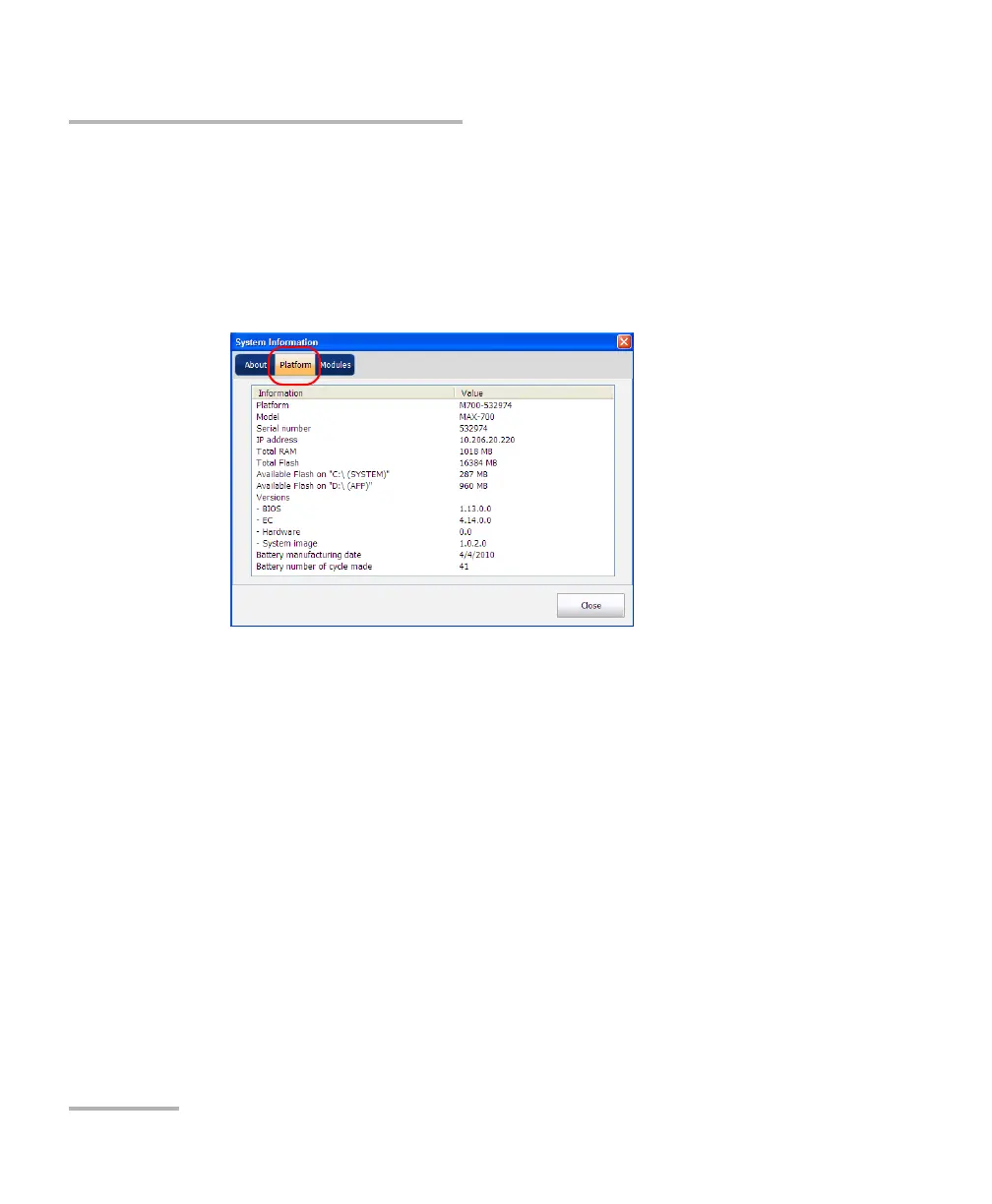
To view the free disk space on your unit:
1. From Main Menu, tap System Info.
2. Select Platform.
The free disk space is displayed next to the Available Flash on “D:\
(APP)” item.
3. When you have finished, tap OK to close System Information.
To manage files or folders on your unit only:
From Main Menu, select File Manager.



 To Next Page