Managing Data
MAX-700 283
Transferring Files with the USB Data Mover Application
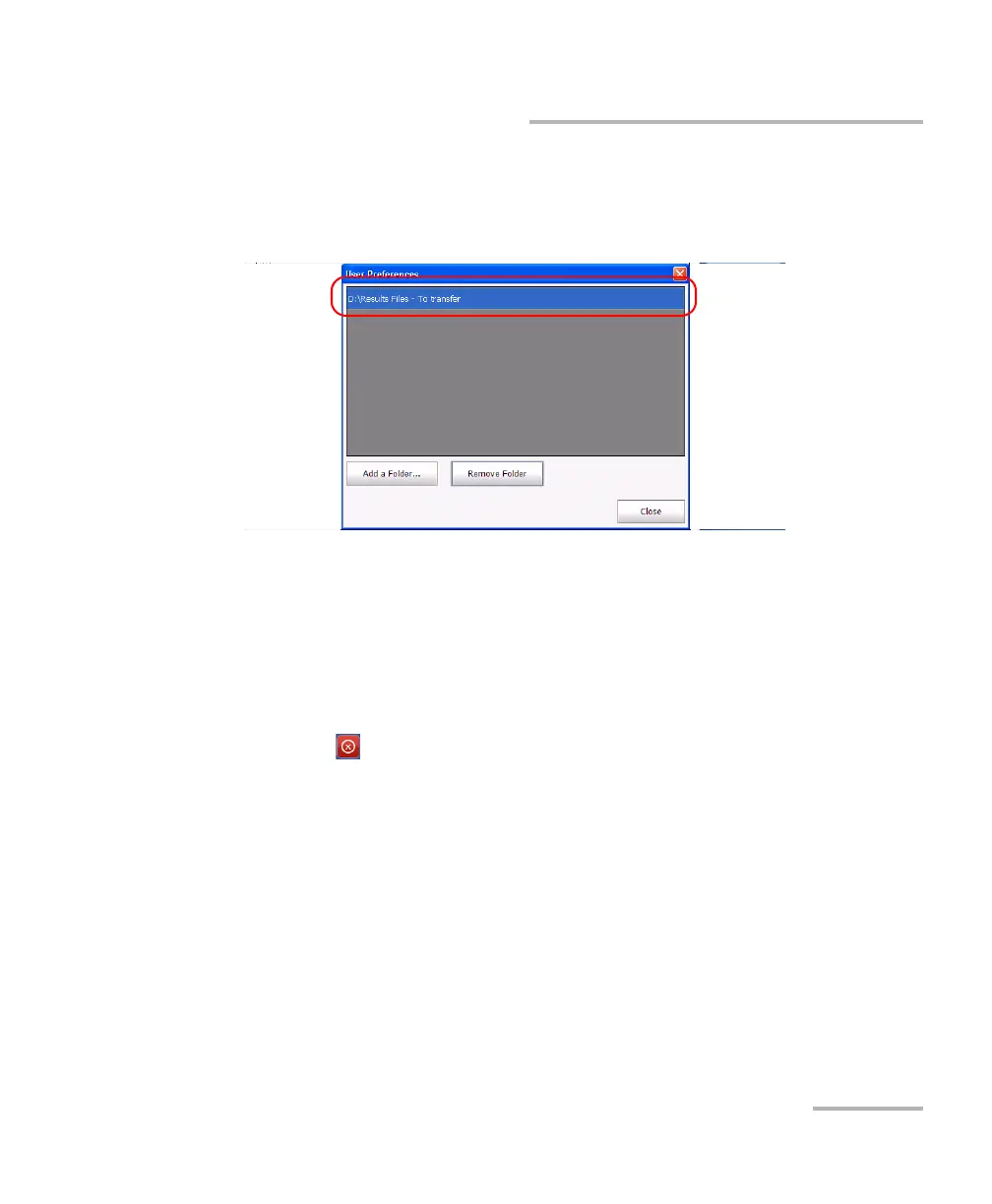
5. If you want to remove folders from the list of source folders, proceed as
follows:
5a. Select the folder that you want to remove.
5b. Tap Remove Folder.
Note: The application will not prompt you to confirm the removal of the folder
from the list.
6. When you have finished, tap Close. Your changes are reflected
automatically. All the newly added folders are selected by default.
7. Tap to exit the USB Data Transfer application.



 To Next Page