Accessing Your Unit Remotely
MAX-700 295
Configuring TightVNC Server to Start Automatically
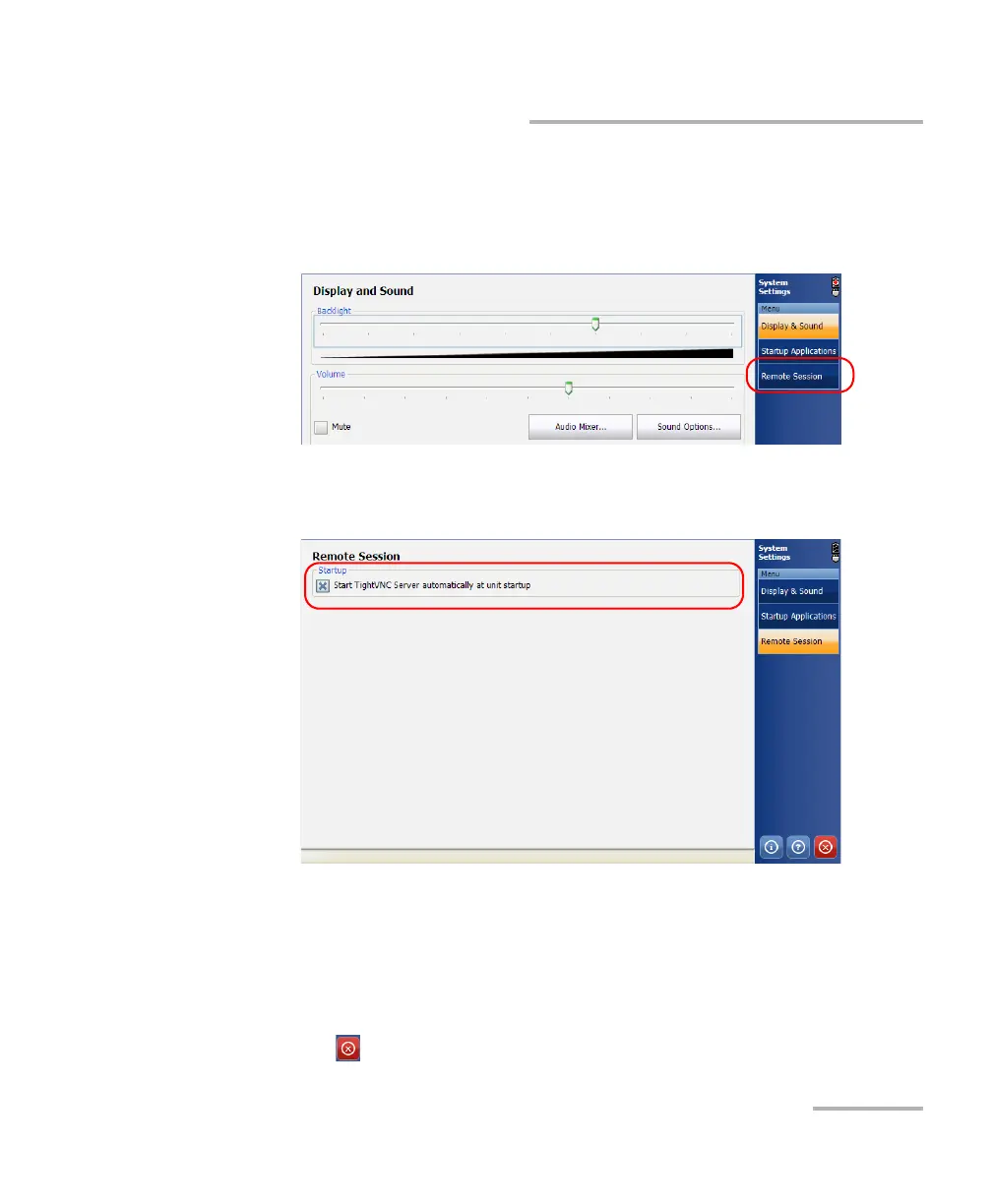
To configure TightVNC server to start automatically:
1. On your unit, from the Main Menu, select System Settings.
2. Tap Remote Session.
3. Select the Start TightVNC Server automatically at unit startup check
box.
4. When the unit prompts you, tap Yes to configure the TightVNC
passwords (and other parameters) if necessary. Tap OK to confirm.
The new parameters are now taken into account. For more information on
how to connect to your unit, see Connecting to Your Unit with TightVNC on
page 292.
5. Tap to return to the MAX-700 software window.



 To Next Page