Accessing Your Unit Remotely
MAX-700 297
Adding Exceptions to the Firewall
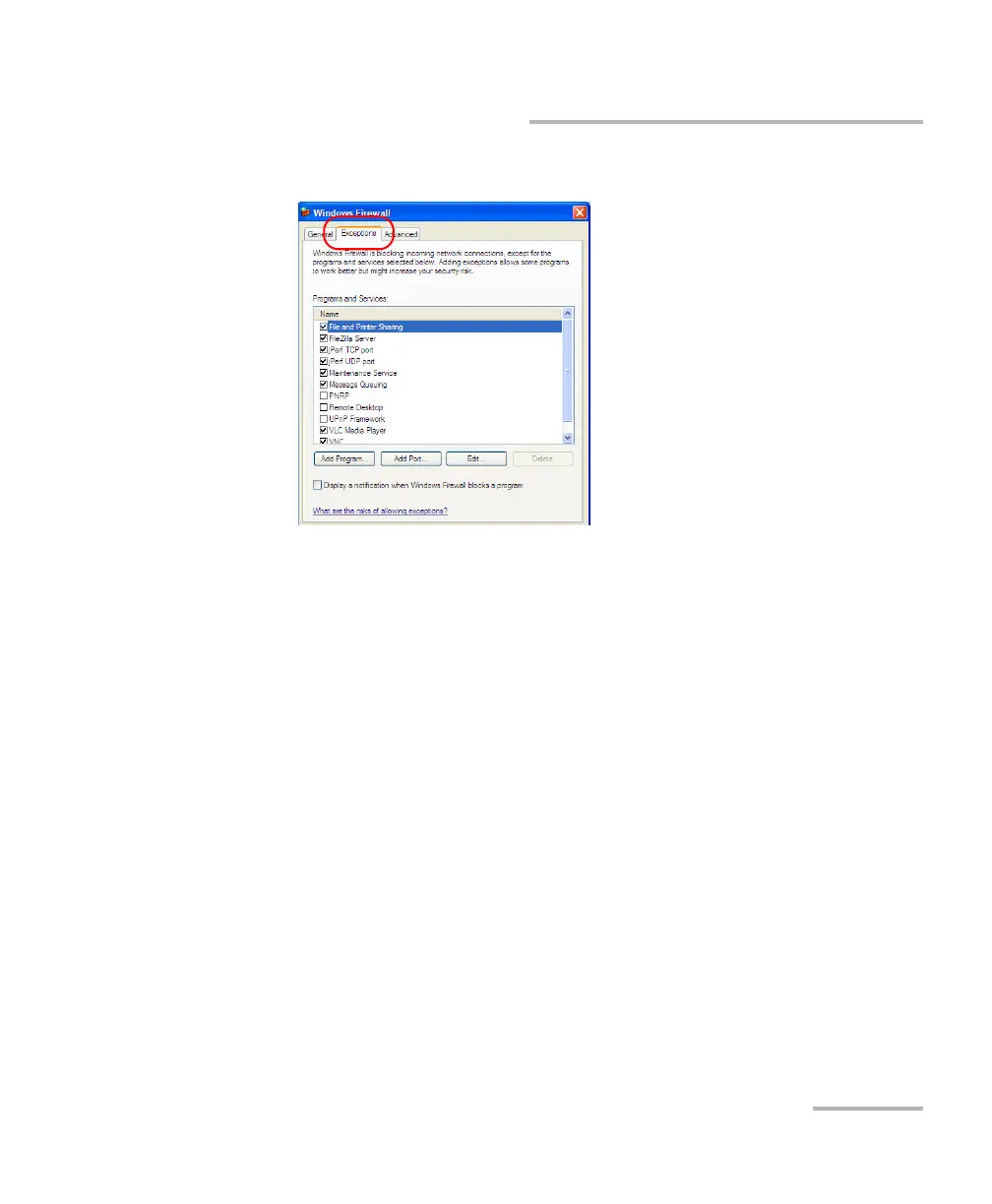
3. Select the Exceptions tab.
4. Tap Add Program to add any application that you need.
5. When you have finished, tap OK (located at the bottom of the dialog
box) to confirm the changes and return to the Control Panel window.



 To Next Page