Maintenance
306 MAX-700
Replacing Batteries
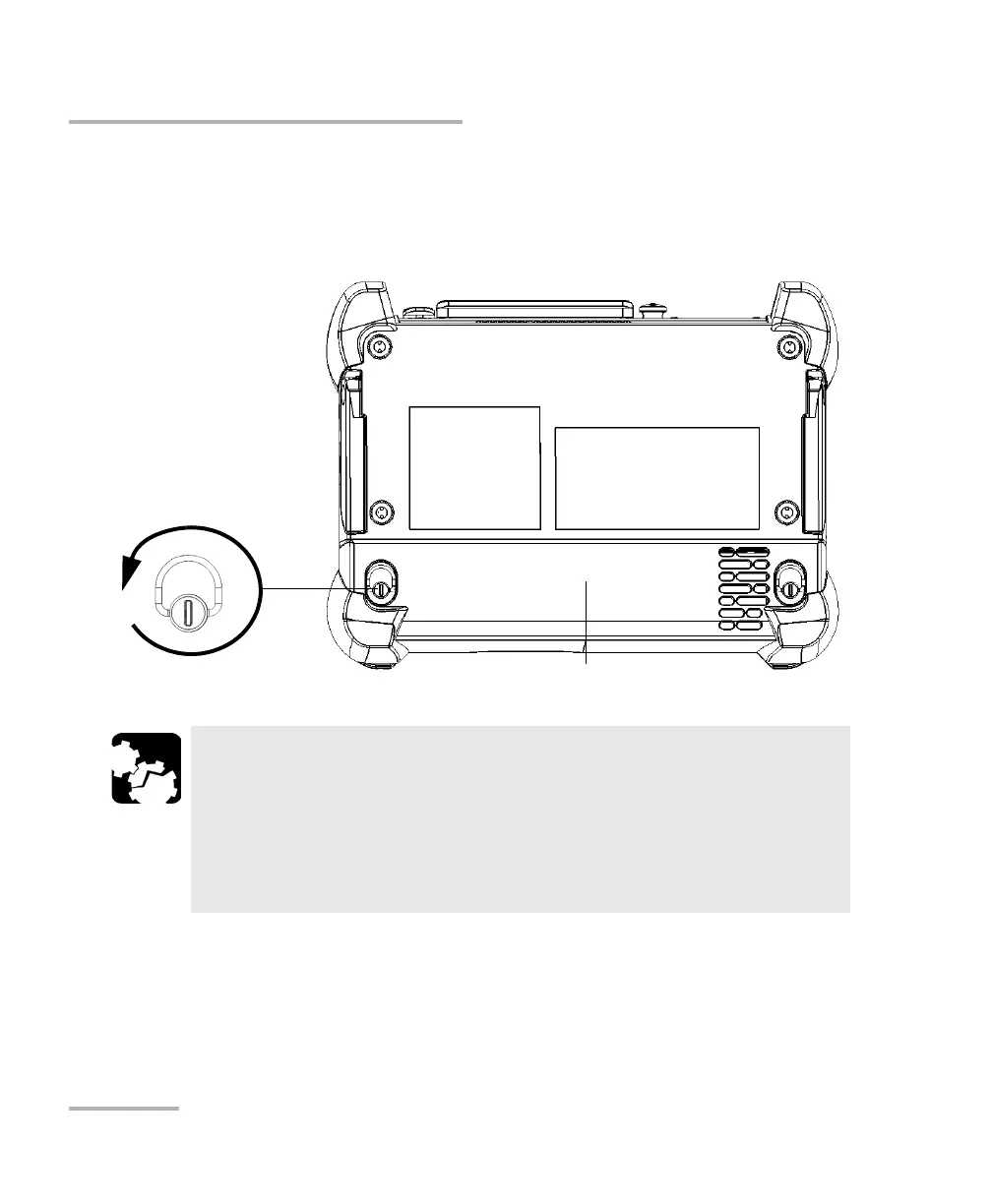
2b. Lift the mobile part of the battery compartment screws and turn
the screws counterclockwise until the compartment is loose.
Since they are captive screws, you cannot remove them
completely.
2c. Hold the battery compartment by its sides and pull it up carefully.
CAUTION
Shocks and drops may have loosened the battery inside its
compartment.
To avoid irremediable damage to the battery, always remove the
battery compartment carefully, ensuring that the battery does not
fall.
Turn screws
counterclockwise
Battery compartment



 To Next Page