Getting Started with Your MAX-700
MAX-700 21
Installing a Keyboard, Mouse or Other USB Devices
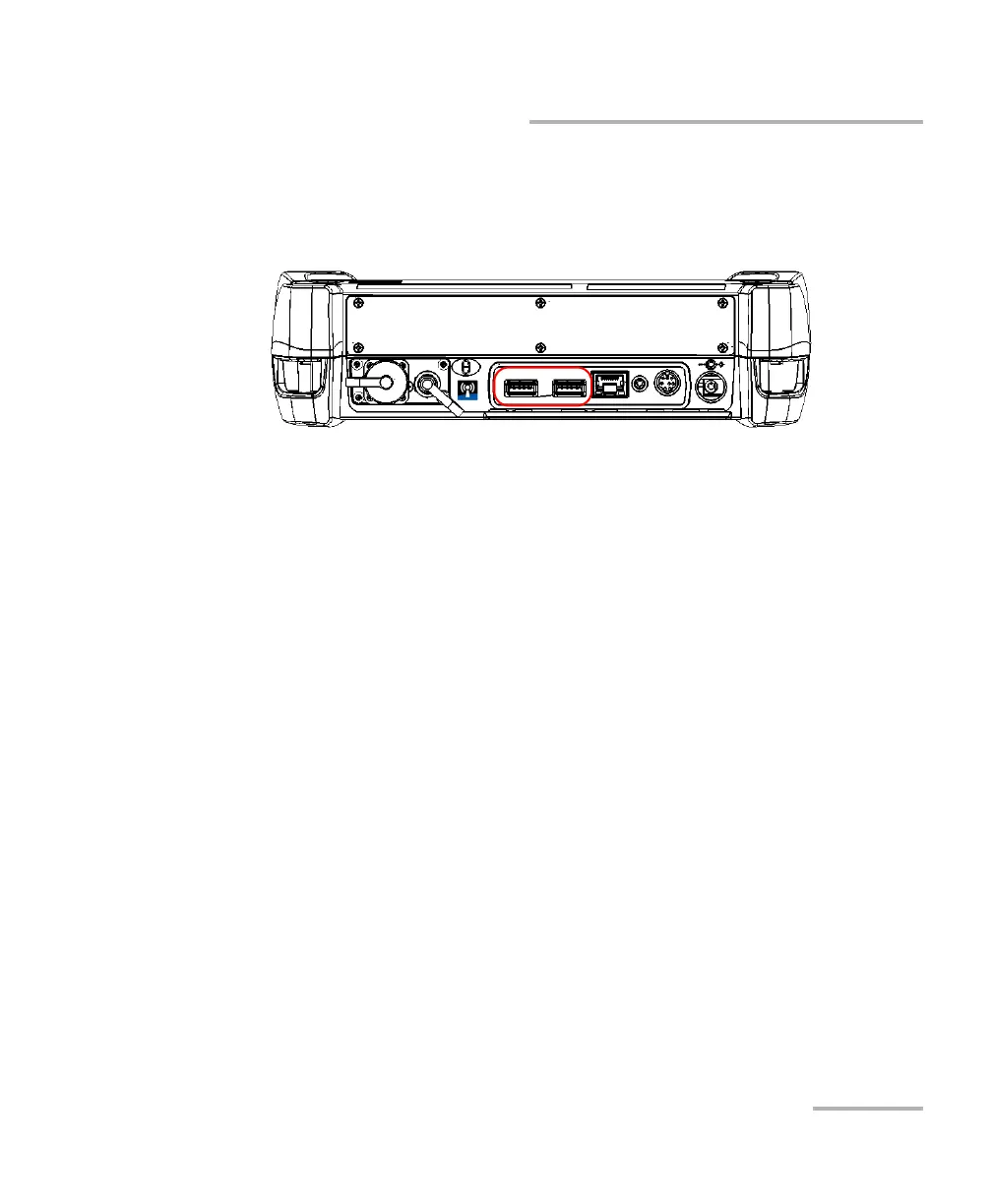
To install a USB device on your unit:
Connect the USB device to any of the USB ports (located on top of the
unit).
Note: It is not necessary to turn off the unit before connecting the USB device. The
software will automatically detect its presence.
Your device is automatically recognized and immediately usable.



 To Next Page