Troubleshooting
MAX-700 331
Restoring Your Unit to Normal Operation
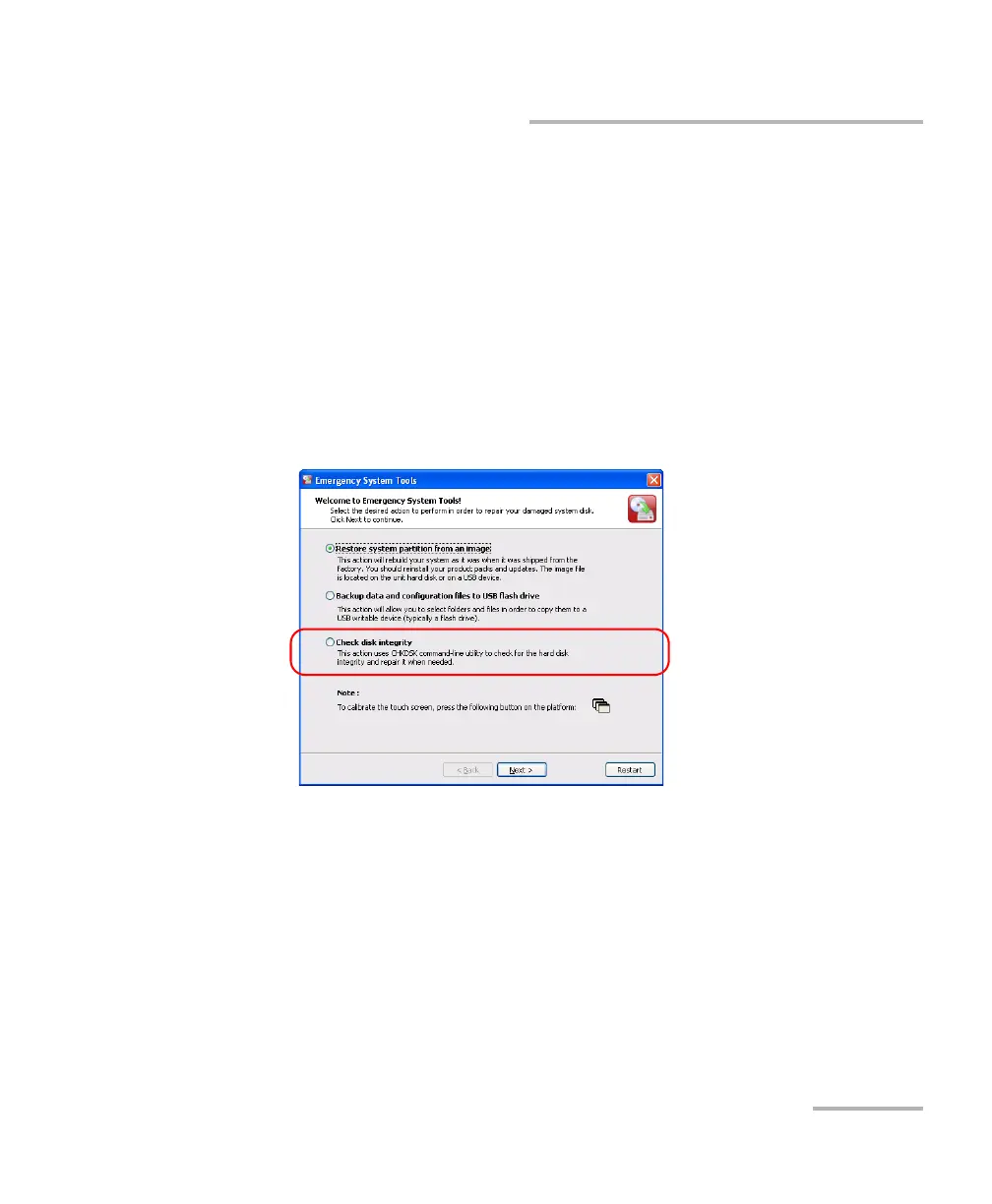
To verify disk integrity:
1. Turn on the MAX-700.
2. While the system is displaying the boot menu (3 seconds), press
the ARROW DOWN key on your keyboard to select the Maintenance
and recovery mode.
3. Press ENTER to confirm your choice.
Note: The touchscreen becomes effective at this point.
4. From the main window, select Check disk integrity, then tap Next.



 To Next Page