Getting Started with Your MAX-700
MAX-700 25
Turning On or Off the Unit
To turn on the unit:
Press the On/Off button.
To turn off the unit:
1. Press the On/Off button.
OR
On the Windows taskbar, tap Start.
This will display the standard shutdown window, from which you have
a choice of actions or shutdown modes.
2. Select Shutdown.
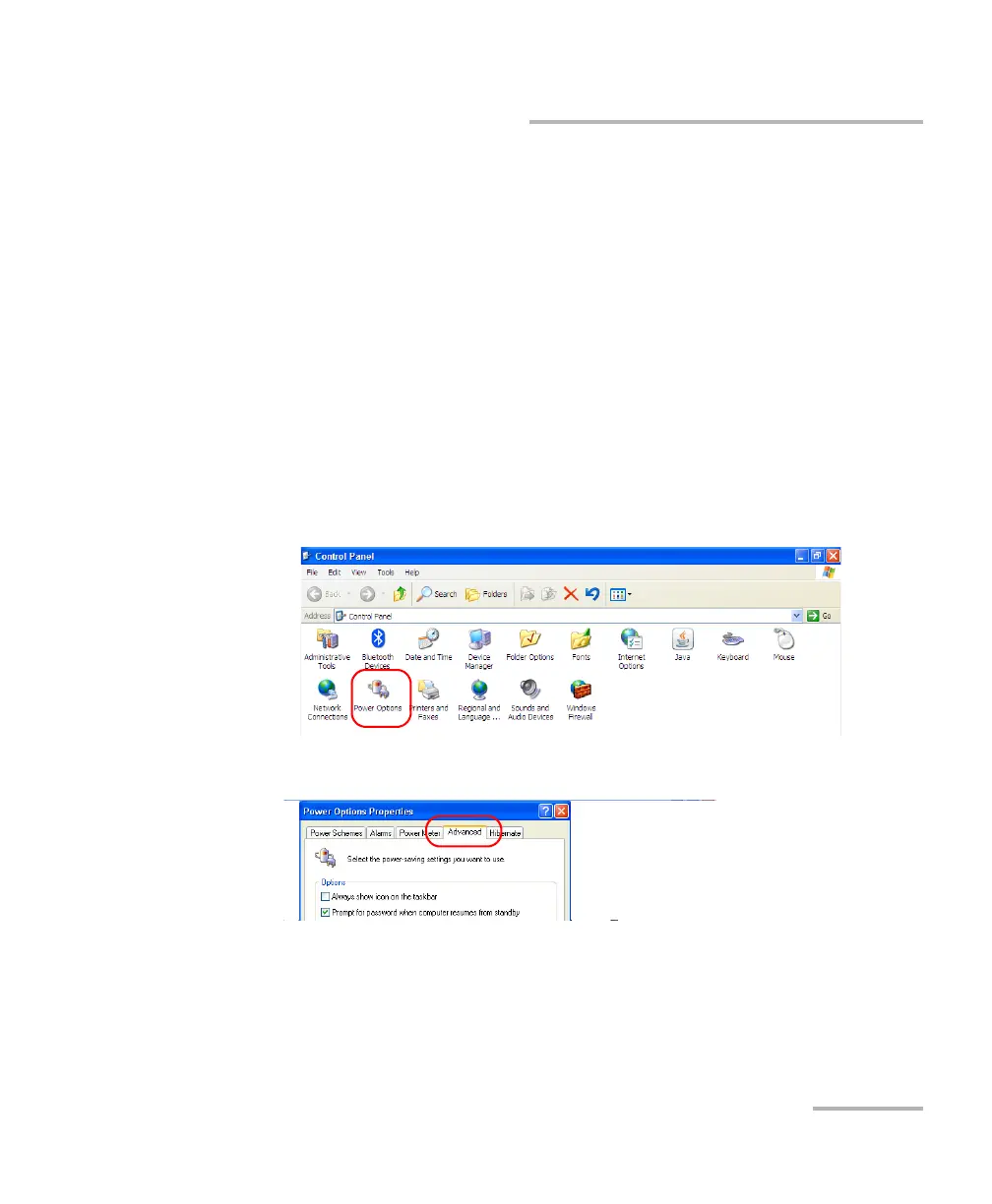
To define the behavior of the power button:
1. From the Main Menu, tap Setup.Double-tap Power Options.
2. Select the Advanced tab.



 To Next Page