Getting Started with Your MAX-700
36 MAX-700
Activating Software Options
To activate software options for your module:
1. Connect a USB memory key to one of the USB ports of your computer.
2. Copy the key file to the USB memory key.
3. Disconnect the USB key from the computer and connect it to your unit.
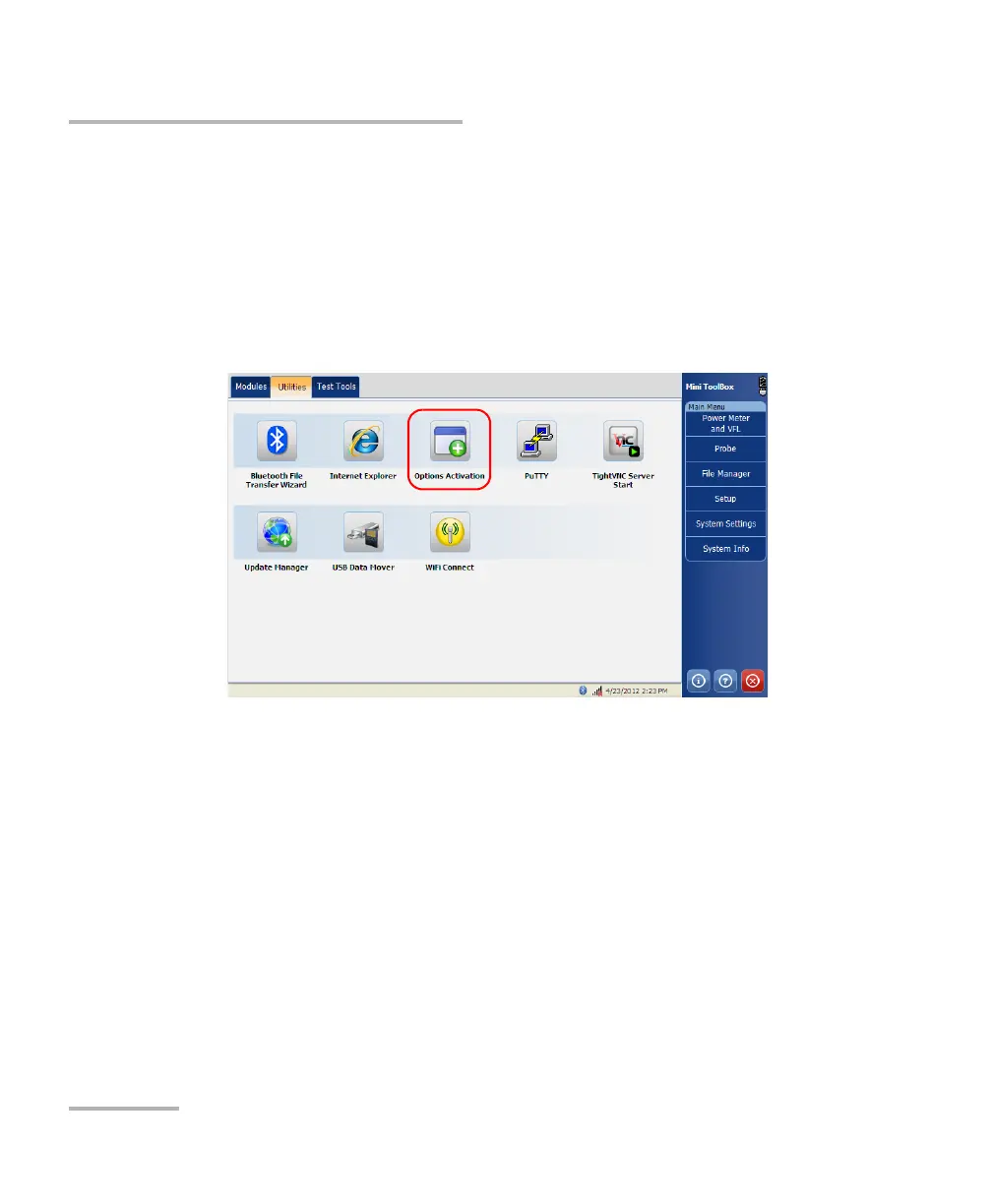
4. From the MAX-700, select the Utilities tab, then tap Options
Activation.



 To Next Page