Testing Fibers in Advanced Mode
MAX-700 65
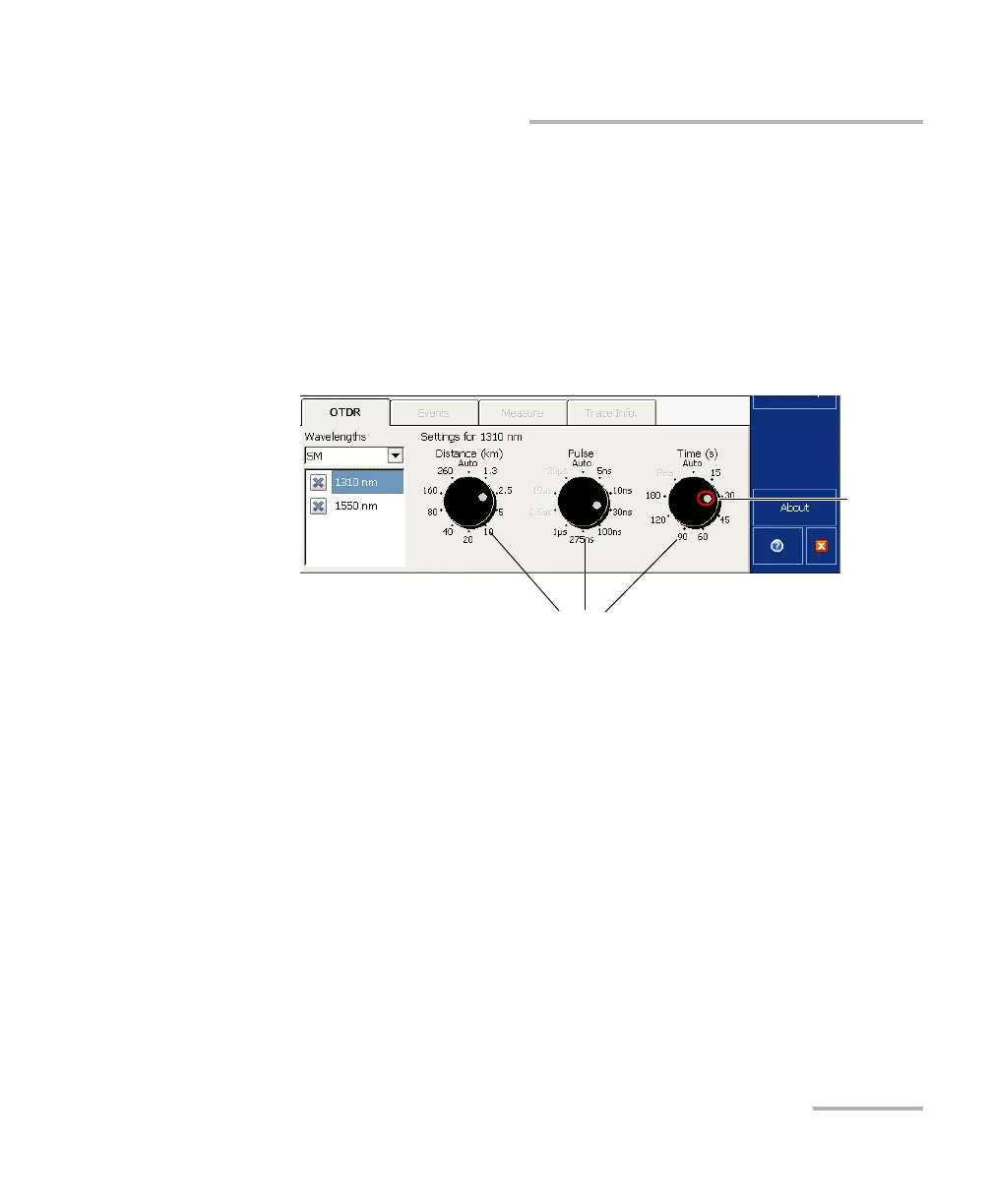
Setting Distance Range, Pulse Width, and Acquisition Time
To set the parameters:
From the OTDR tab:
Press the dial corresponding to the parameter you wish to set (the
selection marker will move clockwise).
OR
Press directly the value to select it. The selection marker will go to that
value immediately.
If you want the application to provide automatic acquisition values, move
at least one dial to the Auto position. The other dials are automatically set
accordingly.
Note: If your OTDR supports singlemode, singlemode live, or multimode
wavelengths, settings would be applied to either singlemode, singlemode
live, or multimode wavelengths, depending on the selected fiber type
(same settings for 50 μm and 62.5 μm).
Parameter-setting dials
Selection
marker



 To Next Page