Testing Fibers in Advanced Mode
MAX-700 67
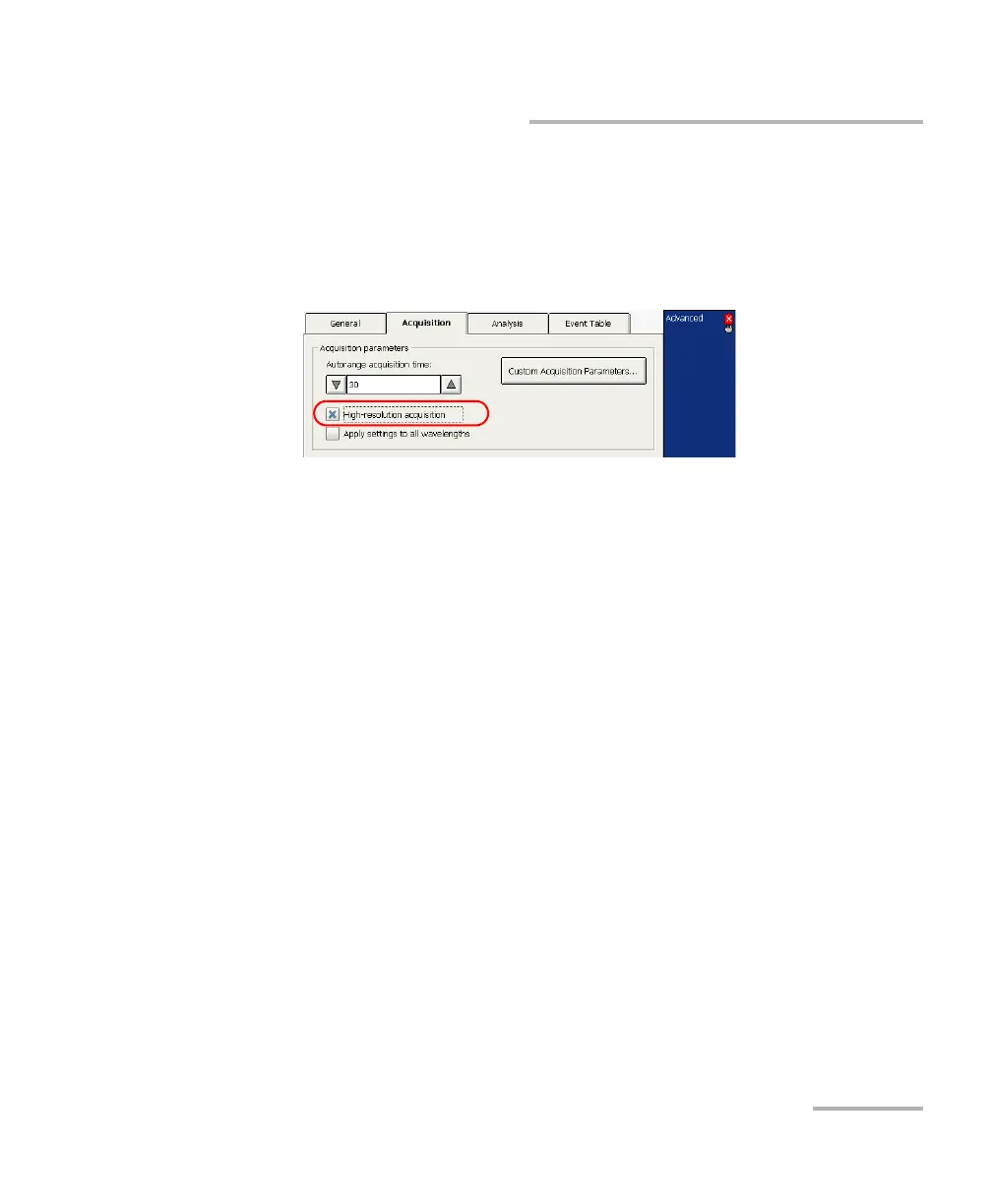
Enabling the High-Resolution Feature
To enable the high-resolution feature:
1. From the button bar, press OTDR Setup.
2. Go to the Acquisition tab.
3. Select the High-resolution acquisition box.
Note: If your OTDR supports singlemode, singlemode live, or multimode
wavelengths, the high-resolution feature will be activated either for the
singlemode, singlemode live, or multimode wavelengths, depending on the
selected fiber type.
4. Press Exit OTDR Setup to return to the main window.



 To Next Page