Testing Fibers in Advanced Mode
MAX-700 69
Enabling or Disabling Analysis After Acquisition
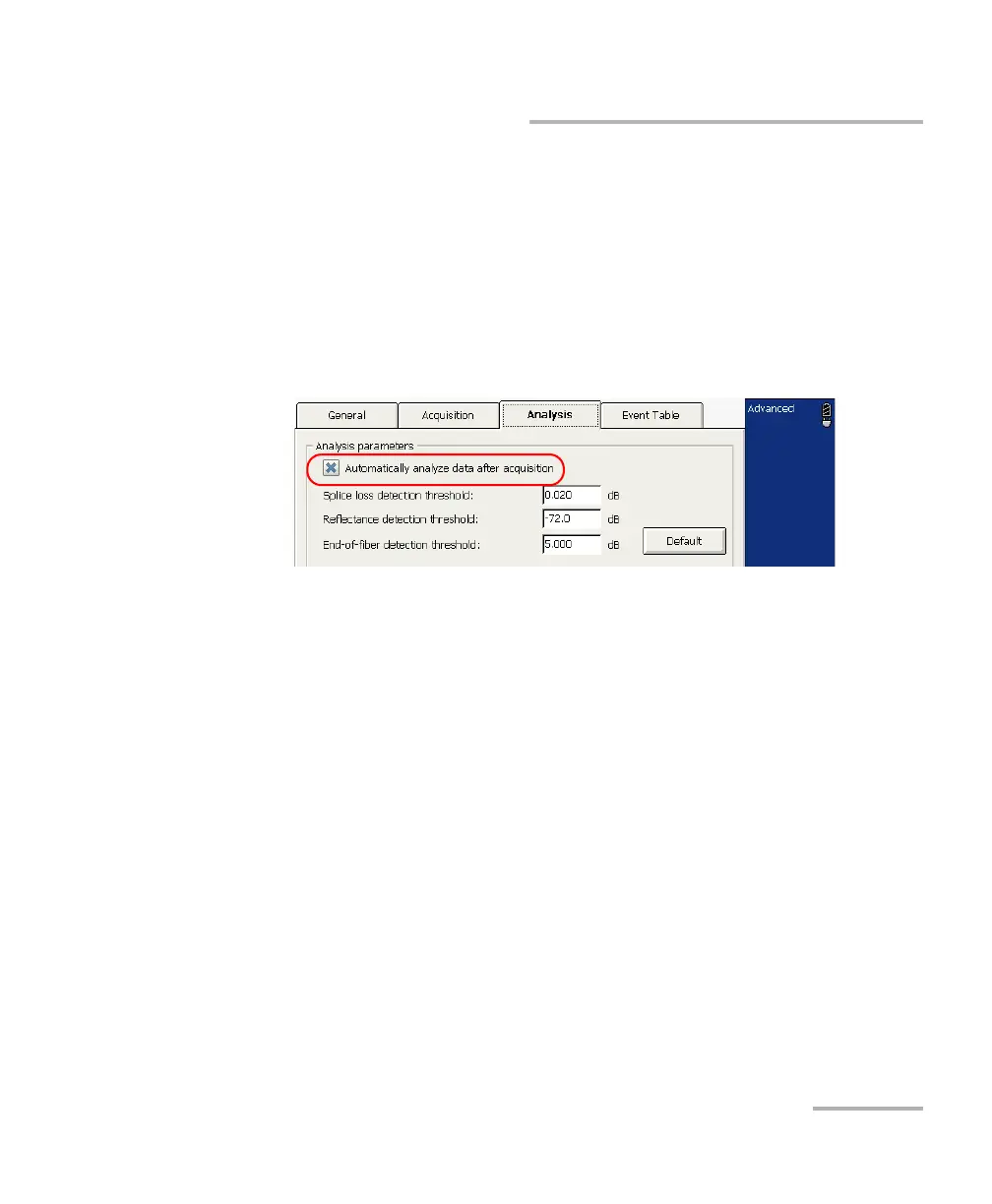
To enable or disable the analysis after trace acquisition:
1. From the button bar, press OTDR Setup.
2. Go to the Analysis tab.
3. If you want the OTDR to automatically analyze an acquired trace,
select the Automatically analyze data after acquisition box.
If you clear the check box, the trace will be acquired without being
analyzed.
Note: By default, traces are automatically analyzed as they are acquired.
4. Press Exit OTDR Setup to return to the main window.



 To Next Page