Testing Fibers in Advanced Mode
MAX-700 71
Setting Pass/Fail Thresholds
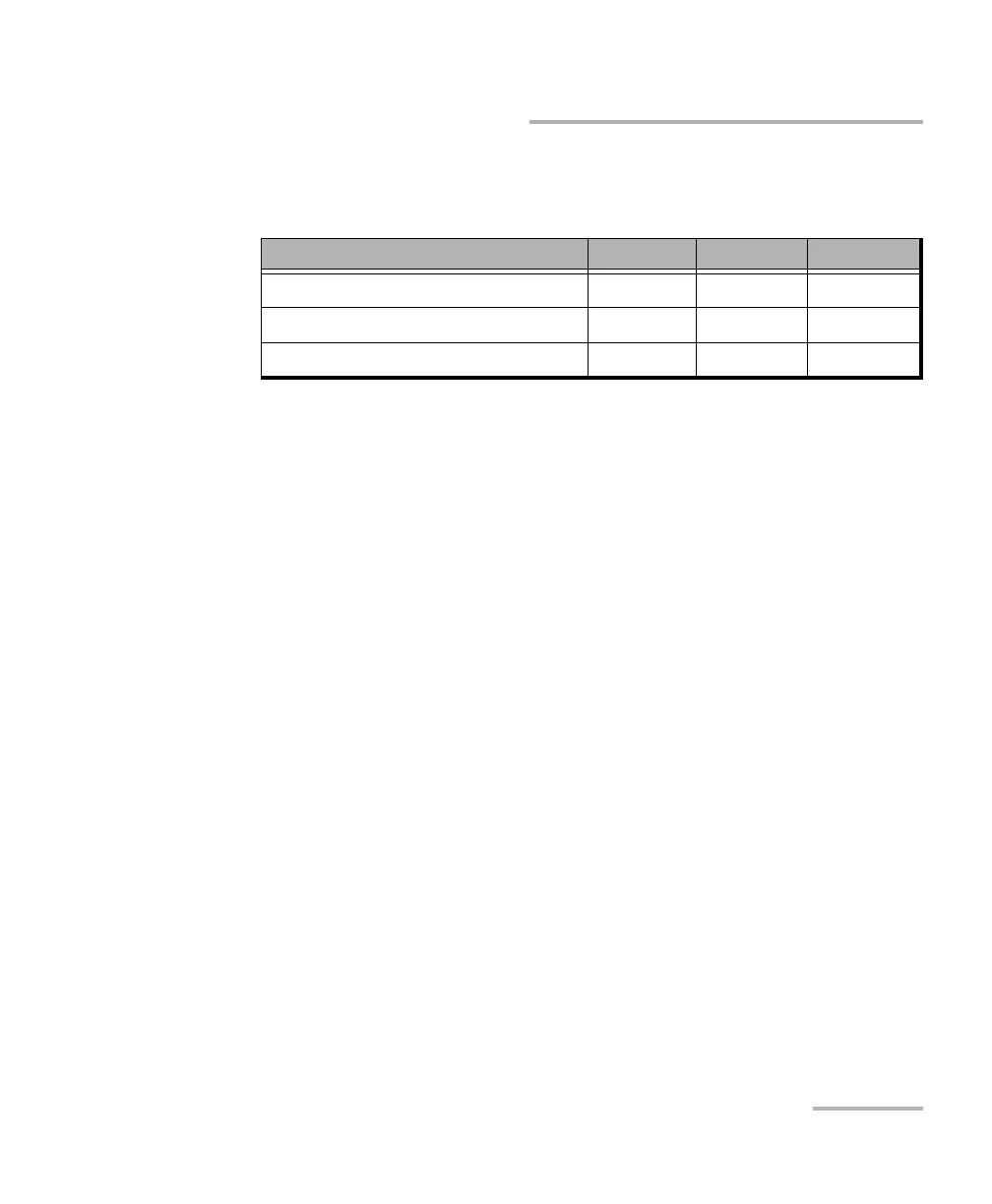
The following table provides the default, minimum and maximum
thresholds.
Once the thresholds are set, the application will be able to perform
Pass/Fail tests to determine the status of the various events (pass or fail).
The Pass/Fail test is performed on two occasions:
when analyzing or reanalyzing a trace
when you open a trace file
Values that are greater than the predefined thresholds are displayed in
white on a red background in the events table.
The Pass/Fail threshold LED, located on the front of the unit, will also
indicate the status (green for pass, red for fail).
You can also set the application to display pass/fail messages when the
Pass/Fail test is performed.
Test Default Minimum Maximum
Splice loss (dB) 1.000 0.015 5.000
Connector loss (dB) 1.000 0.015 5.000
Fiber section attenuation (dB/km) 0.400 0.000 5.000



 To Next Page