Testing Fibers in Fault Finder Mode
78 MAX-700
Acquiring Traces in Fault Finder Mode
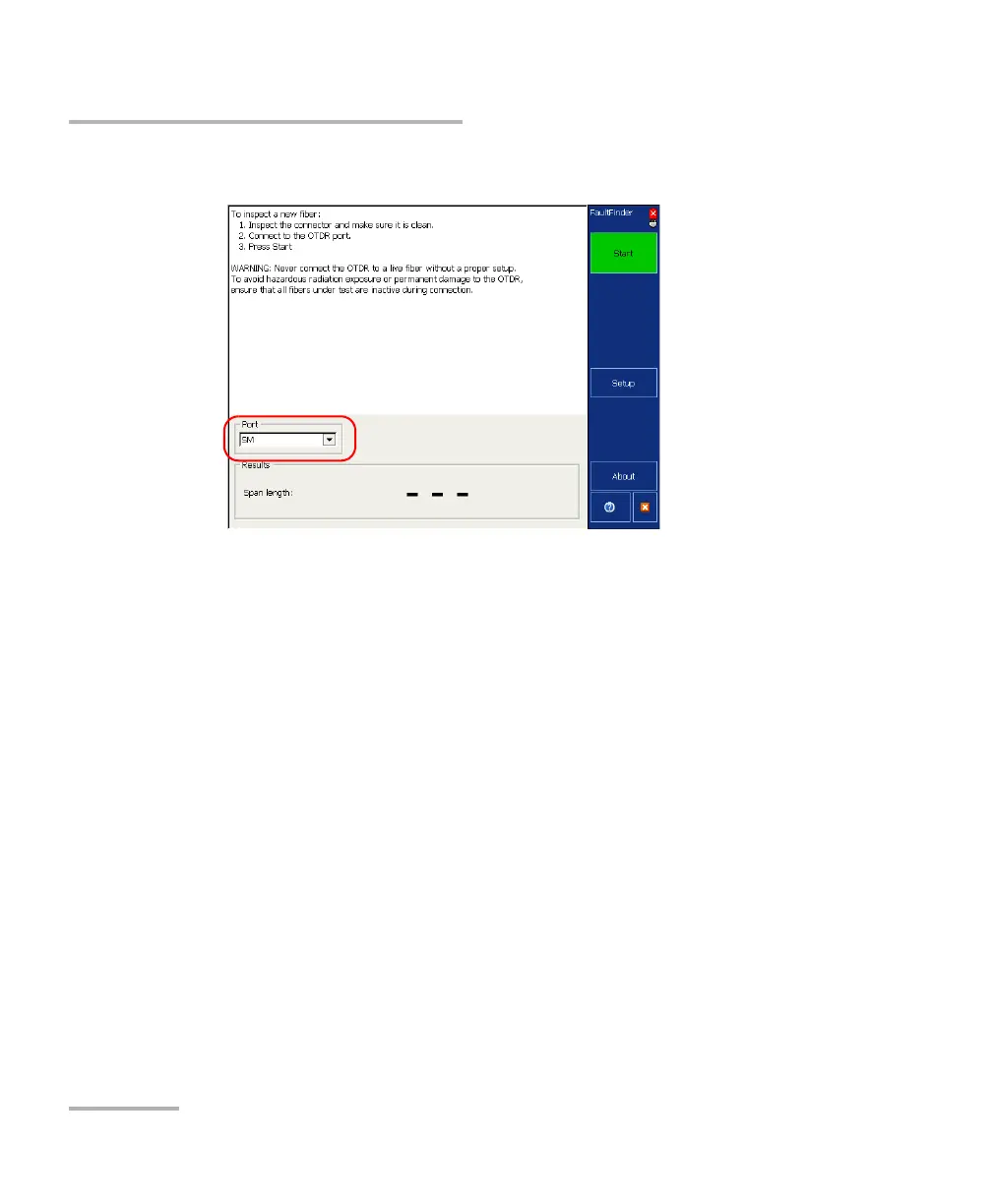
3. From the Port list, specify to which port you connected your fiber.
4. Press Start. If the first connector check feature is enabled, a message
will appear if there is a problem with the injection level (see Enabling
or Disabling the First Connector Check for Fault Finder on page 87).



 To Next Page