Testing Fibers in Fault Finder Mode
MAX-700 81
Naming Fault Finder Files Automatically
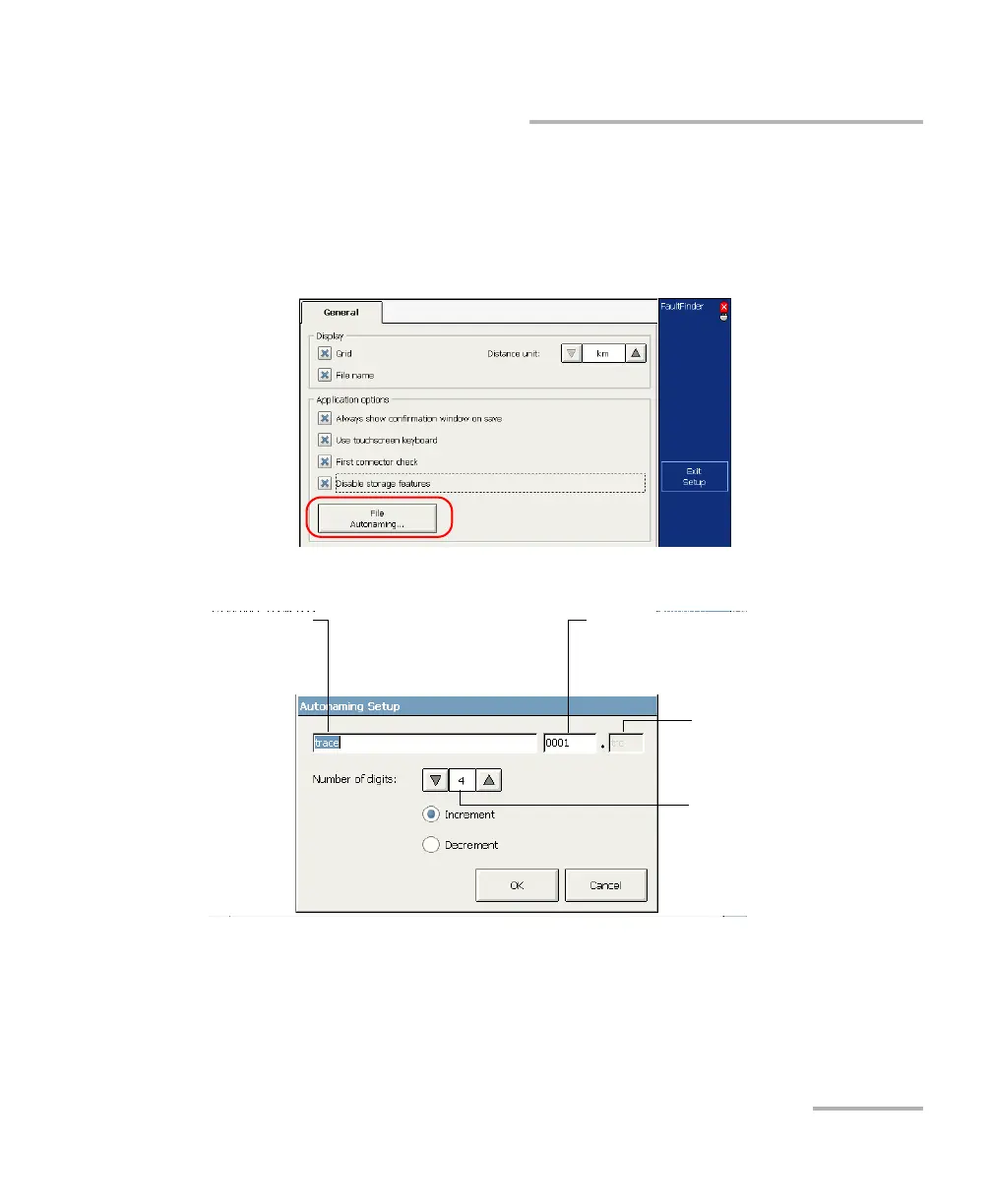
To configure the automatic file naming:
1. From the button bar, press Setup.
2. From the Setup window, select the General tab then press the File
Autonaming button.
3. From the Autonaming Setup dialog box, set the parameters.
If you want the variable part to increase each time a file is saved, select
Increment. If you want it to decrease, select Decrement.
4. Press OK to confirm your new settings.
Number of digits composing
the variable part
Static part Variable part (incremented)
The value appearing in this box will be used in
the next file name.
File name extension
(corresponds to the current file
format)



 To Next Page