Testing Fibers in Fault Finder Mode
MAX-700 83
Selecting the Default File Format for the Fault Finder Traces
To select the default file format:
1. From the button bar, press Quick Save.
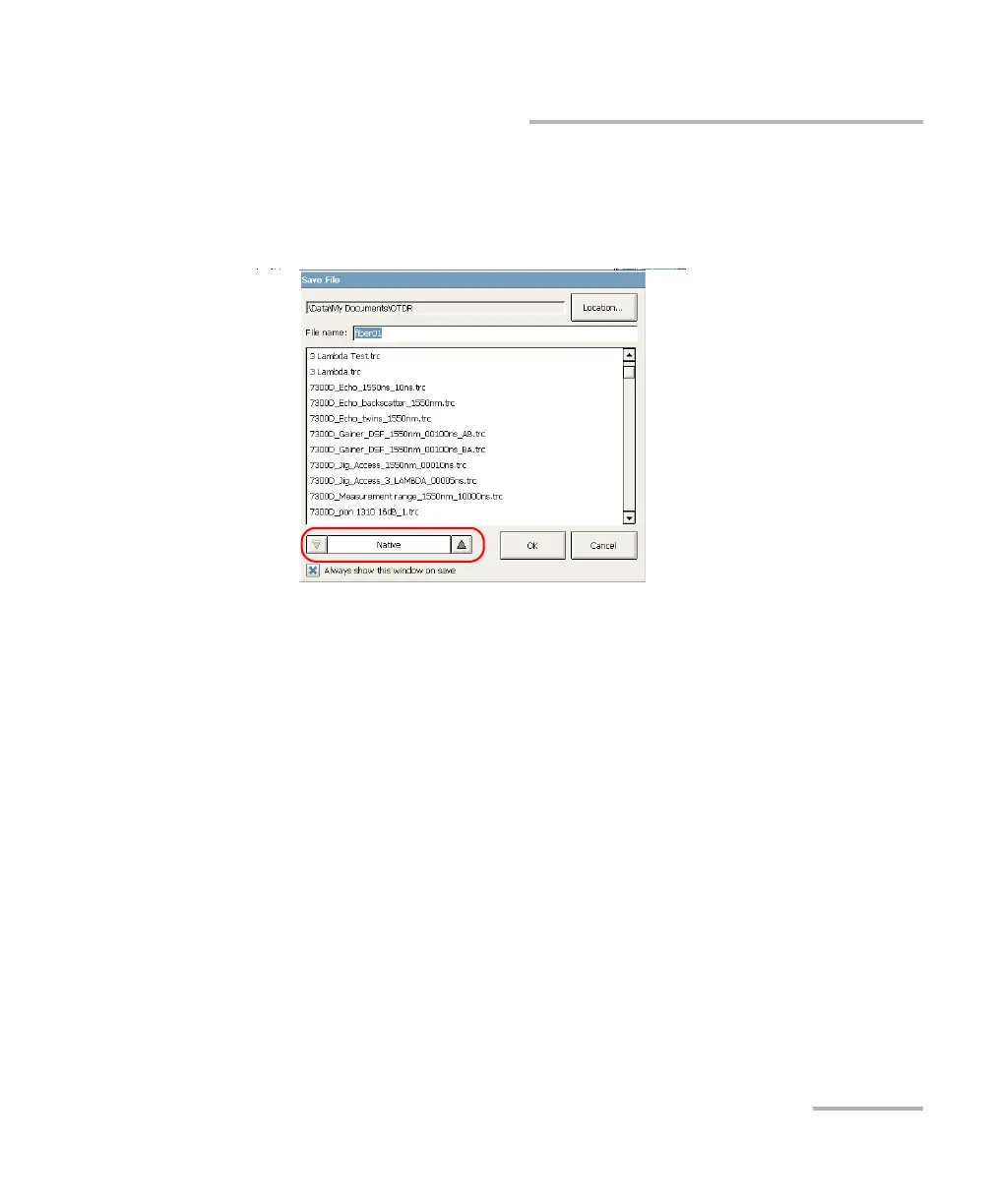
2. From the Save File dialog box, select the desired format.
3. Press OK to save your file in the new format. The next files will be
saved in the new format.



 To Next Page