RESTRICTED USE ONLY Fargo Electronics, Inc.
HDP5000 High Definition Card Printer/Encoder User Guide (Rev. 1.4)
8-62
Using the Encoding Mode dropdown list (continued)
Category Description
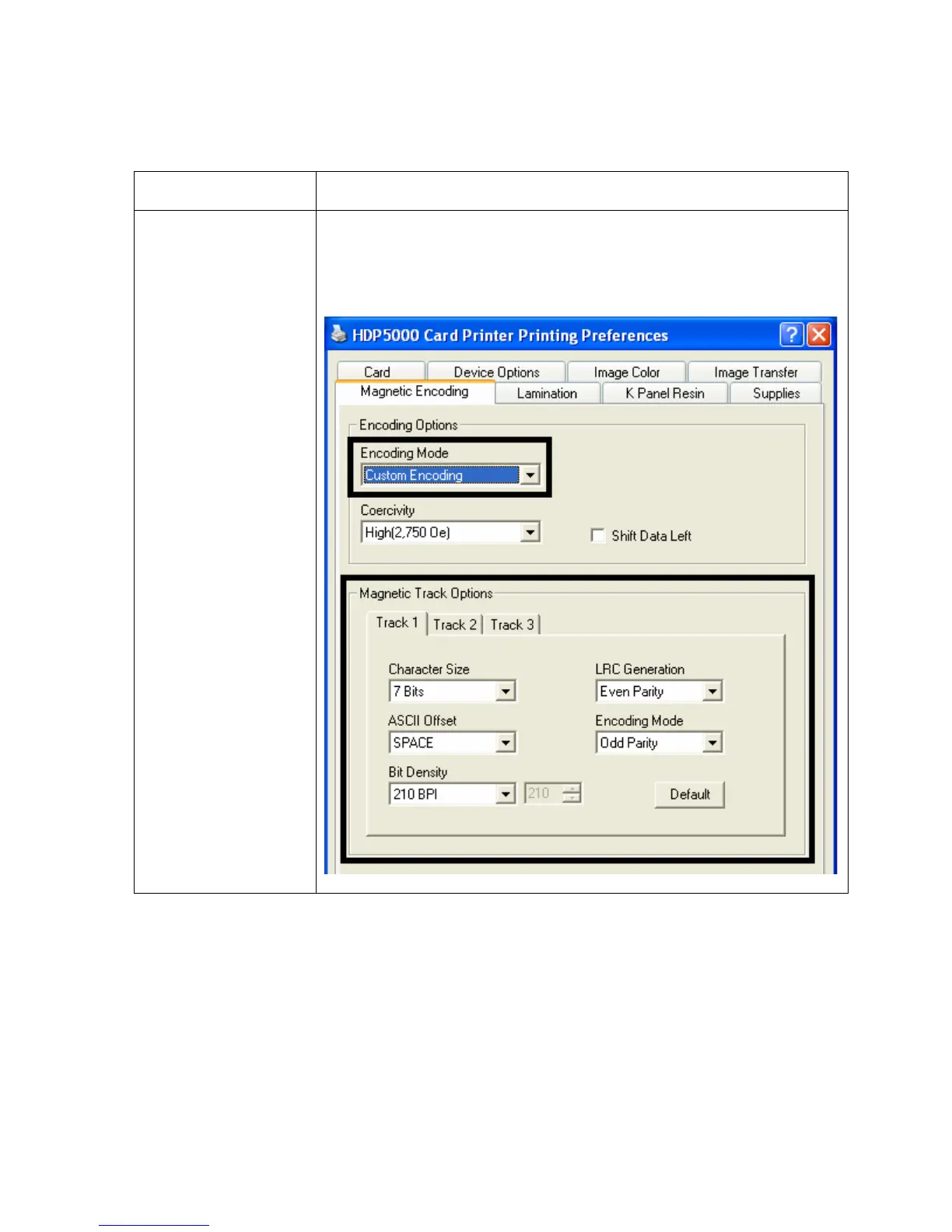
Custom Encoding
selection (active and
inactive functions)
If you select Custom Encoding, all options are active. The Default
is ISO Encoding. (Note: The defaults are the same as the ISO
Encoding defaults. However, all functions on the Magnetic Track
Options tabs are active.)












 To Next Page