RESTRICTED USE ONLY Fargo Electronics, Inc.
HDP5000 High Definition Card Printer/Encoder User Guide (Rev. 1.4)
11-1
Section 11: Fargo Workbench Printer
Utility
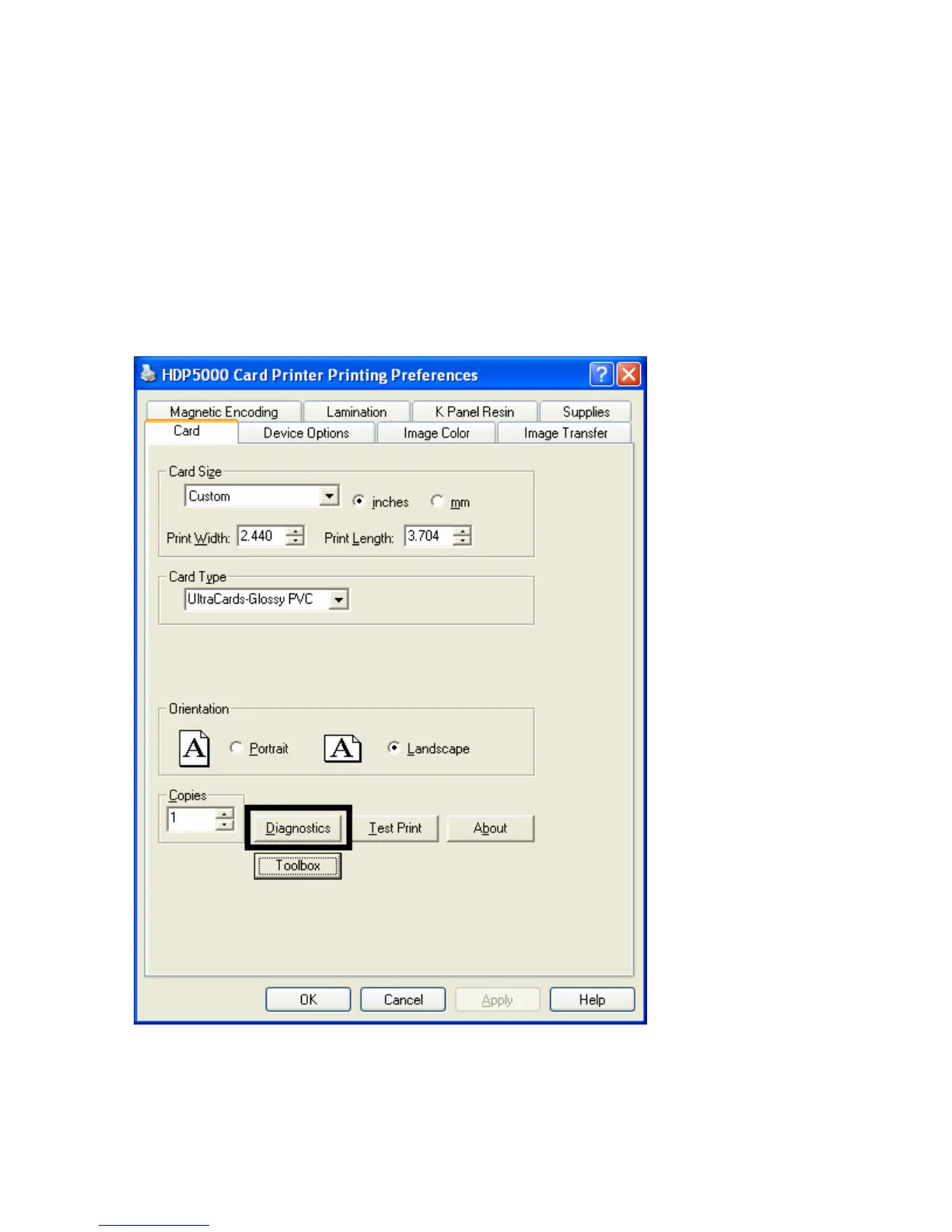
Click on Diagnostics to bring up the Fargo Workbench Printer Utility. See the Fargo
Workbench Printer Utility Help File for further instructions on each option.
Reviewing the Card tab and Diagnostic button
Display A – Card tab > Diagnostics button












 To Next Page