RESTRICTED USE ONLY Fargo Electronics, Inc.
HDP5000 High Definition Card Printer/Encoder User Guide (Rev. 1.4)
3-30
Installing the HDP5000 Printer Driver (continued)
Step Procedure
8
Applies to USB Printer installation:
a. Select the Printer Port. (Note: You have the option of selecting
the port only IF you click the BACK button from the previous
screen shot; otherwise, this is automatic.)
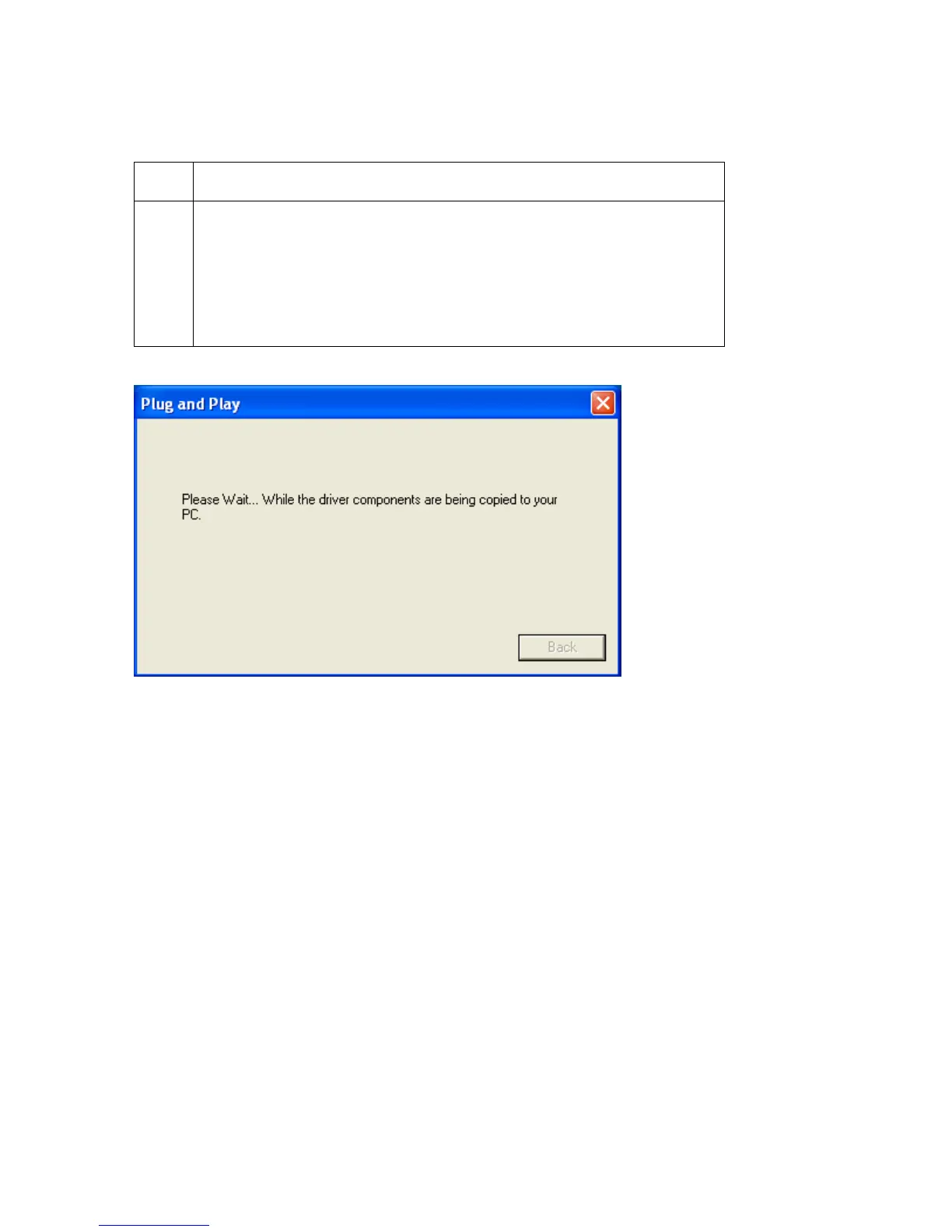
b. Wait while the Driver components are being copied to your PC.












 To Next Page