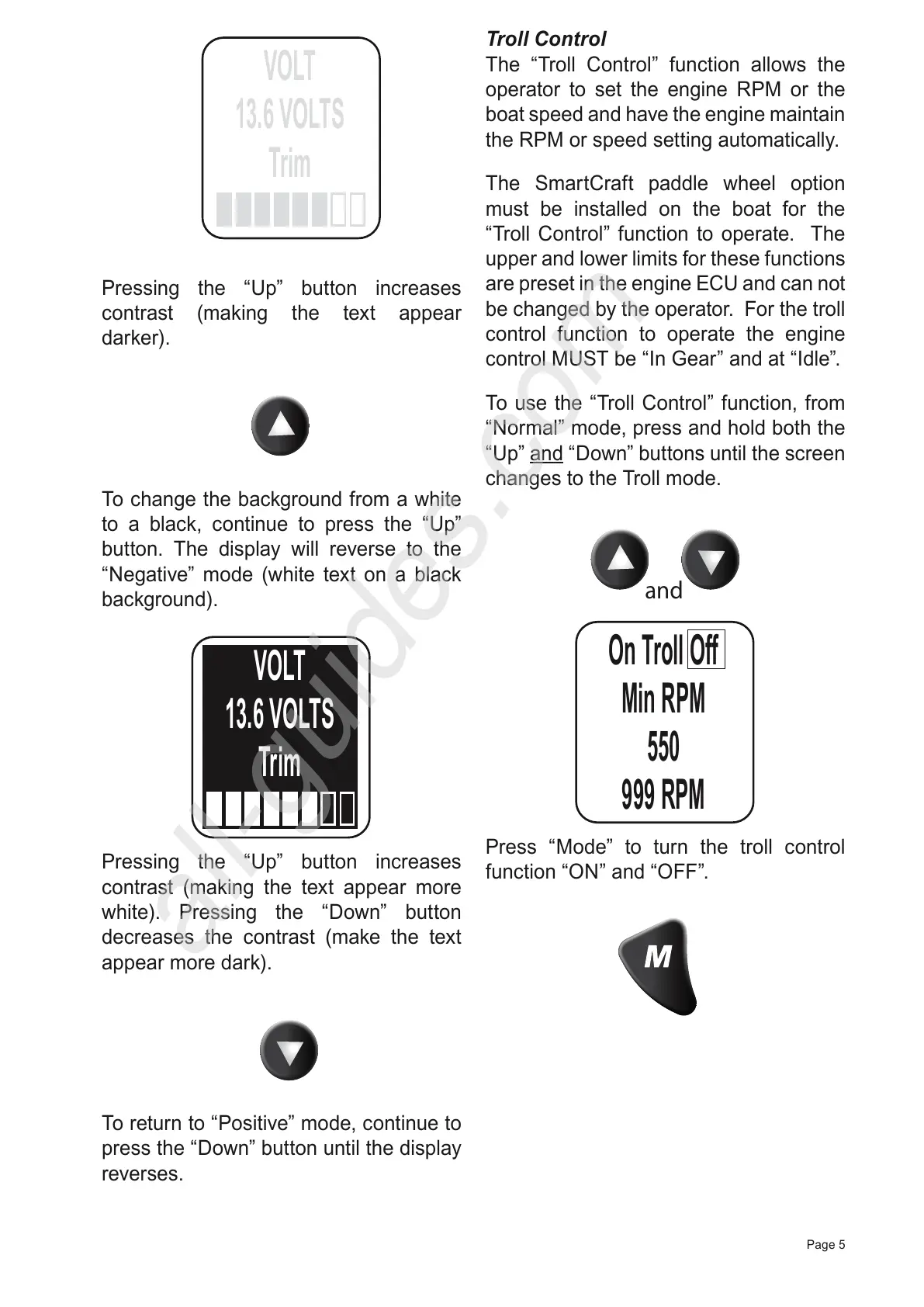
Pressing the “Up” button increases
contrast (making the text appear
darker).
To change the background from a white
to a black, continue to press the “Up”
button. The display will reverse to the
“Negative” mode (white text on a black
background).
Pressing the “Up” button increases
contrast (making the text appear more
white). Pressing the “Down” button
decreases the contrast (make the text
appear more dark).
To return to “Positive” mode, continue to
press the “Down” button until the display
reverses.
Troll Control
The “Troll Control” function allows the
operator to set the engine RPM or the
boat speed and have the engine maintain
the RPM or speed setting automatically.
The SmartCraft paddle wheel option
must be installed on the boat for the
“Troll Control” function to operate. The
upper and lower limits for these functions
are preset in the engine ECU and can not
be changed by the operator. For the troll
control function to operate the engine
control MUST be “In Gear” and at “Idle”.
To use the “Troll Control” function, from
“Normal” mode, press and hold both the
“Up” and “Down” buttons until the screen
changes to the Troll mode.



 To Next Page