Page 15
Instructions – Function
Display
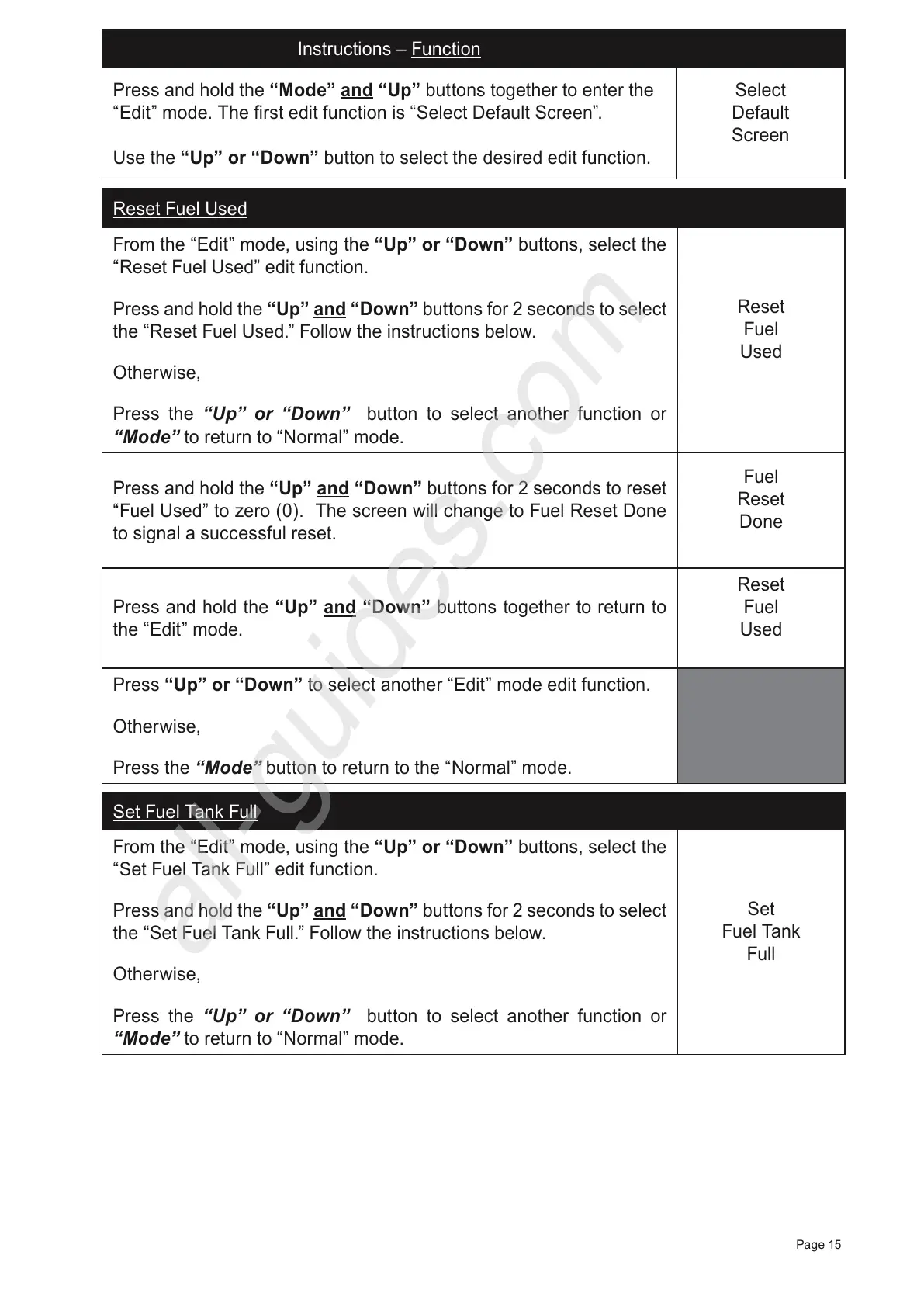
Press and hold the “Mode” and “Up” buttons together to enter the
“Edit” mode. The first edit function is “Select Default Screen”.
Use the “Up” or “Down” button to select the desired edit function.
Select
Default
Screen
Reset Fuel Used
From the “Edit” mode, using the “Up” or “Down” buttons, select the
“Reset Fuel Used” edit function.
Press and hold the
“Up” and “Down”
buttons for 2 seconds to select
the “Reset Fuel Used.” Follow the instructions below.
Otherwise,
Press the “Up” or “Down” button to select another function or
“Mode” to return to “Normal” mode.
Reset
Fuel
Used
Press and hold the “Up” and “Down” buttons for 2 seconds to reset
“Fuel Used” to zero (0). The screen will change to Fuel Reset Done
to signal a successful reset.
Fuel
Reset
Done
Press and hold the “Up” and “Down” buttons together to return to
the “Edit” mode.
Reset
Fuel
Used
Press “Up” or “Down” to select another
“Edit” mode edit function.
Otherwise,
Press the
“Mode” button to return to the “Normal” mode.
Set Fuel Tank Full
From the “Edit” mode, using the “Up” or “Down” buttons, select the
“Set Fuel Tank Full” edit function.
Press and hold the
“Up” and “Down”
buttons for 2 seconds to select
the “Set Fuel Tank Full.” Follow the instructions below.
Otherwise,
Press the “Up” or “Down” button to select another function or
“Mode” to return to “Normal” mode.
Set
Fuel Tank
Full



 To Next Page