“Perform Master Reset”
From the “Edit” mode, using the “Up” or “Down” buttons, select the
“Perform Master Reset” edit function.
Note: Caution, this function will reset all values changed in the
“Edit” mode to the factory default settings.
Press and hold the
“Up” and “Down”
buttons for 2 seconds to select
the “Perform Master Reset.” Follow the instructions below.
Otherwise,
Press the “Up” or “Down” button to select another function or
“Mode” to return to “Normal” mode.
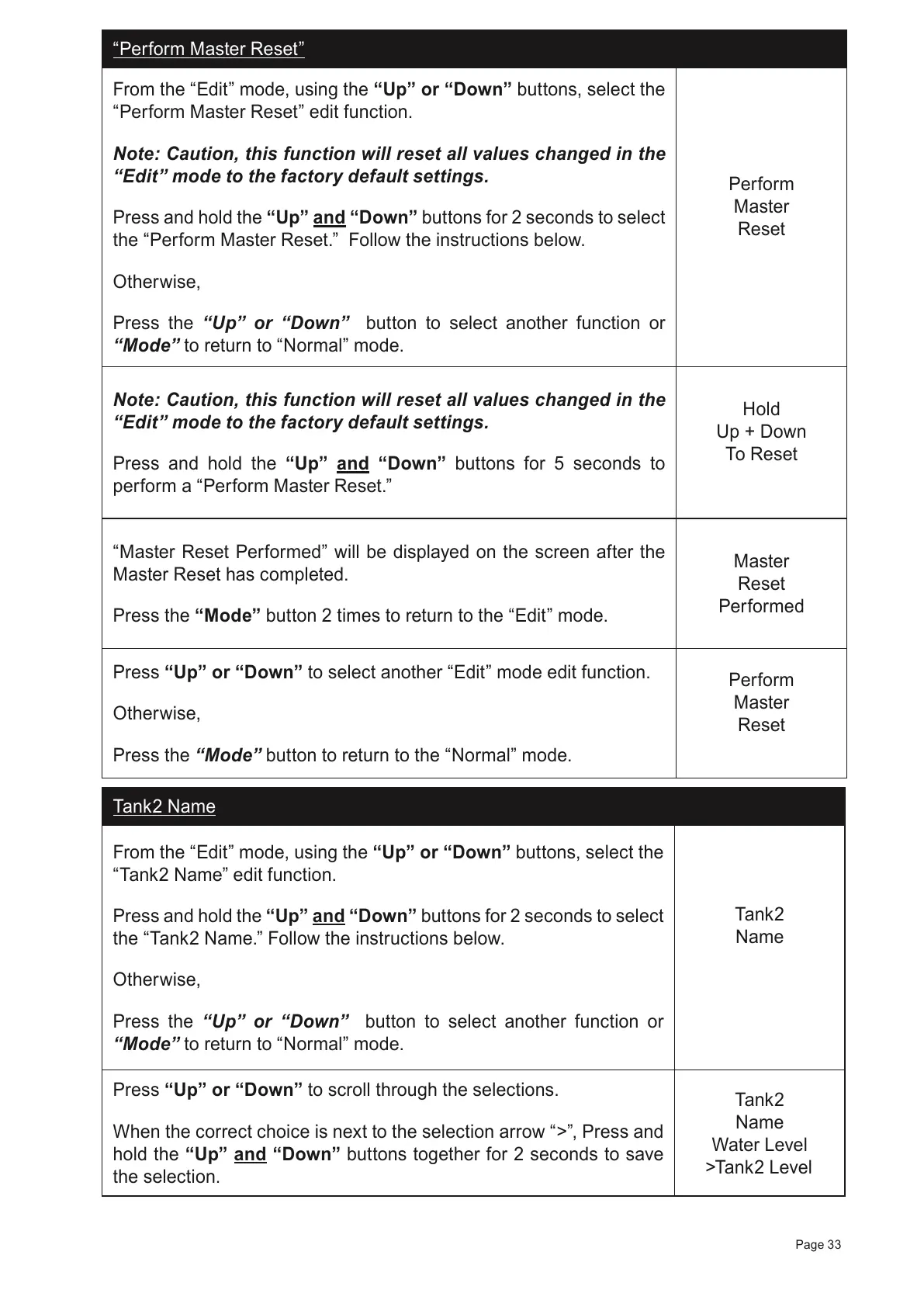
Perform
Master
Reset
Note: Caution, this function will reset all values changed in the
“Edit” mode to the factory default settings.
Press and hold the “Up” and “Down” buttons for 5 seconds to
perform a
“Perform Master Reset.”
Hold
Up + Down
To Reset
“Master Reset Performed” will be displayed on the screen after the
Master Reset has completed.
Press the “Mode” button 2 times to return to the “Edit” mode.
Master
Reset
Performed
Press “Up” or “Down” to select another
“Edit” mode edit function.
Otherwise,
Press the
“Mode” button to return to the “Normal” mode.
Perform
Master
Reset
Tank2 Name
From the “Edit” mode, using the “Up” or “Down” buttons, select the
“Tank2 Name” edit function.
Press and hold the
“Up” and “Down”
buttons for 2 seconds to select
the “Tank2 Name.” Follow the instructions below.
Otherwise,
Press the “Up” or “Down” button to select another function or
“Mode” to return to “Normal” mode.
Tank2
Name
Press “Up” or “Down” to scroll through the selections.
When the correct choice is next to the selection arrow “>”, Press and
hold the “Up” and “Down” buttons together for 2 seconds to save
the selection.
Tank2
Name
Water Level
>Tank2 Level
Page 33



 To Next Page