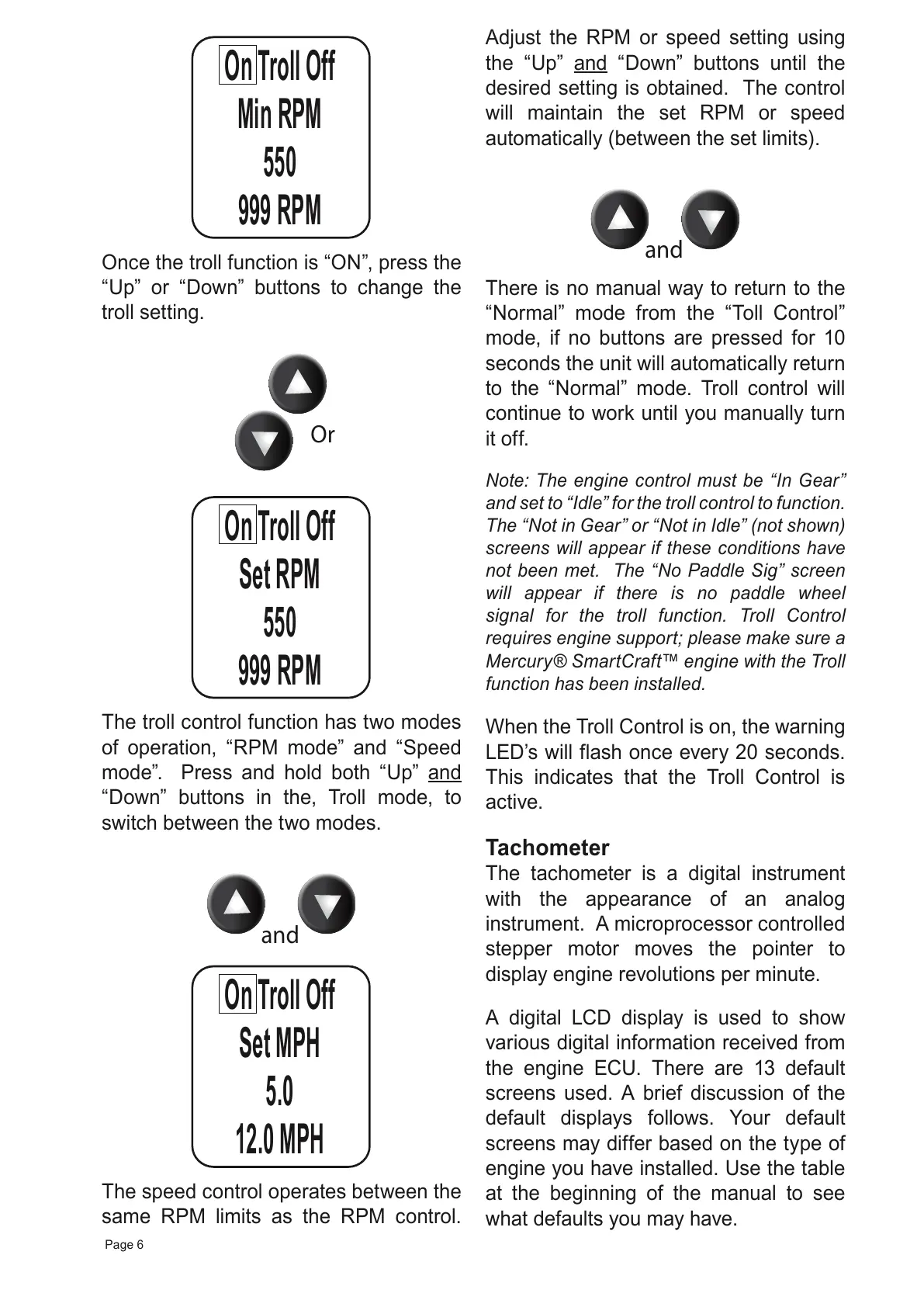
The troll control function has two modes
of operation, “RPM mode” and “Speed
mode”. Press and hold both “Up” and
“Down” buttons in the, Troll mode, to
switch between the two modes.
The speed control operates between the
same RPM limits as the RPM control.
Adjust the RPM or speed setting using
the “Up” and “Down” buttons until the
desired setting is obtained. The control
will maintain the set RPM or speed
automatically (between the set limits).
There is no manual way to return to the
“Normal” mode from the “Toll Control”
mode, if no buttons are pressed for 10
seconds the unit will automatically return
to the “Normal” mode. Troll control will
continue to work until you manually turn
it off.
Note: The engine control must be “In Gear”
and set to “Idle” for the troll control to function.
The “Not in Gear” or “Not in Idle” (not shown)
screens will appear if these conditions have
not been met. The “No Paddle Sig” screen
will appear if there is no paddle wheel
signal for the troll function. Troll Control
requires engine support; please make sure a
Mercury® SmartCraft™ engine with the Troll
function has been installed.
When the Troll Control is on, the warning
LED’s will flash once every 20 seconds.
This indicates that the Troll Control is
active.
Tachometer
The tachometer is a digital instrument
with the appearance of an analog
instrument. A microprocessor controlled
stepper motor moves the pointer to
display engine revolutions per minute.
A digital LCD display is used to show
various digital information received from
the engine ECU. There are 13 default
screens used. A brief discussion of the
default displays follows. Your default
screens may differ based on the type of
engine you have installed. Use the table
at the beginning of the manual to see
what defaults you may have.



 To Next Page