Page 3
MG2000™ Tachometer Manual
Specifications:
SmartCraft™ bus.
• Analog signal inputs for: fuel level
sender (low fuel warning based on the
sender), trim sender, on the MG2000
tachometer.
• 1 Pressure port for: engine water
pressure on the MG2000 tachometer.
• 1 NMEA 0183 (version 3.01) GPS signal
input for: clock, boat/vessel speed,
position, and heading.
• 128 x 128 graphic dot-matrix LCD
display.
• Auxiliary gauge communication: Faria
serial bus (RS485/SAE J1708) from the
MG2000 tachometer
• Operation voltage: 12 vDC or 24 vDC
• Operation temperature: -20 ºC to 70 ºC
• Storage temperature: -30 ºC to 80 ºC
Nominal current draw (tachometer,
speedometer, and five 2” gauges with
lights on maximum level): 420 mA.
The MG2000 combines the features of
an ECU serial bus gateway and several
instruments into one unit:
• The tachometer is analog in
appearance but is driven by a
stepper motor for digital accuracy.
The LCD display
• The high resolution LCD screen
displays information for many other
functions. As received, the screens
are configured as shown in the
default screens. Figure 2 shows the
sequence of the screens.
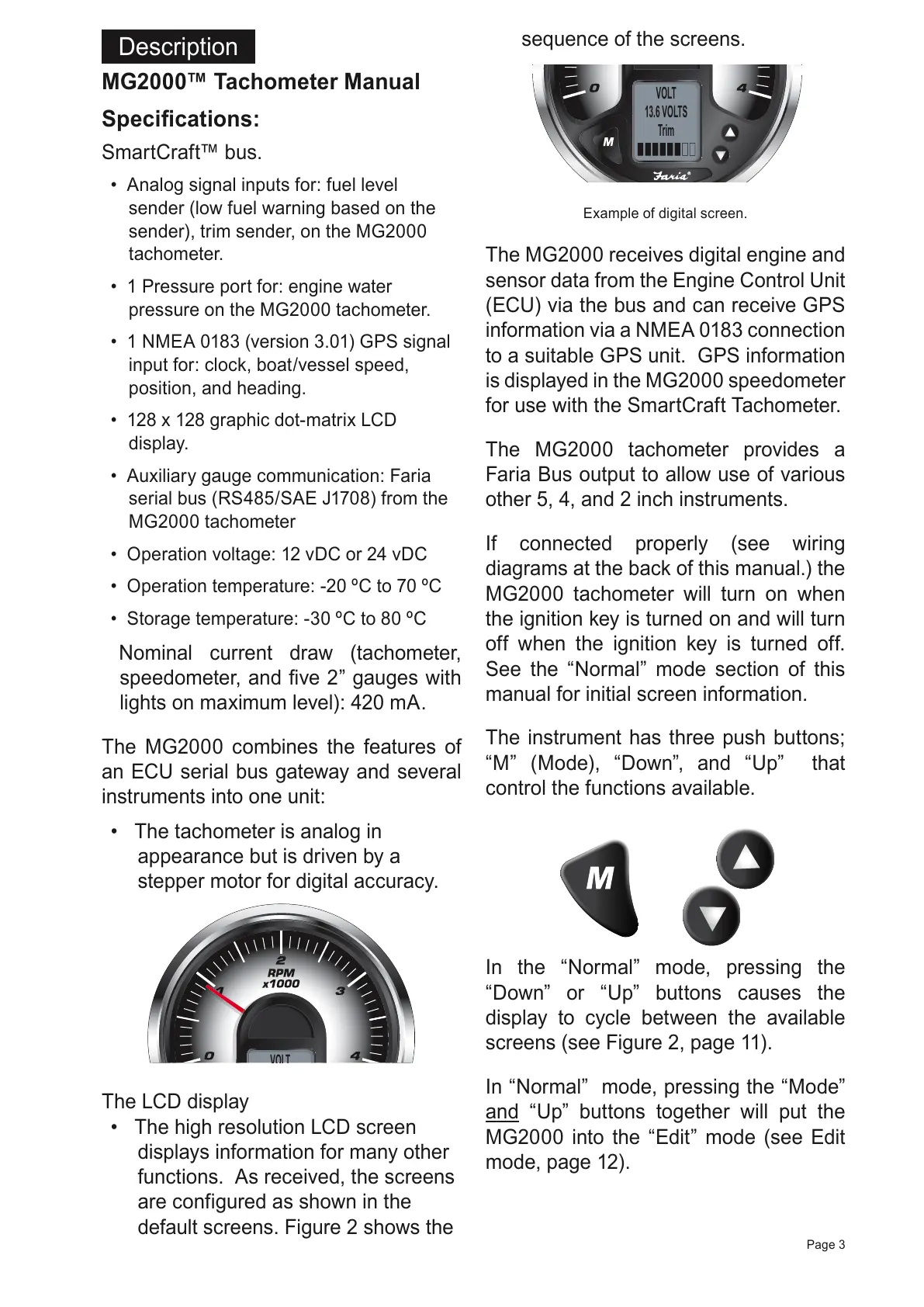
Example of digital screen.
The MG2000 receives digital engine and
sensor data from the Engine Control Unit
(ECU) via the bus and can receive GPS
information via a NMEA 0183 connection
to a suitable GPS unit. GPS information
is displayed in the MG2000 speedometer
for use with the SmartCraft Tachometer.
The MG2000 tachometer provides a
Faria Bus output to allow use of various
other 5, 4, and 2 inch instruments.
If connected properly (see wiring
diagrams at the back of this manual.) the
MG2000 tachometer will turn on when
the ignition key is turned on and will turn
off when the ignition key is turned off.
See the “Normal” mode section of this
manual for initial screen information.
The instrument has three push buttons;
“M” (Mode), “Down”, and “Up” that
control the functions available.
In the “Normal” mode, pressing the
“Down” or “Up” buttons causes the
display to cycle between the available
screens (see Figure 2, page 11).
In “Normal” mode, pressing the “Mode”
and “Up” buttons together will put the
MG2000 into the “Edit” mode (see Edit
mode, page 12).
Description
All manuals and user guides at all-guides.com



 To Next Page