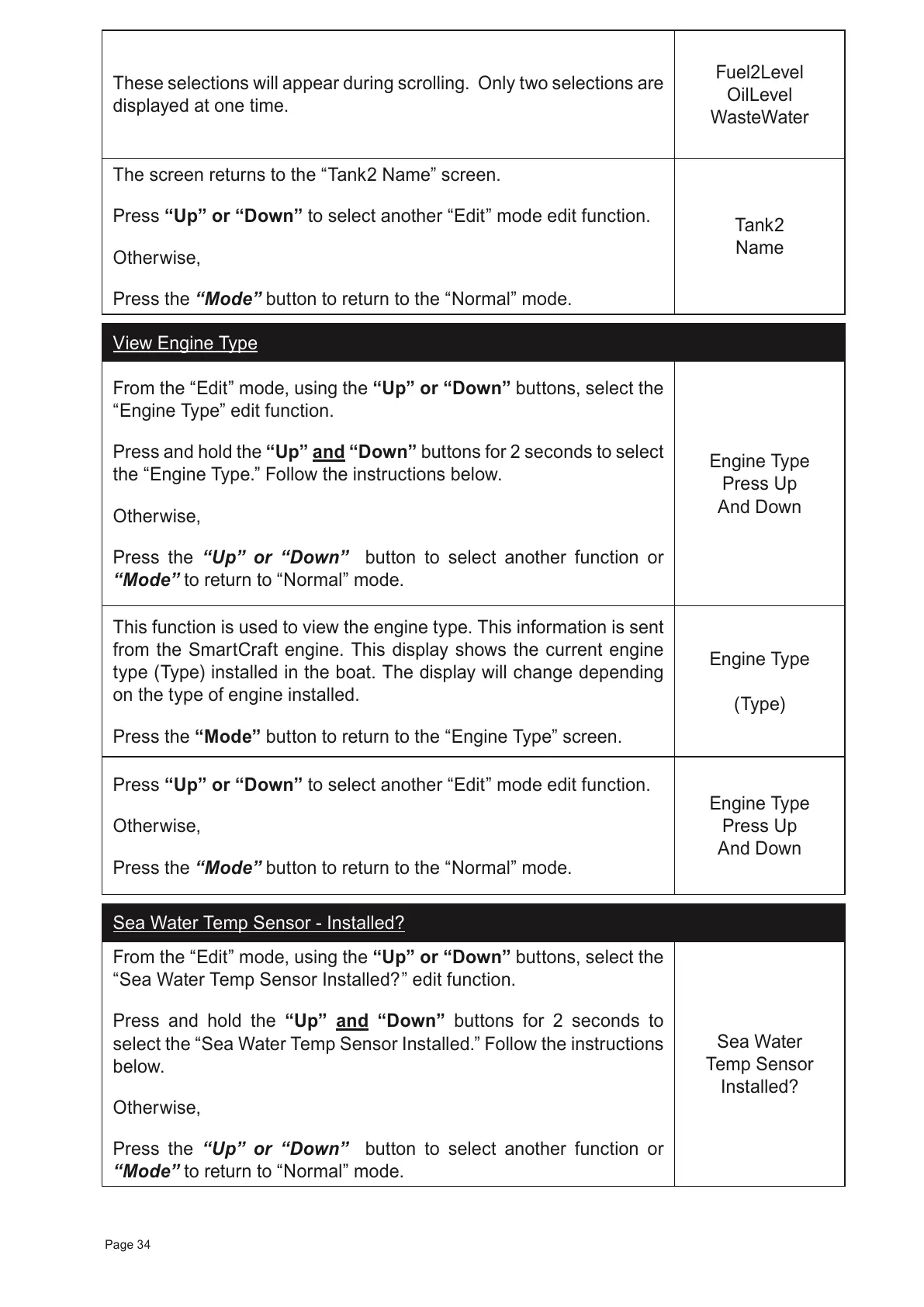
These selections will appear during scrolling. Only two selections are
displayed at one time.
Fuel2Level
OilLevel
WasteWater
The screen returns to the
“Tank2 Name”
screen.
Press “Up” or “Down” to select another
“Edit” mode edit function.
Otherwise,
Press the
“Mode” button to return to the “Normal” mode.
Tank2
Name
View Engine Type
From the “Edit” mode, using the “Up” or “Down” buttons, select the
“Engine Type” edit function.
Press and hold the
“Up” and “Down”
buttons for 2 seconds to select
the “Engine Type.” Follow the instructions below.
Otherwise,
Press the “Up” or “Down” button to select another function or
“Mode” to return to “Normal” mode.
Engine Type
Press Up
And Down
This function is used to view the engine type. This information is sent
from the SmartCraft engine. This display shows the current engine
type (Type) installed in the boat. The display will change depending
on the type of engine installed.
Press the “Mode” button to return to the
“Engine Type”
screen.
Engine Type
(Type)
Press “Up” or “Down” to select another
“Edit” mode edit function.
Otherwise,
Press the
“Mode” button to return to the “Normal” mode.
Engine Type
Press Up
And Down
Sea Water Temp Sensor - Installed?
From the “Edit” mode, using the “Up” or “Down” buttons, select the
“
Sea Water Temp Sensor Installed?
” edit function.
Press and hold the
“Up” and “Down”
buttons for 2 seconds to
select the “
Sea Water Temp Sensor Installed.
” Follow the instructions
below.
Otherwise,
Press the “Up” or “Down” button to select another function or
“Mode” to return to “Normal” mode.
Sea Water
Temp Sensor
Installed?
Page 34



 To Next Page