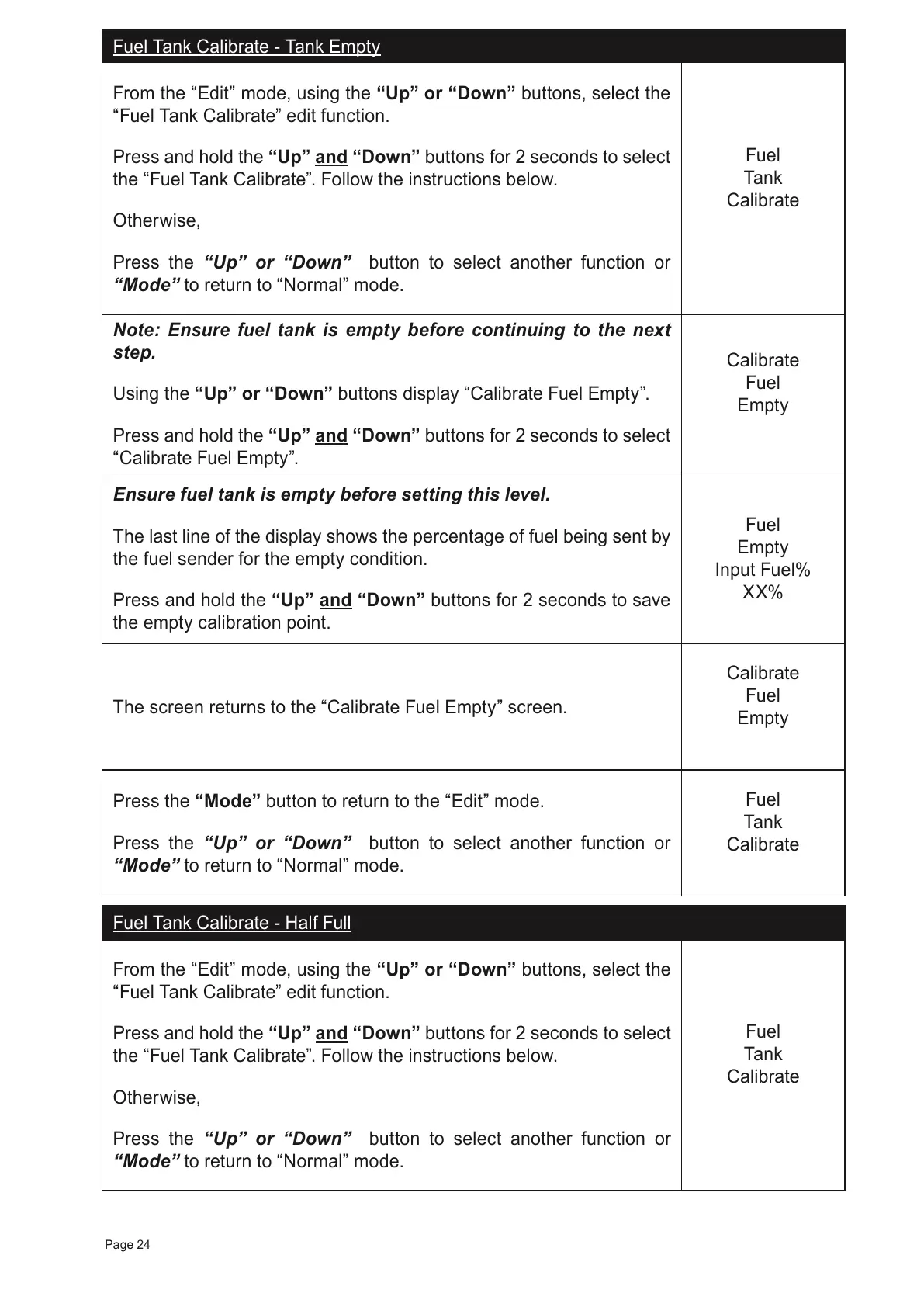
Fuel Tank Calibrate - Tank Empty
From the “Edit” mode, using the “Up” or “Down” buttons, select the
“Fuel Tank Calibrate” edit function.
Press and hold the
“Up” and “Down”
buttons for 2 seconds to select
the “Fuel Tank Calibrate”. Follow the instructions below.
Otherwise,
Press the “Up” or “Down” button to select another function or
“Mode” to return to “Normal” mode.
Fuel
Tank
Calibrate
Note: Ensure fuel tank is empty before continuing to the next
step.
Using the “Up” or “Down” buttons display “Calibrate Fuel Empty”.
Press and hold the “Up” and “Down” buttons for 2 seconds to select
“Calibrate Fuel Empty”.
Calibrate
Fuel
Empty
Ensure fuel tank is empty before setting this level.
The last line of the display shows the percentage of fuel being sent by
the fuel sender for the empty condition.
Press and hold the “Up” and “Down” buttons for 2 seconds to save
the empty calibration point.
Fuel
Empty
Input Fuel%
XX%
The screen returns to the “Calibrate Fuel Empty” screen.
Calibrate
Fuel
Empty
Press the “Mode” button to return to the “Edit” mode.
Press the “Up” or “Down” button to select another function or
“Mode” to return to “Normal” mode.
Fuel
Tank
Calibrate
Fuel Tank Calibrate - Half Full
From the “Edit” mode, using the “Up” or “Down” buttons, select the
“Fuel Tank Calibrate” edit function.
Press and hold the
“Up” and “Down”
buttons for 2 seconds to select
the “Fuel Tank Calibrate”. Follow the instructions below.
Otherwise,
Press the “Up” or “Down” button to select another function or
“Mode” to return to “Normal” mode.
Fuel
Tank
Calibrate
Page 24



 To Next Page