Page 7
The information below applies to the
MG2000 as received from the factory
with no user changes to the screen
selections. The Faria MG2000 can be
customized according to your specific
needs. Using the “Edit” mode you can
organize the default screens in any
manner you desire. See the “Edit” mode
(page 12) for more information.
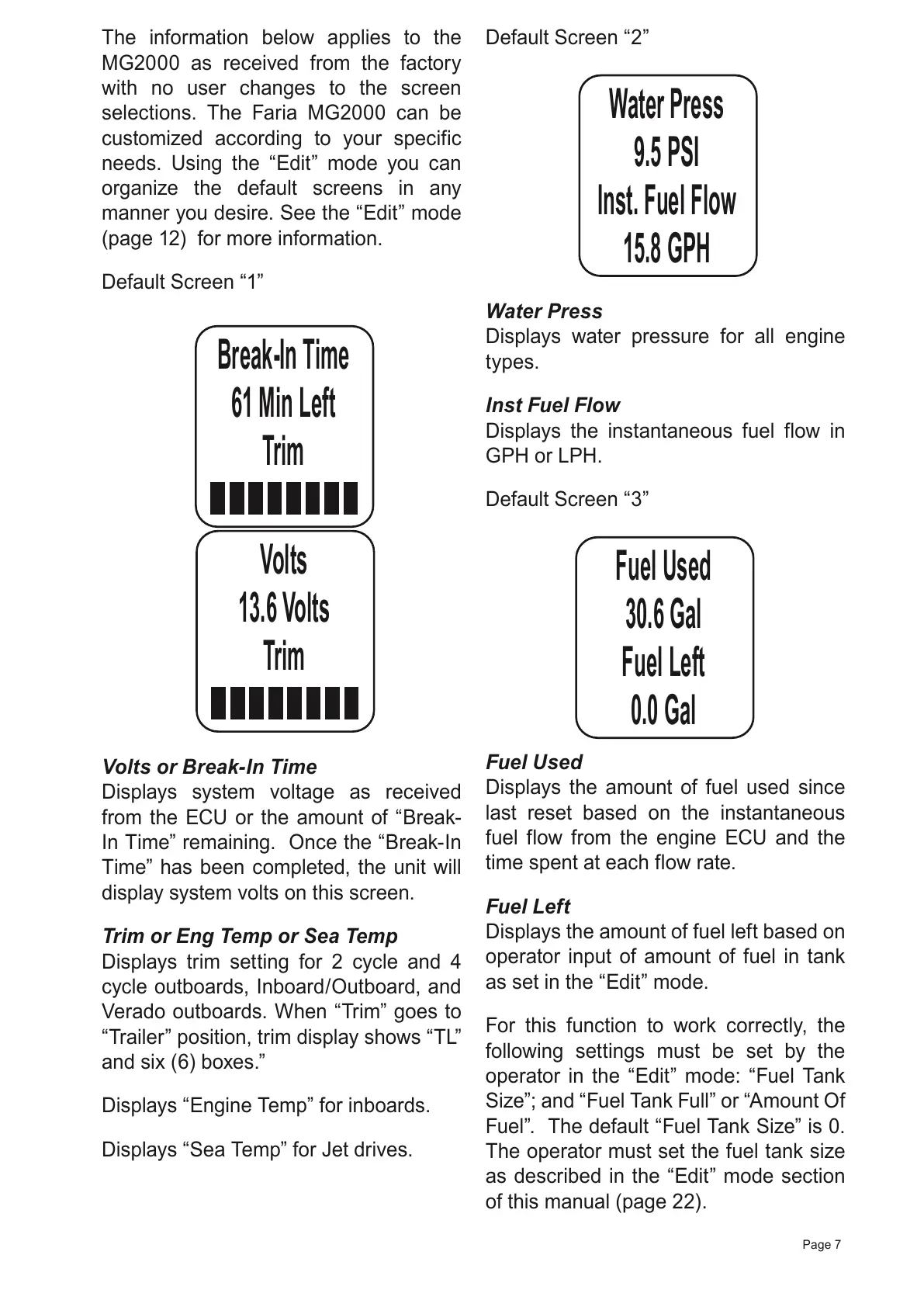
Default Screen “1”
Break-In Time
61 Min Left
Tr
im
Volts or Break-In Time
Displays system voltage as received
from the ECU or the amount of “Break-
In Time” remaining. Once the “Break-In
Time” has been completed, the unit will
display system volts on this screen.
Trim or Eng Temp or Sea Temp
Displays trim setting for 2 cycle and 4
cycle outboards, Inboard/Outboard, and
Verado outboards. When “Trim” goes to
“Trailer” position, trim display shows “TL”
and six (6) boxes.”
Displays “Engine Temp” for inboards.
Displays “Sea Temp” for Jet drives.
Default Screen “2”
Water Press
9.5 PSI
Inst. Fuel Flow
15.8 GPH
Water Press
Displays water pressure for all engine
types.
Inst Fuel Flow
Displays the instantaneous fuel flow in
GPH or LPH.
Default Screen “3”
Fuel Used
30.6 Gal
Fuel Left
0.0 Gal
Fuel Used
Displays the amount of fuel used since
last reset based on the instantaneous
fuel flow from the engine ECU and the
time spent at each flow rate.
Fuel Left
Displays the amount of fuel left based on
operator input of amount of fuel in tank
as set in the “Edit” mode.
For this function to work correctly, the
following settings must be set by the
operator in the “Edit” mode: “Fuel Tank
Size”; and “Fuel Tank Full” or “Amount Of
Fuel”. The default “Fuel Tank Size” is 0.
The operator must set the fuel tank size
as described in the “Edit” mode section
of this manual (page 22).
All manuals and user guides at all-guides.com



 To Next Page