Page 31
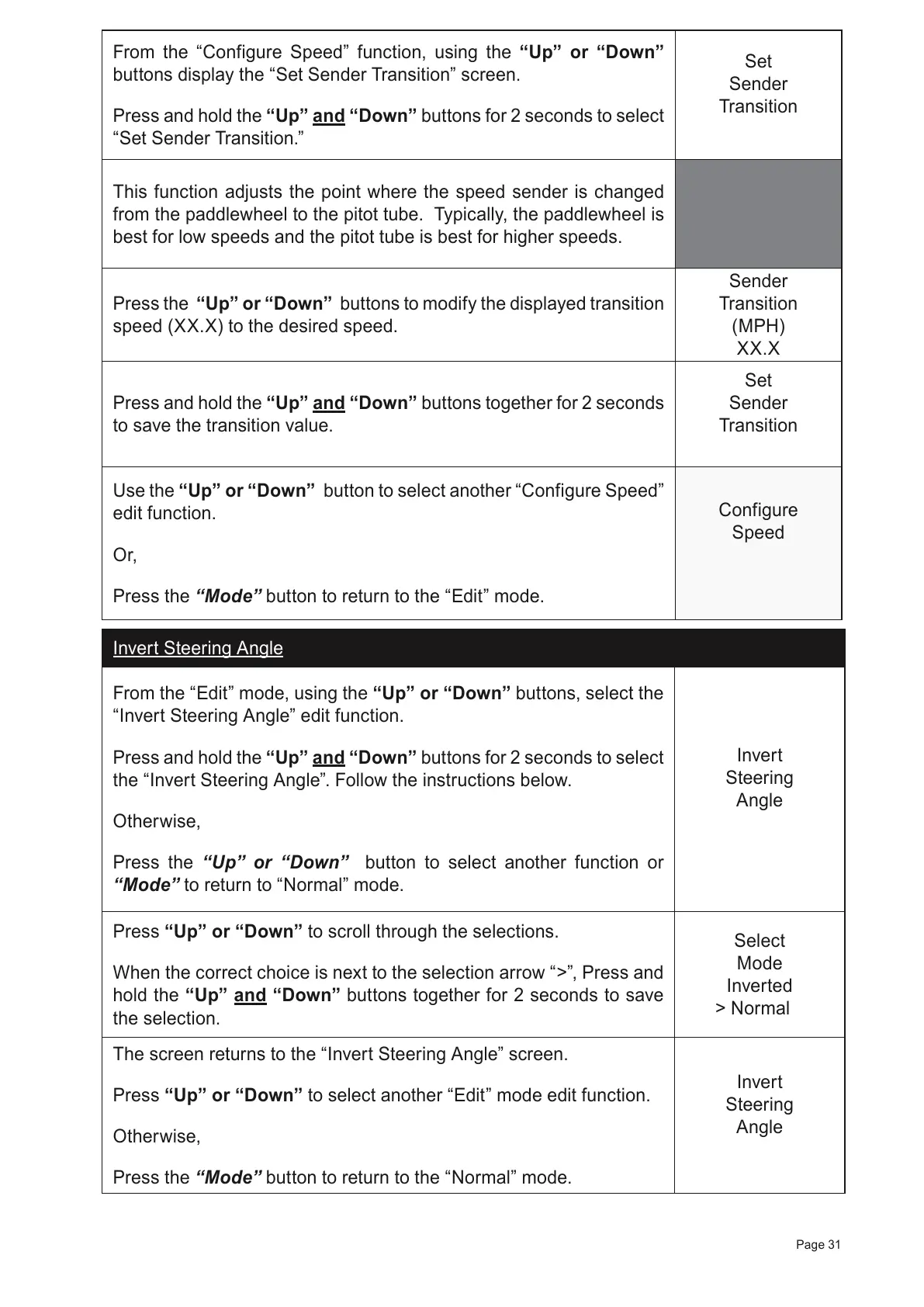
From the “Configure Speed” function, using the “Up” or “Down”
buttons display the “Set Sender Transition” screen.
Press and hold the “Up” and “Down” buttons for 2 seconds to select
“Set Sender Transition.”
Set
Sender
Transition
This function adjusts the point where the speed sender is changed
from the paddlewheel to the pitot tube. Typically, the paddlewheel is
best for low speeds and the pitot tube is best for higher speeds.
Press the “Up” or “Down” buttons to modify the displayed transition
speed (XX.X) to the desired speed.
Sender
Transition
(MPH)
XX.X
Press and hold the “Up” and “Down” buttons together for 2 seconds
to save the transition value.
Set
Sender
Transition
Use the “Up” or “Down” button to select another “Configure Speed”
edit function.
Or,
Press the “Mode” button to return to the “Edit” mode.
Configure
Speed
Invert Steering Angle
From the “Edit” mode, using the “Up” or “Down” buttons, select the
“Invert Steering Angle” edit function.
Press and hold the
“Up” and “Down”
buttons for 2 seconds to select
the “Invert Steering Angle”. Follow the instructions below.
Otherwise,
Press the “Up” or “Down” button to select another function or
“Mode” to return to “Normal” mode.
Invert
Steering
Angle
Press “Up” or “Down” to scroll through the selections.
When the correct choice is next to the selection arrow “>”, Press and
hold the “Up” and “Down” buttons together for 2 seconds to save
the selection.
Select
Mode
Inverted
> Normal
The screen returns to the “Invert Steering Angle” screen.
Press “Up” or “Down” to select another
“Edit” mode edit function.
Otherwise,
Press the
“Mode” button to return to the “Normal” mode.
Invert
Steering
Angle



 To Next Page