FARO Gage
May 2011
16
Chapter 3: Operation
FARO Gage Handle Buttons
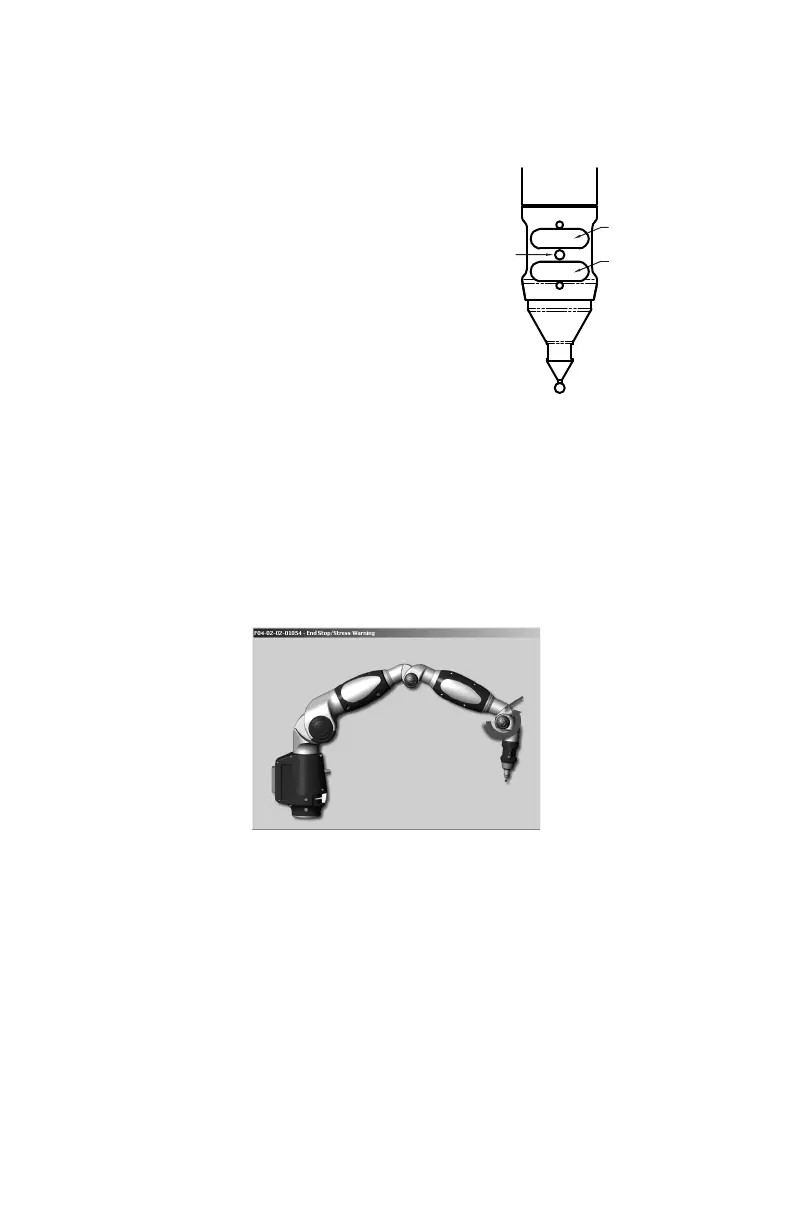
The FRONT button is used to collect data, and the
BACK button to accept the data.
• The FRONT button is green and nearest the
probe.
• The BACK button is red and is nearest the
handle.
The Gage has two sets of two buttons and an LED,
where the FRONT buttons and BACK buttons are
redundant and wired together internally. When a
button is pressed, the LED light turns on (green or red) and the Computer sounds.
See “Handle LED” on page 15.
Error and Status Indicators
Through the software interface to the measuring software, the Gage generates
and displays errors.
• The encoder end stop warnings - when an encoder reaches one end of its
rotation.
Figure 3-1 Gage end stop warning
LED
BACK BUTTON
FRONT BUTTON
08M47E00_FAROGage.book Page 16 Wednesday, June 8, 2011 4:12 PM



 To Next Page