38 Finometer® Model-2 User’s Guide
3.7 Finometer® Model-2 Control
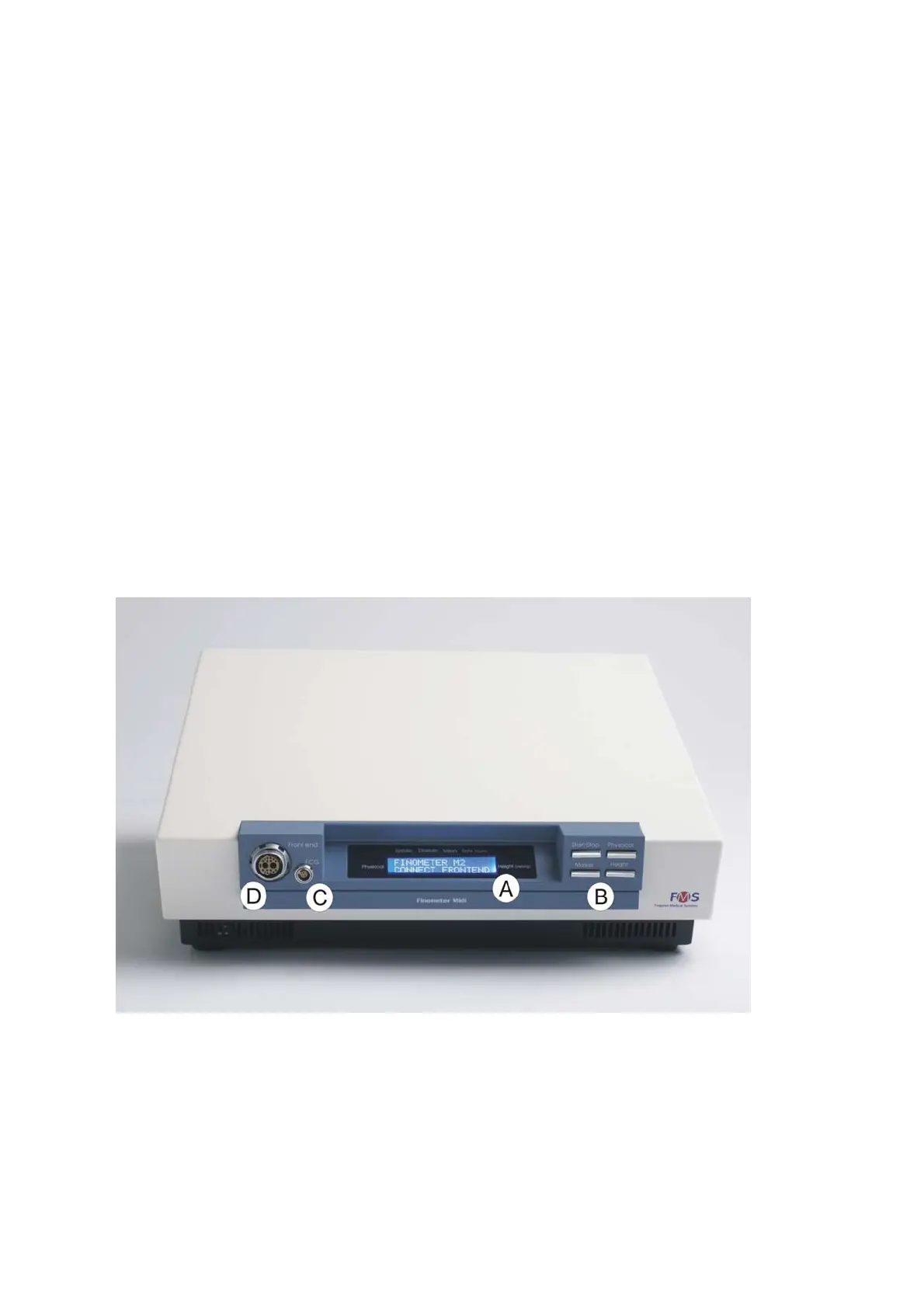
Finometer® Model-2 can be controlled by means of a four key keypad,
located on the front panel (Figure 3.8 Finometer® Model-2 control
through Keypad and LCD). User interaction is through a 2x16 character
LCD display. Use the keypad to control the Main Unit and to start and
stop a measurement cycle.
Figure 3.8 Finometer® Model-2 control through Keypad and LCD
A: 2x16 character LCD display
B: Key pad with four keys
C: Connector for the optional ECG module
D: Connector for the Frontend Unit
On-line monitoring, recording and control of Finometer® Model-2 is
also possible by using the BeatScope® Easy PC-software that comes
with the device.



 To Next Page