52 Finometer® Model-2 User’s Guide
5.2 Using the analog
rt recorder or a real-time data
C connector on the rear of the device provides the
og finger blood pressure (Figure 3.9 Finometer® Model-2 back
I/O cable
If one wants to connect a stripcha
acquisition system to Finometer® Model-2, one can use the analog
outputs. The BN
anal
side). Other signals can be selected by using BeatScope® Easy.
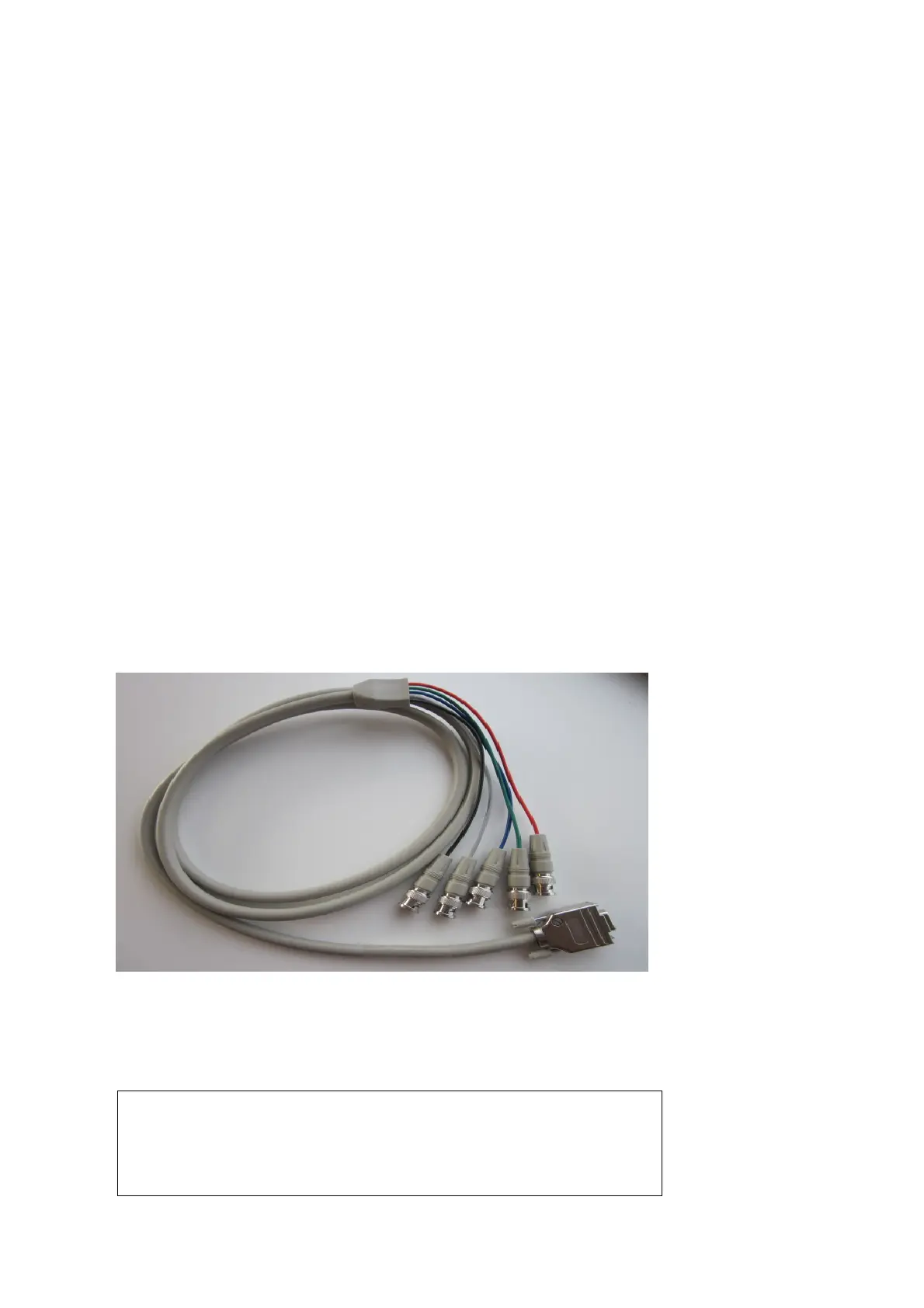
An analog I/O cable with five BNC connectors is available to provide
additional analog output signals as well as one external signal input.
Figure 5.2 Finometer® Model-2 analog I/O unit
Attach the connector of the analog I/O cable to the corresponding
connector on the rear side of the main unit, indicated with the label
‘Analog I/O’ (Figure 3.9 Finometer® Model-2 back side).
Warning
To maintain designed operator and subject safety, peripheral
equipment that is connected to Finometer® Model-2 or one of its
components must comply with the relevant standards.



 To Next Page