Panda xControl
Seite/Page 178 - Kaptitel/Chapter 11: Panda xControl 10.6.16
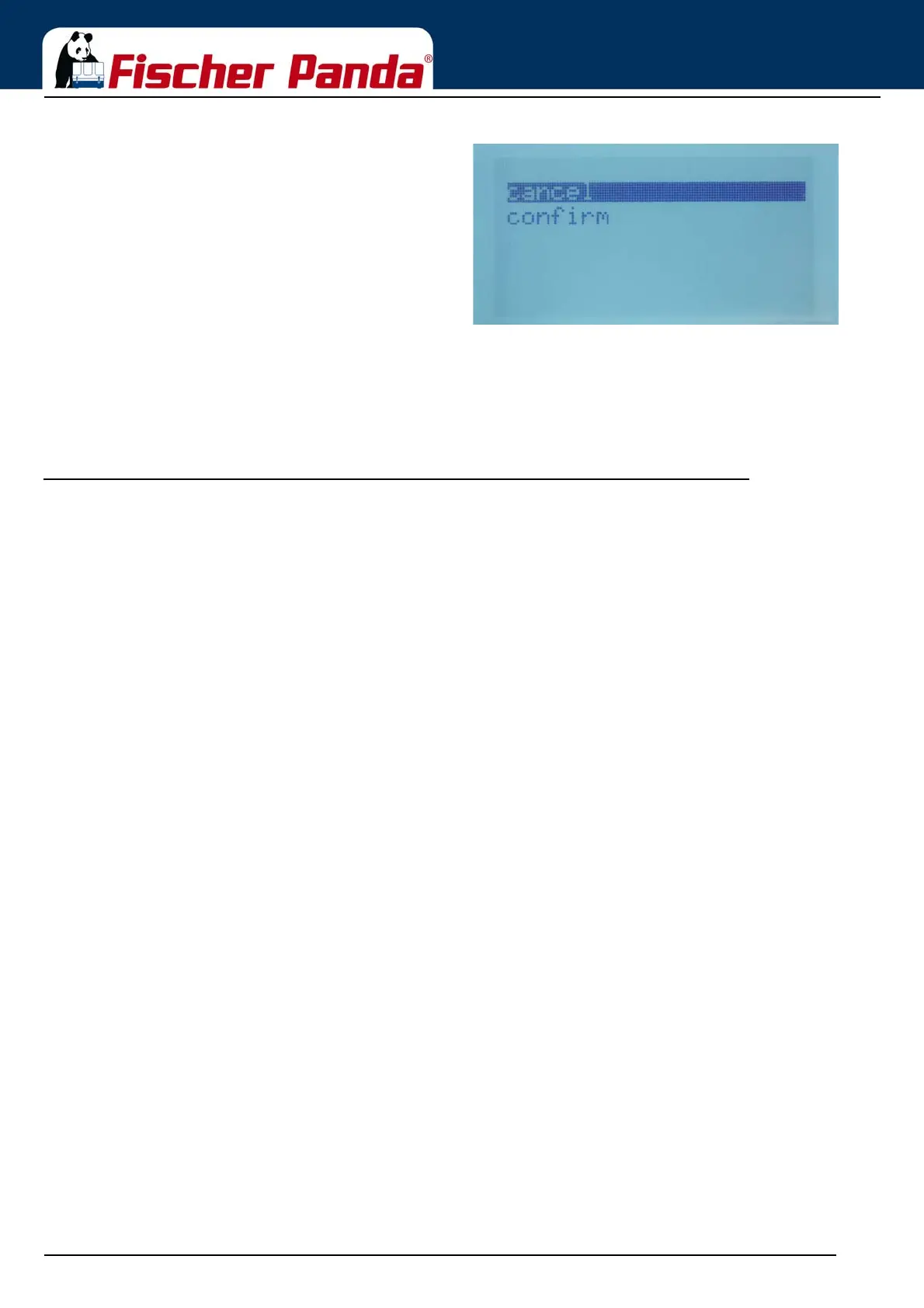
Fig. 11.1.8.7-1: Submenu „reset to standard“Choose cancel or confirm with the „Step-up“/“Step-down“
buttons and confirm with the „Start/Stop - Enter“ button.
11.1.8.8 Back to the main menu
Scroll with the „Step-up“/“Step-down“ buttons to the menu point „back“ and confirm with the „Start/Stop - Enter“
button.
11.1.9 How to change the menu text from german to english
1. Turn the xControl Panel on.
2. Wait till the first overview screen appear.
3. Scroll down till the last overview screen appear
4. Press the „Start/Stop - Enter“ button to enter the menu.
5. Scroll down to „Panel“.
6. Press the „Start/Stop - Enter“ button to enter the panel submenu.
7. Scroll down to „Sprachwahl“.
8. Press the „Start/Stop - Enter“ button to enter the language submenu.
9. Scroll down to „Englisch“ and confirm with the „Start/Stop -Enter“ button
The menu text is now changed to english text.







 To Next Page