162
Discovery, Discovery LXE, Pace Arrow, and Pace Arrow LXE
Disabling AGS/ATS
1. Press the AGS button on
the inverter remote.
2. Rotate knob
counterclockwise to Off
then press knob.
The AGS feature is now
disabled.
Power Assist
During periods of peak demand
for AC power when connected to
limited shore power, the inverter
will automatically enable “Power
Assist” mode using house battery
power. The inverter will supply the
added current necessary to meet
the demand. Power assist mode
will occur only when the inverter
is in Float or Absorb charge
modes ensuring battery charging is
maintained when possible.
When demand for power
is reduced and shore power
can adequately supply the
power, Power Assist mode will
automatically disable returning the
inverter to charge mode. If demand
for power once again exceeds the
shore power supply,
Power Assist will automatically
be enabled. The assist cycle will
continue until house battery
voltage falls within .3 Volts DC of
the Low Battery Cutoff setting in
the inverter remote panel.
HOUSE 12 VOLT DC
Firefly (If equiped)
Several components within
your motor home are controlled
by a system called the “Firey”.
This is a system set up where
easy to use keypads and screens
show the operating status of the
individual system through out
the motor home. These Firey
activated systems are controlled
by an on-board computer system.
The system uses network cables
to connect the switch panels to
central junctions. For purposes
in this manual only we will refer
to the Firey computer controlled
system as “multiplexing”. Keep in
mind this is not a “true multiplex”
system, but operates in a similar
fashion.
Each switch panel and individual
switches are “addressed”. The
computer is programmed to
recognize the address of each
switch panel and individual
switch and continually monitors
the state of each switch. When a
switch is pressed, the computer
detects a change then activates or
deactivates the particular function
of the switch.
Operation:
The Fireyswitches operate
items directly such as a light or
shade. Switch description and
operation is generally intuitive
and marked on the switch. A light
switch changes color depending
whether off or on. Refer to
Appendix for a complete operators
manual for the Firey system.
Fuse Panel
Fuses for the Firey system uses
standard automotive style blade
plug in fuses. An LED next to
the fuse illuminates green if the
circuit is active and fuse is good.
A red LED next to a fuse indicates
the circuit is active but the fuse is
blown. The circuit is not active if
the LED is not illuminated.
The Network Indicator
LED illuminates solid
green indicating the
network is functioning
normally.
A ashing green LED
indicates the system is
trying to connect to one or
more switches.
A red LED indicates the
internal CPU in the fuse
panel is unable to connect
to network switches.
FUSES & CIRCUIT BREAKERS -
12 VOLT DC
Circuit protection devices are
installed to protect circuit wiring
in case an overcurrent condition
occurs. An overcurrent condition
usually falls into one of two
categories: a short circuit or
overload. A short circuit is when a
break or fault in the circuit allows
electricity to ow directly to
ground. Circuit overload is when
circuit amperage or the electrical
load exceeds designed operating
parameters.
Several factors are considered
when designing a circuit to operate
an electrical load. The amperage
required to operate the electrical
load will determine wire size and
insulation.
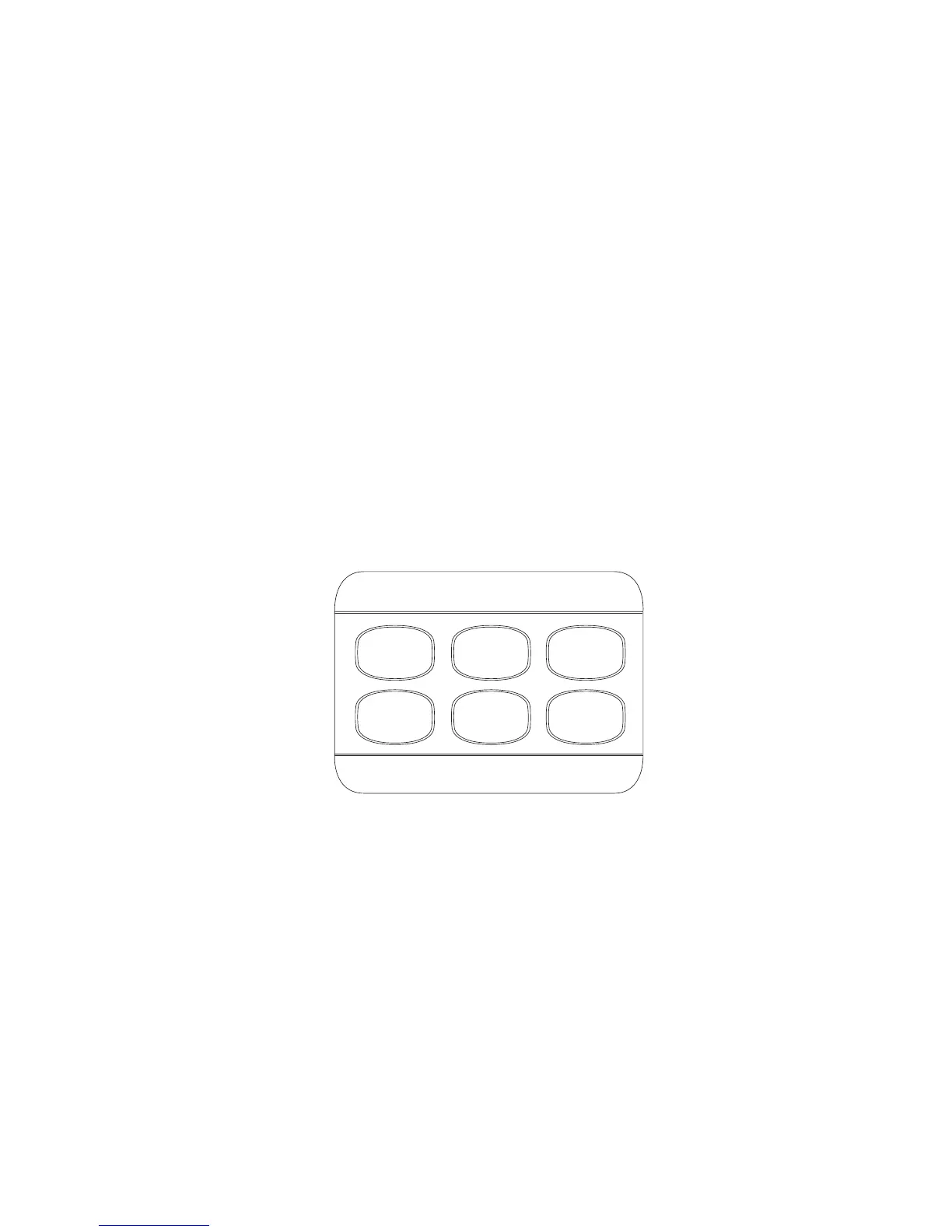
LIVING
CEILING
ALL
SHADES
ALL
BLINDS
ENTRY
TASK
LIGHTS
DINETTE
060297pb
Multiplex switch panel



 To Next Page