FLUXUS WD100, WD200 A Menu Structure
90 UMFLUXUS_F5WDV1-1EN, 2016-04-08
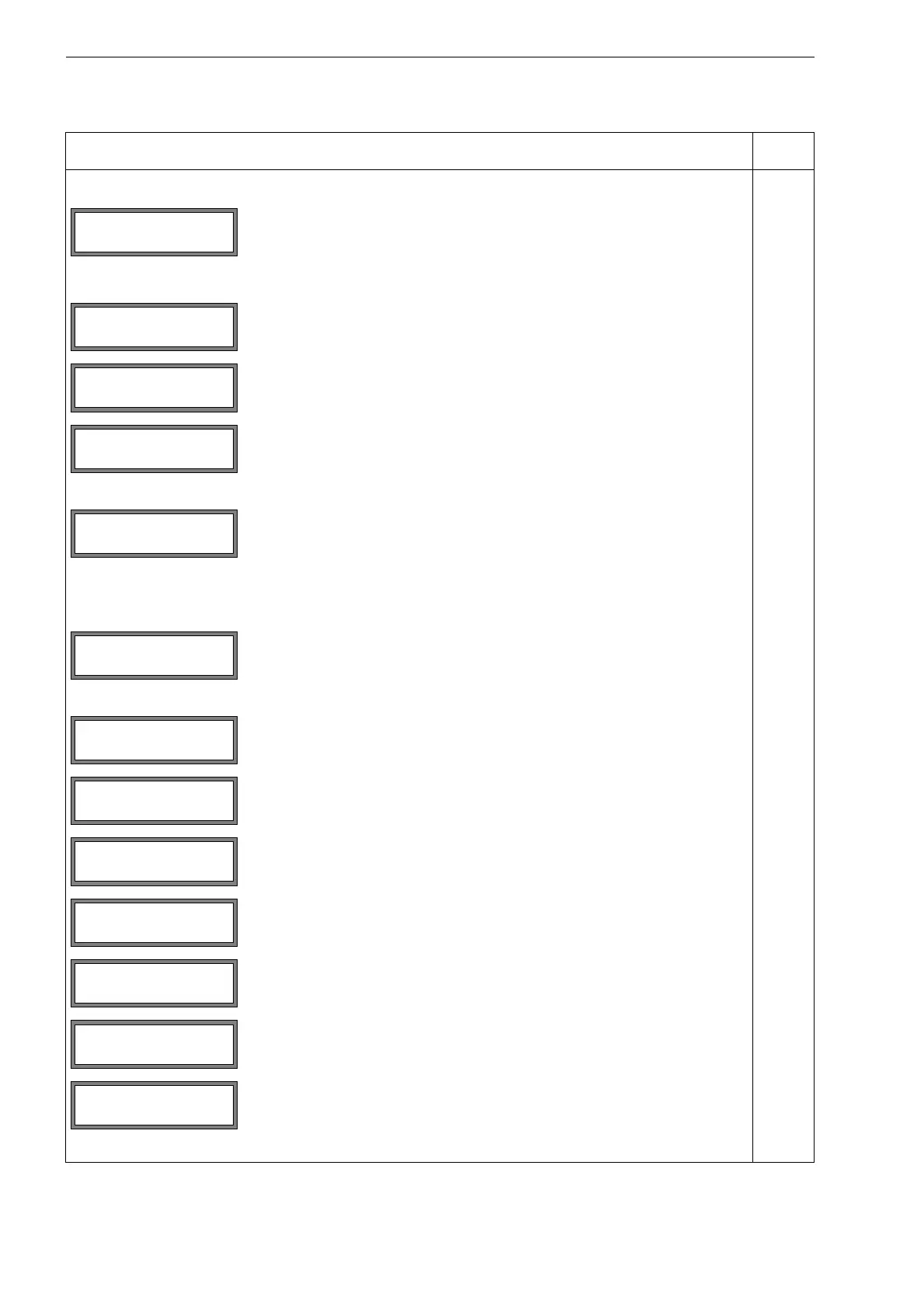
SYSTEM settings\Set Clock
selection of the displays for the input of the date and the time
SYSTEM settings\Dialogs/Menus
selection of the displays for the activation/deactivation or setting of the menu
items in the other program branches
activation of the menu item for the input of the pipe circumference in the pro-
gram branch Parameter
x
selection of the input mode for the measuring point number in the program
branch Measuring:
(1234): digits, point, hyphen
(↑↓←
→): ASCII editor
x
setting for the display for the input of the transducer distance in the program
branch Measuring:
• user: only the entered transducer distance will be displayed if the recom-
mended and the entered transducer distances are identical
• auto: only the recommended transducer distance will be displayed
recommended setting: user
x
selection of the error value delay
• damping: The damping factor will be used.
• edit: The menu item for the input of the error value delay in the program
branch Output Options will be activated.
x
activation of the display of the alarm state during the measurement x
selection of the unit of measurement for the length x
selection of the unit of measurement for the temperature x
selection if the absolute pressure p
a
or the relative pressure p
g
is to be used x
selection of the unit of measurement for the pressure x
selection if lb/ft
3
is to be used as the unit of measurement for the density x
selection of the unit of measurement for the density
This display will only be indicated if lb/ft
3
has not been selected as the unit of
measurement for the density
x
INIT-
resistant
SYSTEM settings↕
Set Clock
SYSTEM settings↕
Dialogs/Menus
Meas.Point No.:
(1234) >(↑↓← →)<
Transd. Distance
auto >USER<
Error-val. delay
damping >EDIT<
Pressure absolut
off >ON<
Density [lb/ft3]
no >YES<
Density unit
g/cm3 >kg/m3<










 To Next Page