Fluke 192/196/199
Users Manual
48
Triggering on Noisy Waveforms
To reduce jitter on the screen when triggering on noisy
waveforms, you can use a noise rejection filter. Continue
from step 3 of the previous example as follows:
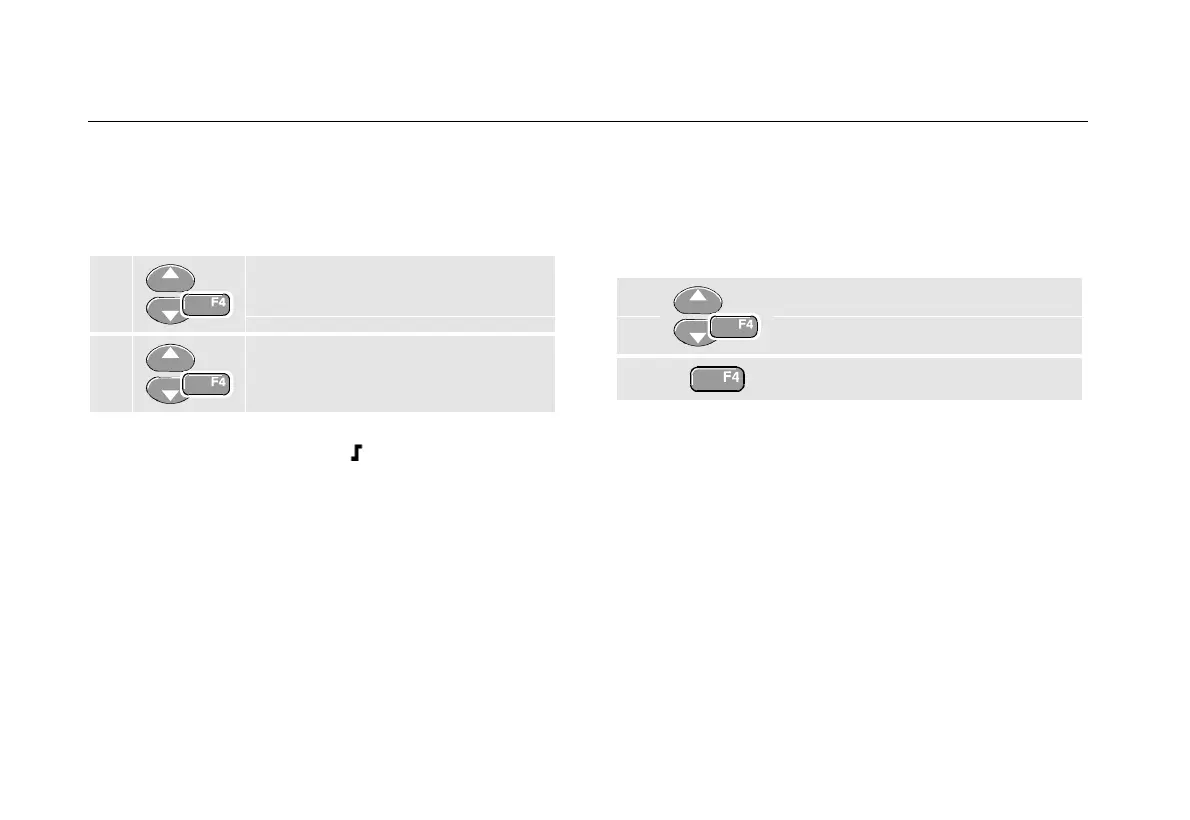
4 Select On Trigger, jump to Noise
reject Filter.
5 Set Noise reject Filter to On.
Observe that the trigger gap has increased. This is
indicated by a taller trigger icon
.
Making a Single Acquisition
To catch single events, you can perform a single shot
acquisition (one-time screen update). To set up the test
tool for a single shot of the input A waveform, continue
from step 3 again:
4 Select Single Shot.
5 Accept the settings.
The word WAITING appears at the top of the screen
indicating that the test tool is waiting for a trigger. As
soon as the test tool receives a trigger, the waveform is
displayed and the instrument is set to hold. This is
indicated by the word
HOLD at top of the screen.










 To Next Page