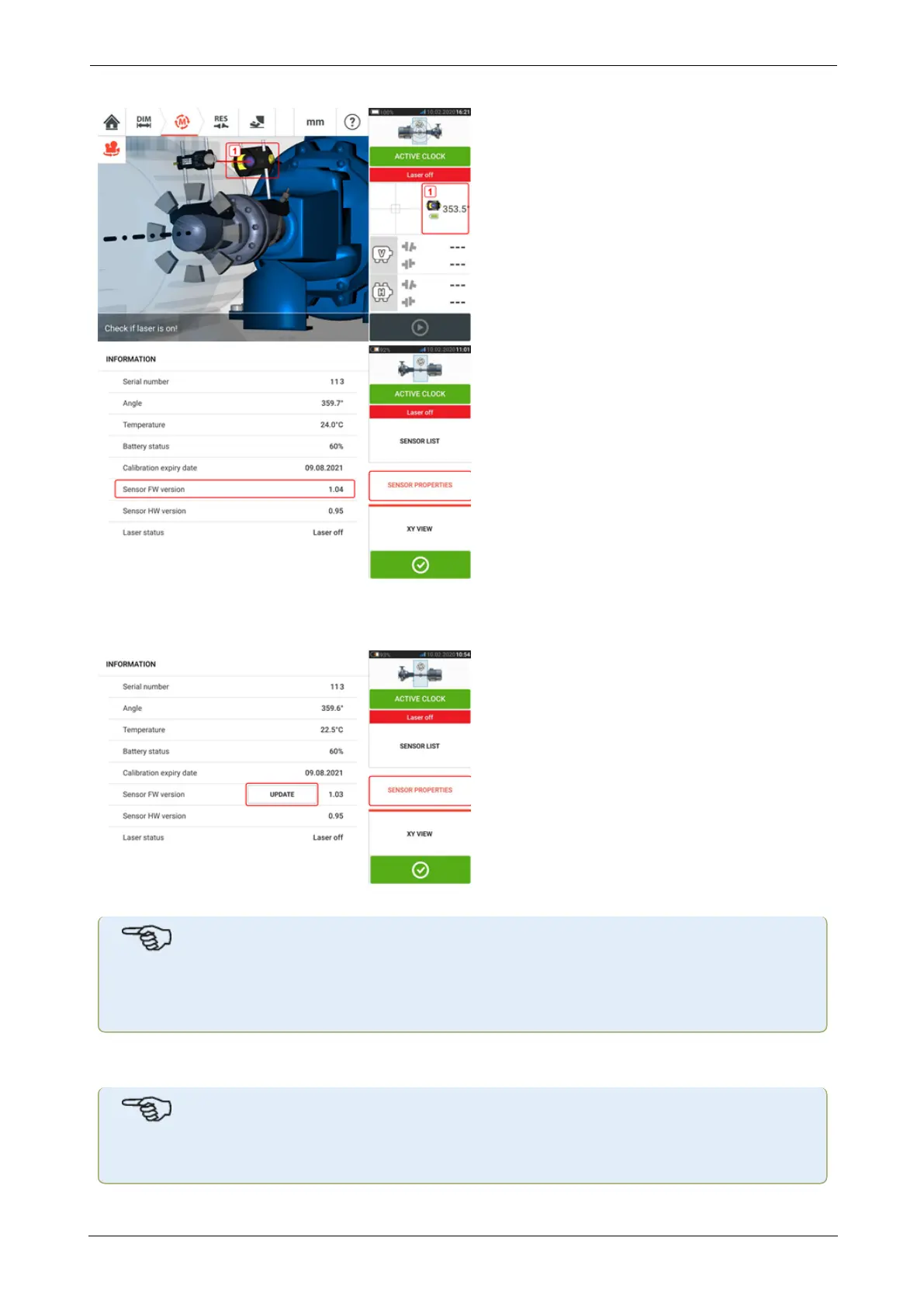
If the sensor firmware update is not carried out when the notification appears, the update
action may be initiated via "Sensor properties". An "UPDATE" hint appears next to the older
sensor firmware version.
Tap "UPDATE" to proceed with the sensor firmware update.
Note
The sensor firmware update notification continues to appear once everyday until the
firmware update is completed.
Notification on sensor calibration
Note
The calibration accuracy of the sensor should be checked every two years as indicated
SHAFTALIGNtouch 113
On-board help



 To Next Page