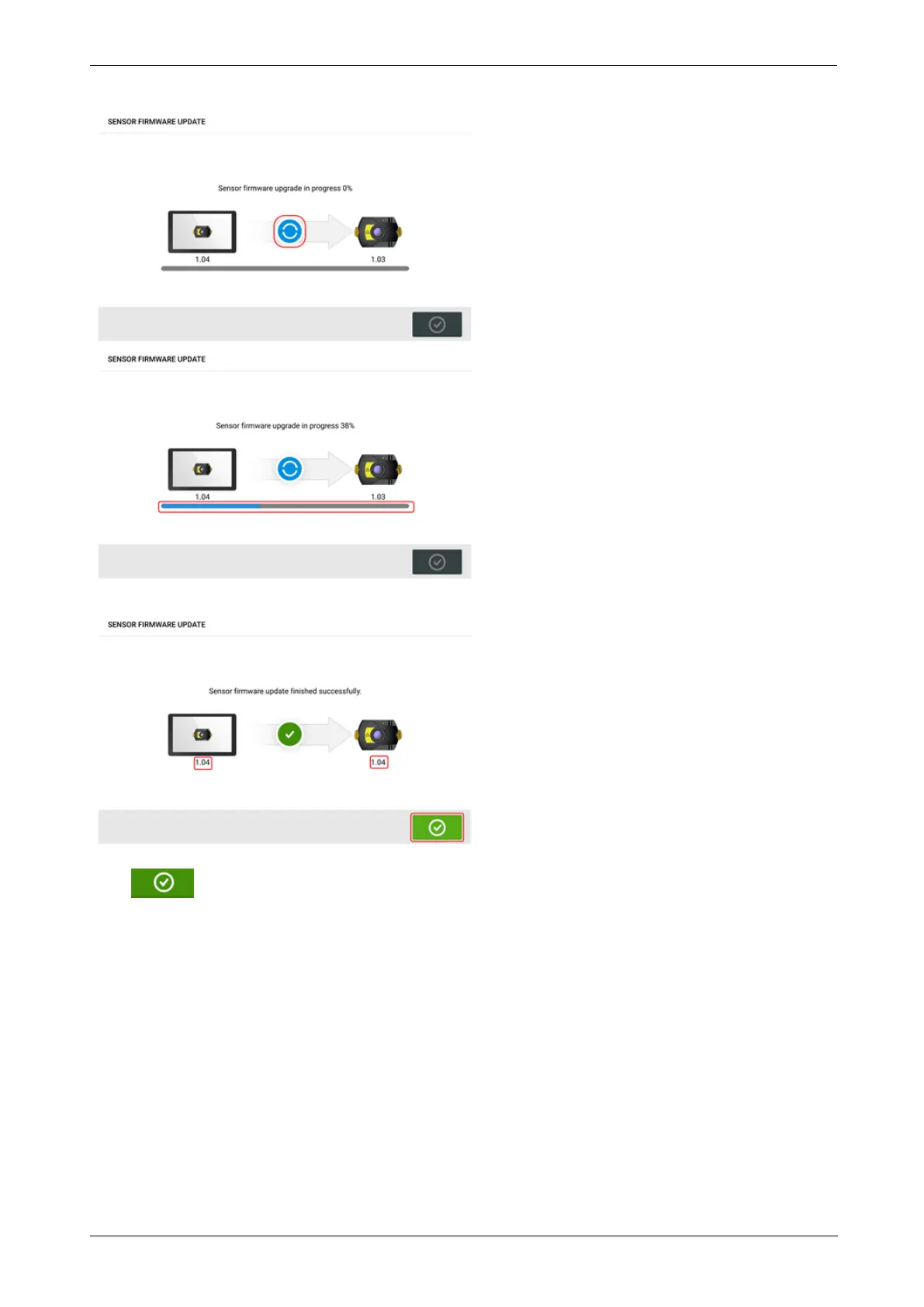
Once the update process is successfully completed, the following screen appears.
The sensor has now been updated to the newer version available on the rugged touch device.
Tap to exit the update screen.
The new sensor firmware version appears under "Sensor properties" which is accessed by tap-
ping either sensor area (1) in the measurement screen.
112 Version:2.3
On-board help



 To Next Page