Appendix
Updating SHAFTALIGN touch to a newer firmware version
Check the PRÜFTECHNIK website (www.pruftechnik.com) to obtain the latest version. If in
doubt, please contact your local representative or PRÜFTECHNIK Condition Monitoring.
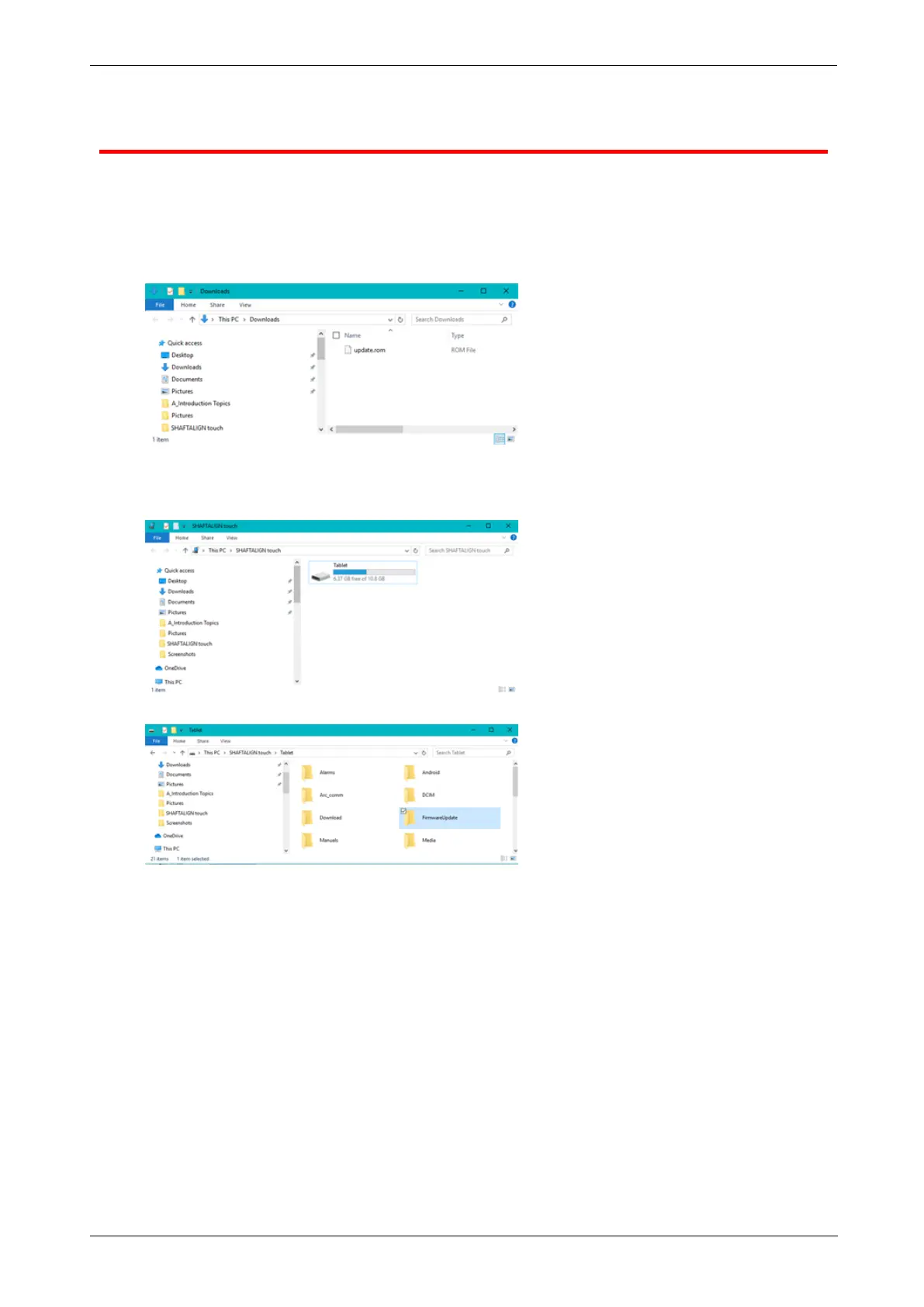
l Download the update file to the desired directory on a PC.
l Switch the rugged device on then connect it to the PC. A hint to allow the Windows PC
access the rugged device appears.
l On confirmation, the rugged device shows up in the File Explorer.
l Double-click "Tablet" to access folders in the rugged device.
118 Version:2.3
On-board help



 To Next Page