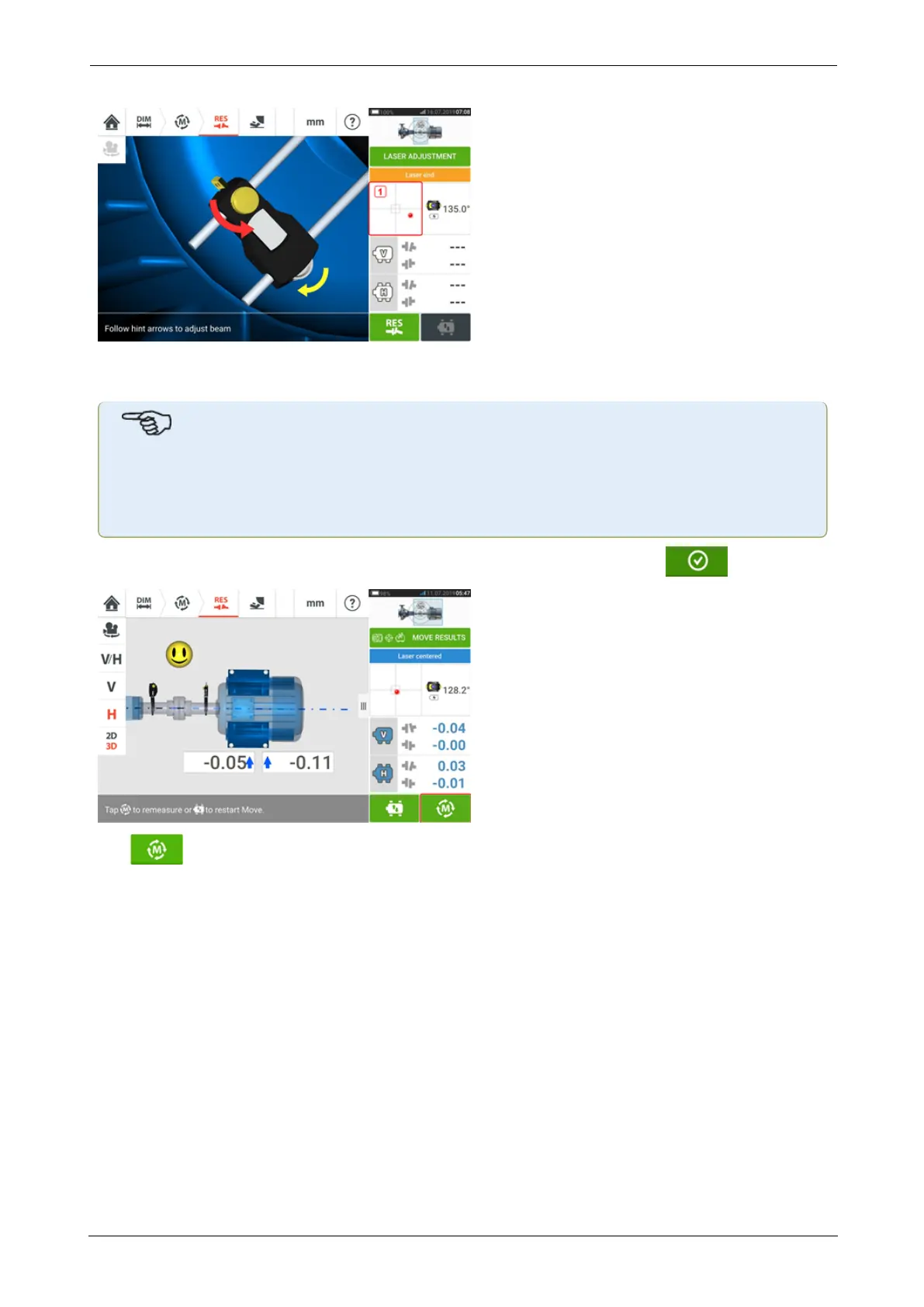
If the laser beam is not centered, use the laser beam adjustment wizard, or use the XY view
screen to center the laser dot. Tap the detector area on the screen [1] to access the XYView.
Note
If the vertical view (V) is selected when the function Live Move function is started, only
the vertical condition will be displayed. Likewise, if the horizontal view (H) is selected,
then only the horizontal condition will be displayed.
After moving machines to within tolerance, tighten the foot bolts then tap .
Tap to remeasure and verify the Live Move results, and confirm new alignment con-
dition.
SHAFTALIGNtouch 81
On-board help



 To Next Page