91
8.2 Cut Didn’t Go Through Material
Go to touch panel > Maintenance, make sure
power is set to "x1.0".
Check if the focus is adjusted at the right height.
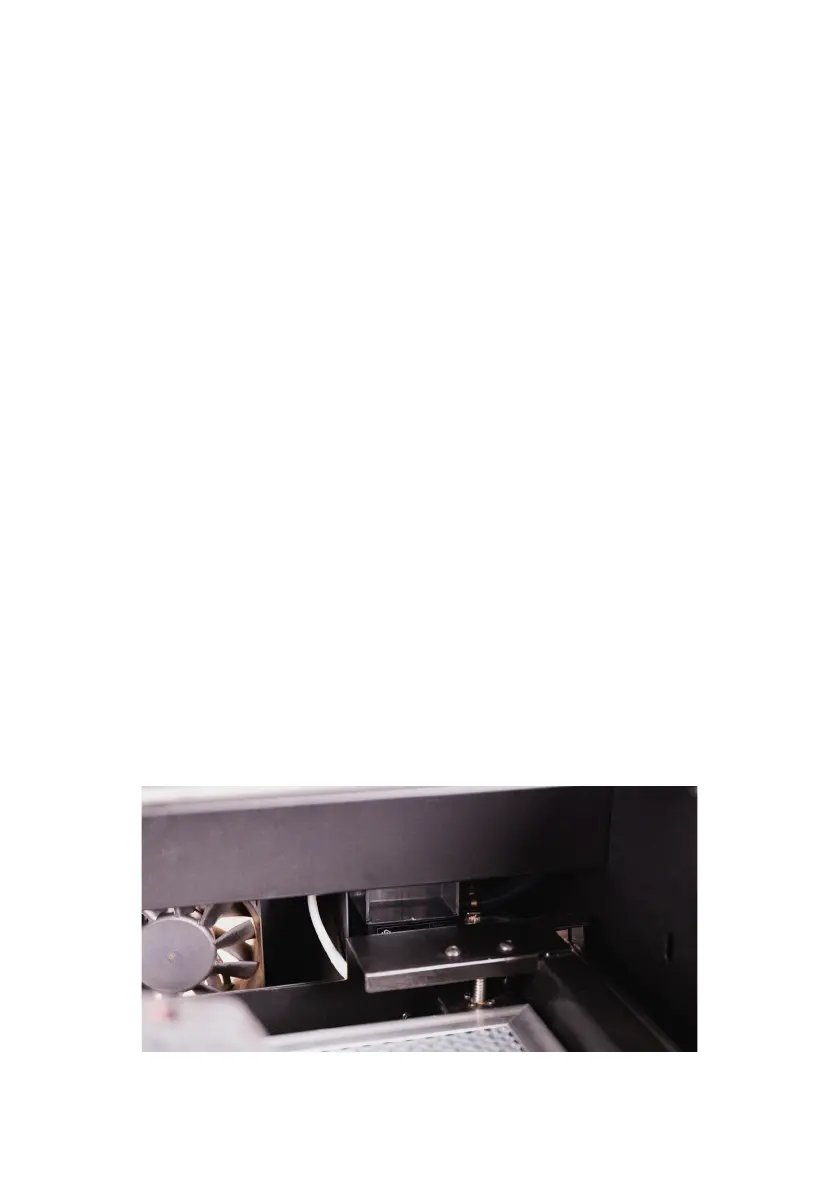
Check if the lens or mirrors are dirty or damaged.
Check if the optical path is aligned.
If the solutions above didn’t work, please contact
FLUX Support.
8.3 #900 Cooler Off
Press "Continue", if the error message does not
pop up again within one minute, the machine should
operate normally.
Please check if the water level of the cooling tank
is at least half full.


 To Next Page