Rev. 1.0
Datalogger
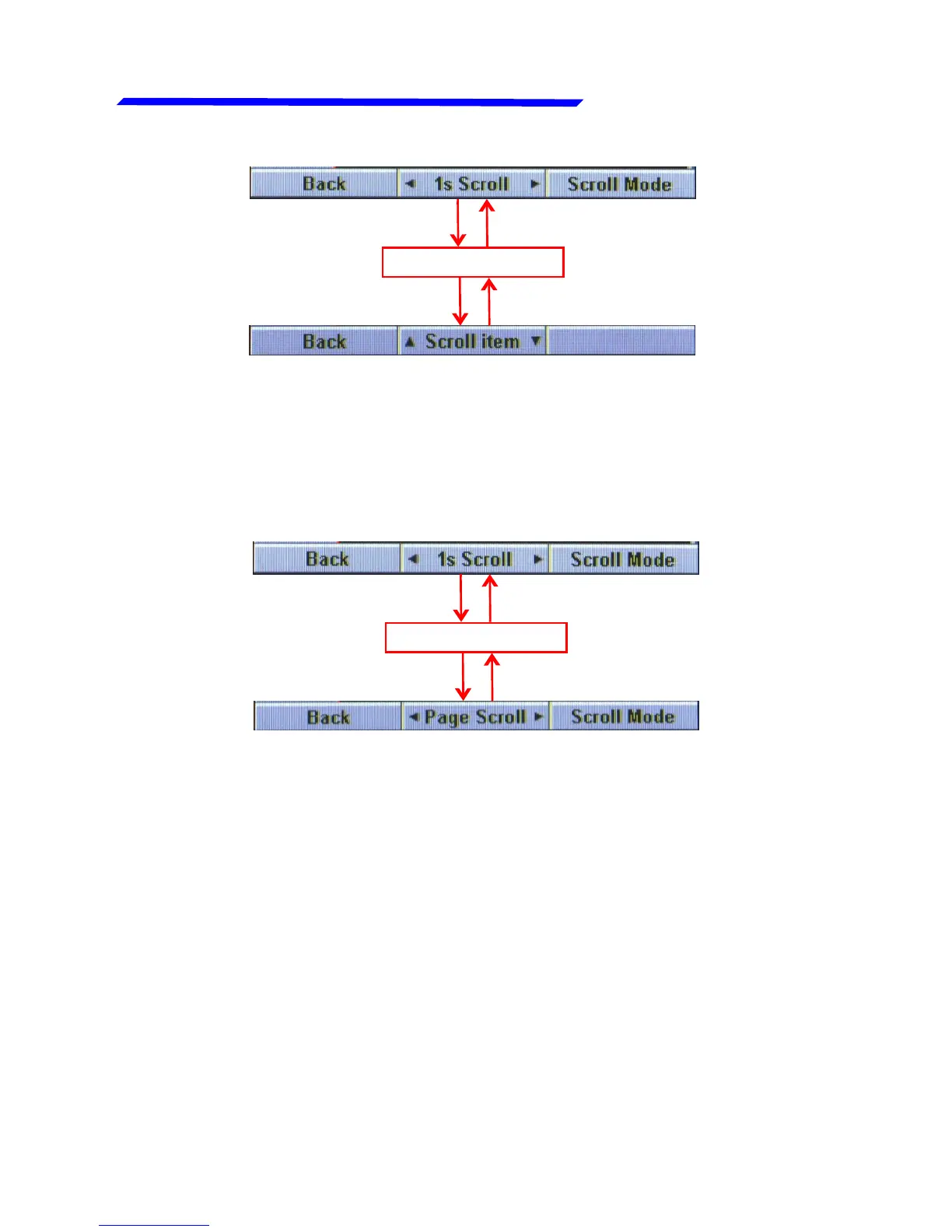
When this mode is active, rotate the knob to scroll through the
item/measurements available; click again the knob to go back
to the cursor scroll mode.
- Press the right button (Scroll mode) to switch between the “1s
scroll” mode and the “Page scroll” mode:
Click right button
With the “1s scroll” mode, rotating the knob move the cursor by
1 step (that is 1 second of flight record); with the “Page scroll”
mode, rotating the knob move the cursor by 1 page (so it works
as a fast forward/rewind).
Click the knob



 To Next Page