Data Logger | 110
Model FT3
Data Logger
Model FT3
F1 F2 F3 F4
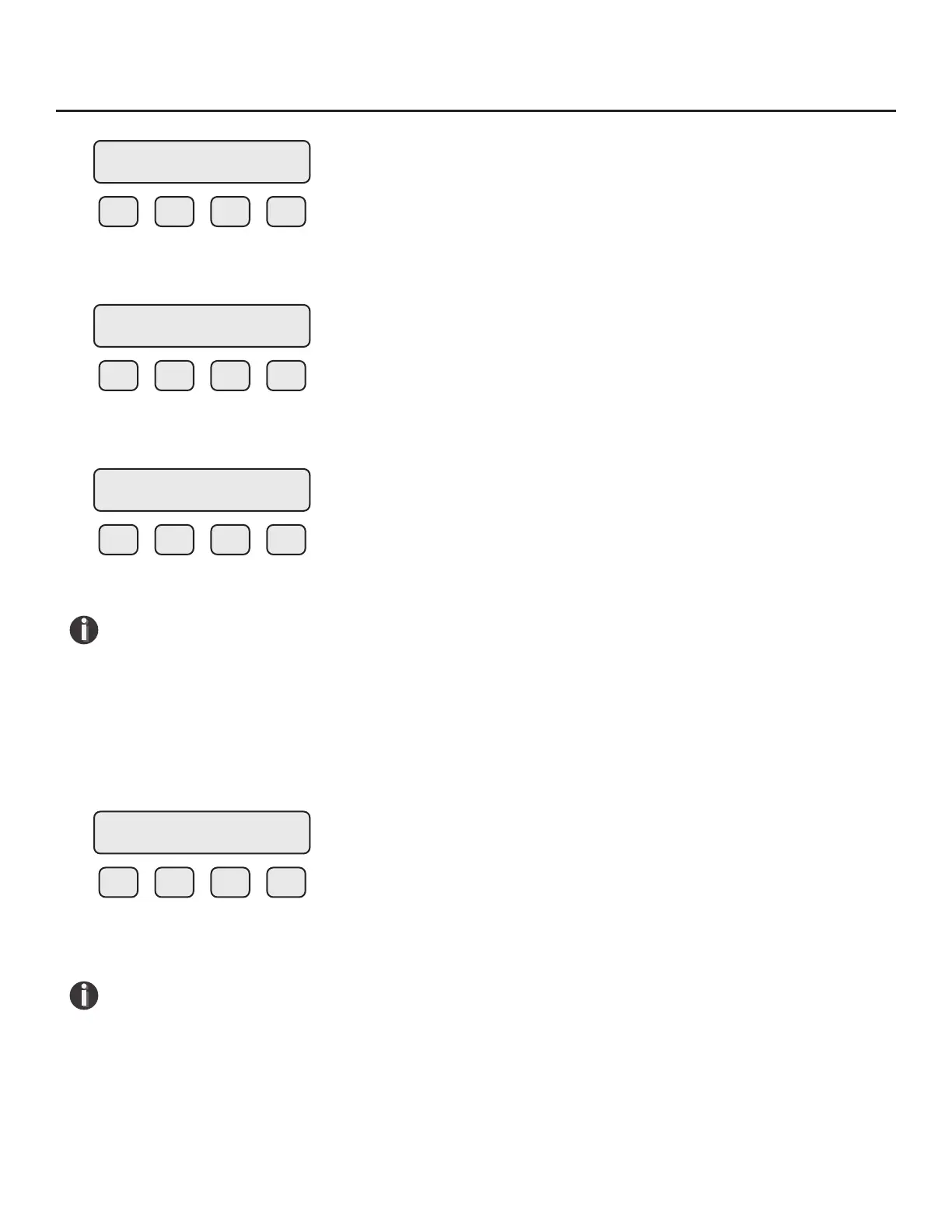
Press F1 (CHG) to change the minutes, F4 (OK) to continue.
F1 F2 F3 F4
Press F1 (CHG) to change the seconds, F4 (OK) to continue.
F1 F2 F3 F4
Press F1 (YES) to set the Date and Time.
NOTE! All real time clocks on FT3 data loggers are set to a default of California's Pacic
Standard Time. To sync the real time clock to your local time exactly, set the time slightly
ahead of your local, current time and wait for the current time to reach the set value before
pressing the F1 (YES) key to set the time.
Viewing the Real Time Clock
From the Data Log Menu, Press F3 (View) or press F1 and F3 at the same time from the regular
mode.
F1 F2 F3 F4
The current real time is displayed on line 2 and is updated every second. Press F4 to exit.
NOTE! The seconds will only be displayed if there is enough room available to do so.
NOTE! Time is displayed in military time.
Min Set = 45
CHG OK
Sec Set = 55
CHG OK
Sec Date/Time
YES NO
Date/Time
10/28/13 13:45:55



 To Next Page