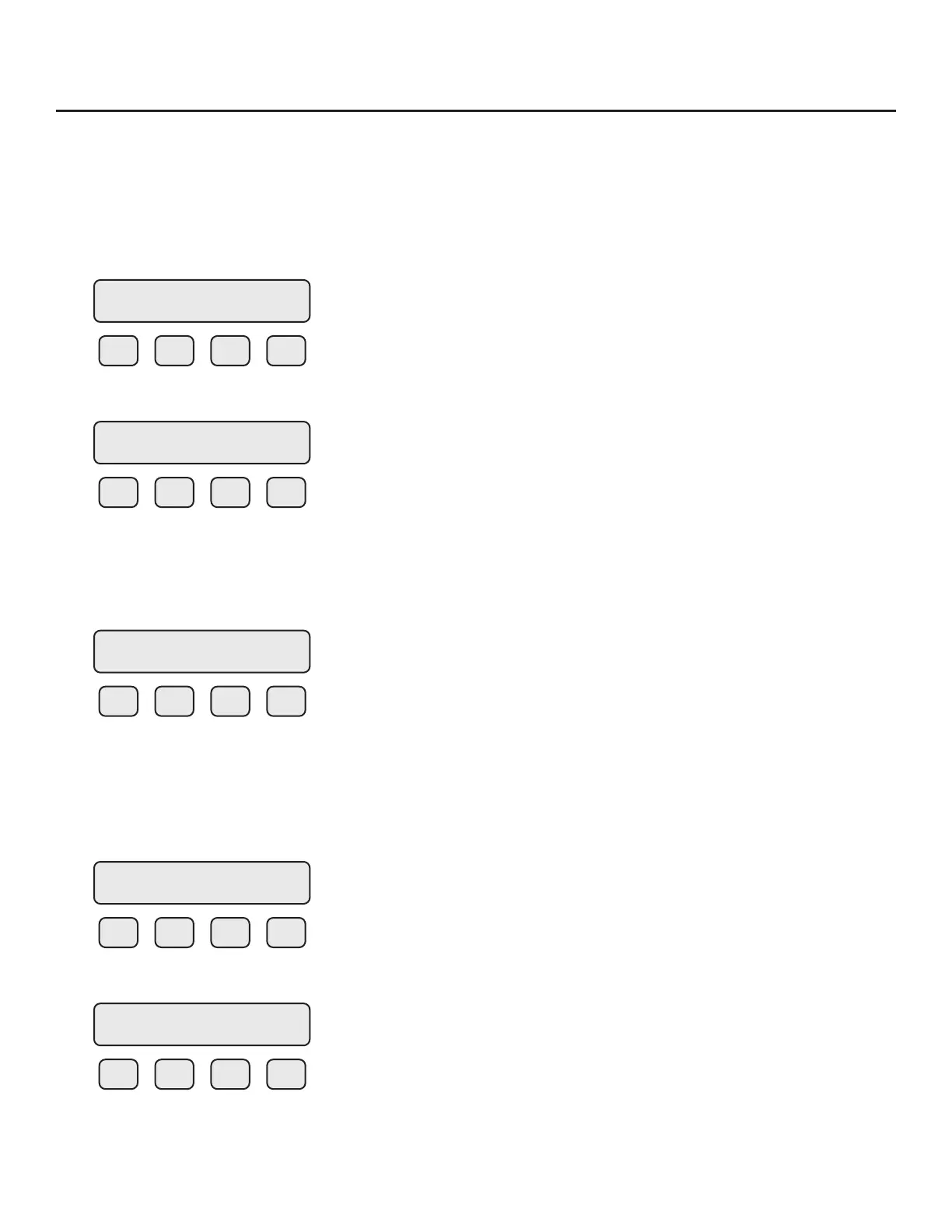
Programming: Data Entry using the Display and Conguration Panel
There are 2 basic types of menu entries: one for changing value or string and one for selecting from a
selection list.
To Change a Value or String
F1 F2 F3 F4
Press CHG (F1) key to change the value, OK (F4) to accept the value.
F1 F2 F3 F4
Press the UP (F1) or DN (F2) key to select a new digit or character, the cursor points to the selected
digit. Press NXT (F3) to select the next digit and OK (F4) to accept the entry.
To Select from a List
F1 F2 F3 F4
Press NXT (F1) key repeatedly until the correct selection is made and OK (F4) key to accept the entry.
Entering the Programming Mode
To enter the programming mode and access the SET PARAMETERS menu, press the F1 or F2 key in
the normal running mode until the following screen is shown:
F1 F2 F3 F4
Press YES (F4) and the following screen will prompt user to enter password:
F1 F2 F3 F4
Enter the correct password, then follow the instructions for changing a value as specied above. The
default Level 1 password is “1234”.
VALUE = 0.91234
CHG OK
VALUE = 0.91234
UP DN NXT OK
FLO UNT = SCFM
NXT OK
SET PARAMETERS ?
No Yes
PASWD:_
UP DN NXT OK
Operation | 53
Model FT3
Operation



 To Next Page