Programming High and Low Alarm Settings
Settings for the alarms directly follow the ow parameters for ow cuto, pipe diameter, and lter
value. These alarms can be used without the digital output assigned to the alarm. If that is the case,
the alarm status will only be shown on the display, through serial communication, or FT3 View™. If the
digital output is assigned to an alarm, changing the value here will change that setting.
High Flow Rate Alarm
This is the upper ow limit alarm value that can be associated with the alarm output. An alarm code is
generated when the ow value exceeds this limit. If no alarm is needed, set this value to zero.
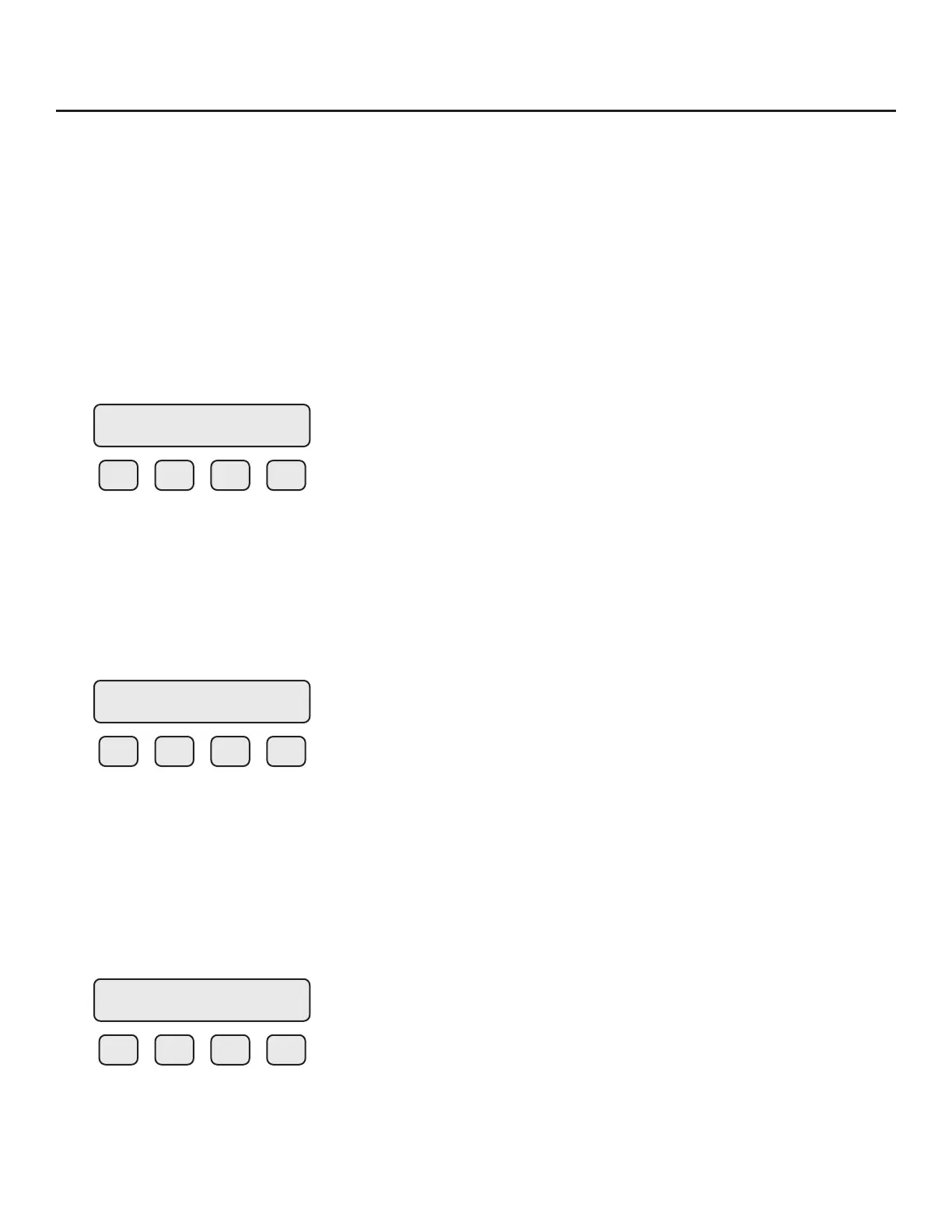
To set the parameters for a high ow rate alarm, press CHG (F1):
F1 F2 F3 F4
Press OK (F4) to accept the value.
Low Flow Rate Alarm
This is the lower ow limit alarm value that can be associated with the alarm output. An alarm code is
generated when the ow value is below this limit. If no alarm is needed, set this value to zero.
To set the parameters for a low ow rate alarm, press CHG (F1):
F1 F2 F3 F4
Press OK (F4) to accept the value.
High Temperature Alarm
This is the upper temperature limit alarm value that can be associated with the alarm output. An
alarm code is generated when the temperature value exceeds this limit. If no alarm is needed, set this
value to zero.
To set the parameters for a high temperature alarm, press CHG (F1):
F1 F2 F3 F4
Press OK (F4) to accept the value.
HiFloAlm = 1234 SCFM
CHG OK
LoFloAlm = 100 SCFM
CHG OK
HiTmpAlm = 200 F
CHG OK
Operation | 69
Model FT3
Operation



 To Next Page