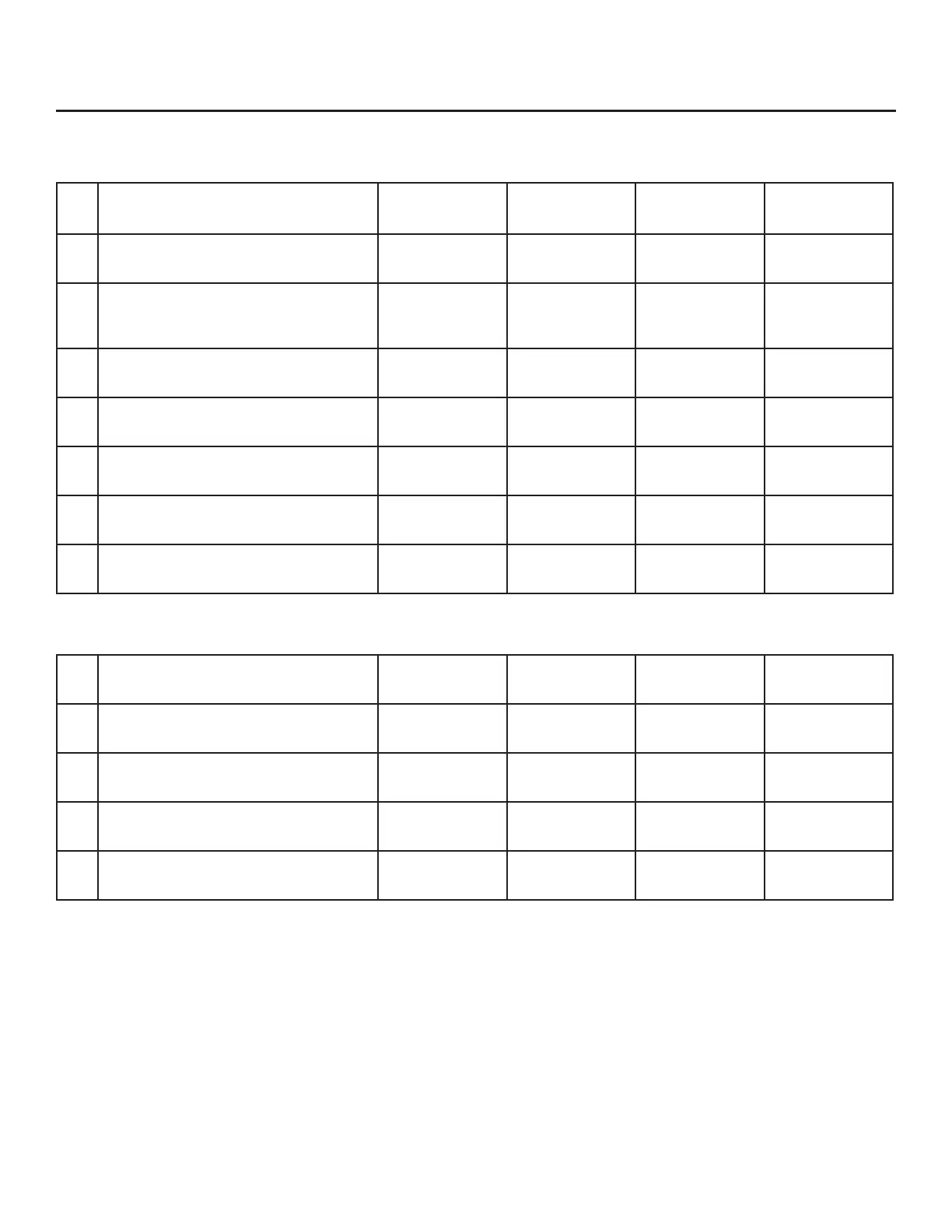
Item to verify
Serial Number: Serial Number: Serial Number: Serial Number:
1. What is the Pipe ID? ID = ID = ID = ID =
2. Calculate the Upstream/
Downstream straight-pipe
requirements
UP =
DN =
UP =
DN =
UP =
DN =
UP =
DN =
3. Is the ow indicator pointed in
direction of ow?
Y / N Y / N Y / N Y / N
4. Is the probe depth setting correct? Y / N Y / N Y / N Y / N
5. Verify proper power wiring
6. Verify proper remote wiring (if
ordered)
7. Verify proper input/output wiring
After powering on your meter, check items A - E below by accessing the meter settings either through the
front panel of the meter's display or by using the FT3 View™ software tool.
A. Which ow units have been set in
meter? (SCFM, KG/H, etc..)
B. Correct values for reference
temperature and pressure?
Y / N Y / N Y / N Y / N
C. Conrm the pipe ID listed above
same as "Pipe_id="
D. Verify the 1st 4mA and 20mA
meter settings
4mA =
20mA =
4mA =
20mA =
4mA =
20mA =
4mA =
20mA =
E. Verify the 2nd 4mA and 20mA
meter settings
4mA =
20mA =
4mA =
20mA =
4mA =
20mA =
4mA =
20mA =
Your Notes:
Before powering on your meter, use this worksheet to record your notes.
If you are experiencing any problems after completing this procedure, please call the Fox
Thermal Service Department at 831-384-4300 to review this information.
Ouick Start Guide | 7
Model FT3
Quick Start Guide



 To Next Page